

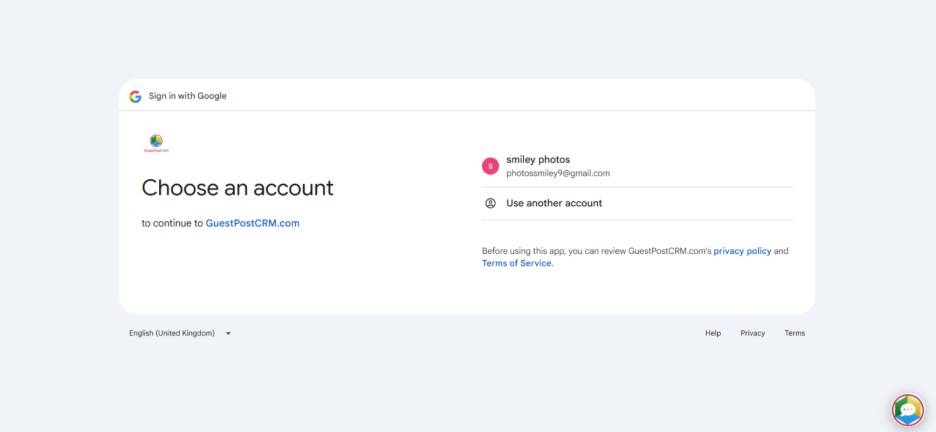
Choose Your Account
Let us suppose you choose to sign in with Google. Select your account and enter your credentials to sign in.

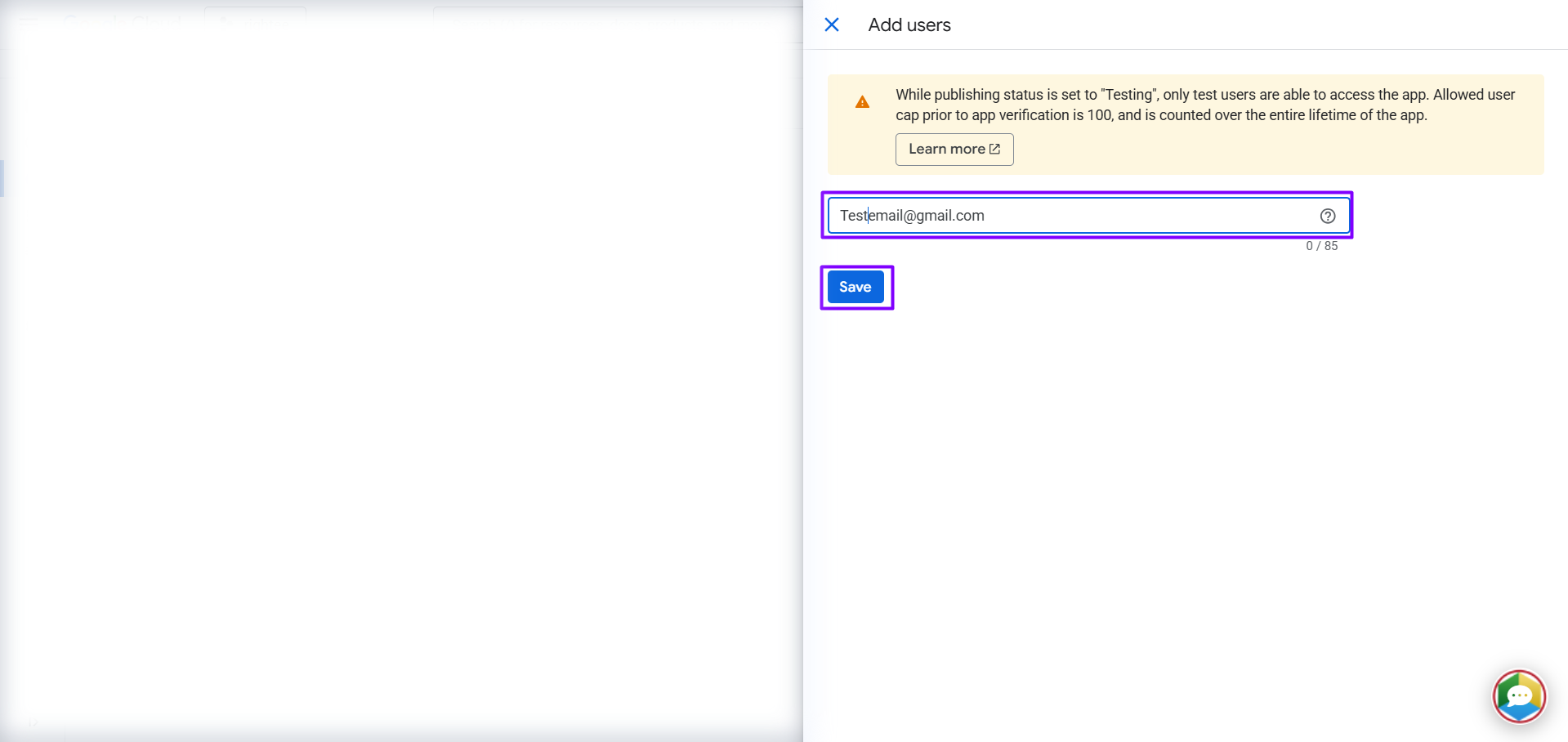
Adding Your Email
By clicking on "Add Users," we will proceed to enter your email address.

Click on Continue
On the next screen, click on the "Continue" option. You can rest assured that your access is completely secure.

Sign in to GuestPostCRM.com
As per the standard procedure, Google will ask your permission whether you want to allow GuestPostCRM to access basic information about you. Select "Continue".

Last Step!
To be able to integrate with your email, you need to allow us with certain access. Proceed to choose "Select all" and then select "Continue."

GuestPostCRM Dashboard
After performing all these steps, you will successfully sign in and see your GuestPostCRM dashboard. Try it now and see its effectiveness!