




.png)
.png)
In fast-paced guest posting and link-placement workflows, communication speed directly impacts conversions, deal closures, and customer satisfaction. Agencies receive an overwhelming volume of negotiations, client clarifications, forwarded opportunities, and follow-ups every single day.
To automate the complete guest posting process, GuestPostCRM comes as an innovative, highly efficient CRM solution. The platform offers a robust specialized categorization system that classifies valuable emails that need immediate attention.
Among the most crucial inbox management categories in GuestPostCRM is Unreplied email section. A robust feature designed especially for marketing teams and guest posting agencies to prevent conversation gaps and eliminate the risk of missed client emails.
This comprehensive blog uncovers exactly what the Unreplied Emails category in GuestPostCRM highlights, how the feature functions, why it is essential, and how it helps you manage your inbox smartly and automatically.
What Are Unreplied Emails in GuestPostCRM?
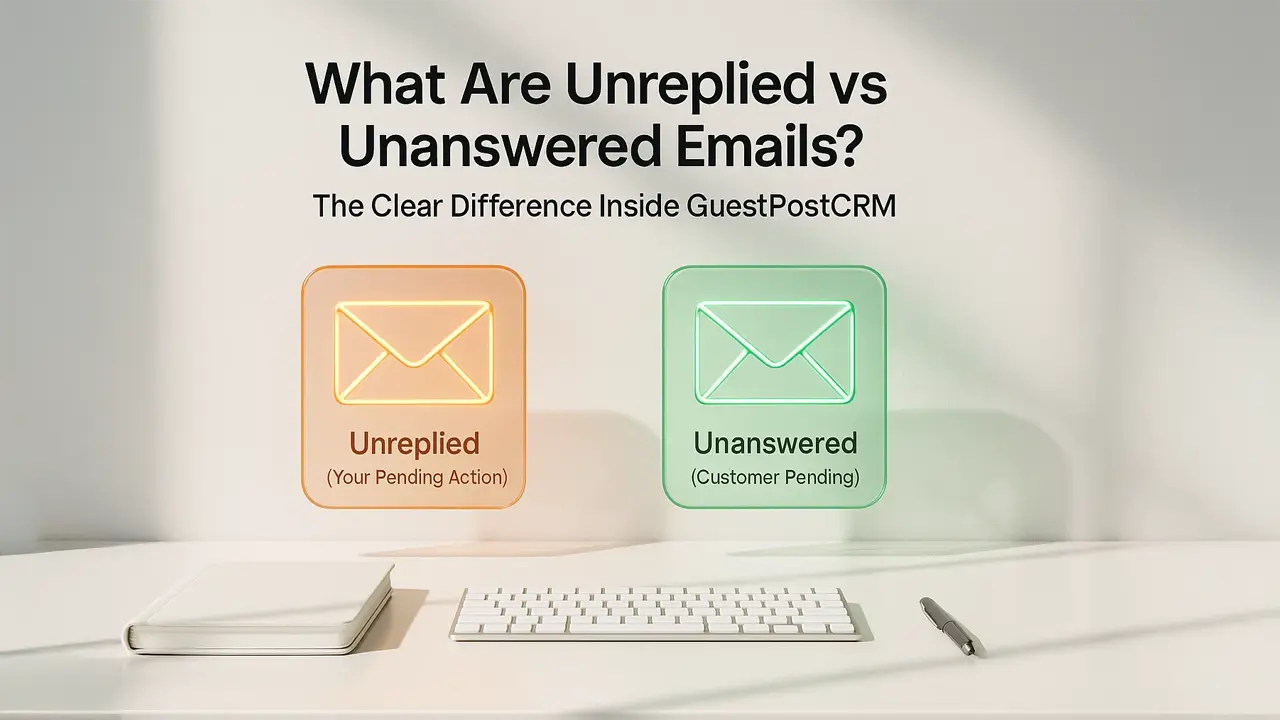
Unreplied Emails contain those client messages that have not yet received a response from your team. This category shows you a list of answered emails that require your immediate attention, response, or action.
Whenever a client reaches out — whether to negotiate, share content, confirm an order, request pricing, or ask for updates — their message appears in the Unreplied Email list until someone from your team responds.
As soon as your team replies, the system instantly moves the conversation to the Replied Email section automatically.
This section represents conversations where you have to:
- Offer a clear response
- Take an action or decision
- Provide requested service
- Move the conversation forward
- Address a negotiation
For example:
- A customer asks about guest post availability, and your team hasn’t replied
- A buyer sends website content but no one has acknowledged it
- A client requests the status of a live link and no response has been sent
Unreplied Emails indicate:
- The client is waiting for you
- Your team must take action
- The responsibility is on your side
The Unreplied emails category in GuestPostCRM acts as a safeguard against forgetfulness, inbox overload, or manual tracking errors.
Why Unreplied Emails Matter in Agency Workflows
The distinction between messages you have responded to and those that still require attention is essential for operating a healthy communication pipeline. With no specialized system in place, valuable emails often get overlooked, replies delayed, and automated emails and follow-ups can help keep important conversations moving and customer communication consistent.
With the Unreplied Email Section, the system ensures that your agency maintains:
- Increased response rates: Timely responses encourage clients to convert faster and trust the services more confidently.
- Continuous Negotiation Flow: Ensure conversation flow from going silent on your end, which protects deals from stalling.
- Better Client Experience: Reduce the risk of ignored or missed client emails, even during peak volume days.
- Strict Workflow Rules: Your team always knows what remains pending and who must respond.
- Higher chances of closing deals: Fast responses increase the likelihood of order placement and repeat business.
GuestPostCRM removes ambiguity and replaces it with absolute clarity — you instantly know where communication is pending and where action is required.
How GuestPostCRM Helps You Manage Unreplied Emails Automatically
The Unreplied emails category in GuestpostCRM is not just an email filtering system— it is a smart system supported by several automation layers across GuestPostCRM.
These are the features that makes the system powerful:
- First Reply Automations: If your agency functions with predefined workflows or common response templates, the system can generate first replies that help you save time.
- AI-Powered Reply Suggestions: When you open an unreplied email, GuestPostCRM instantly analyzes the intent and provides strategic suggestions to help you craft a fast, accurate, and relevant response.
- Intent and Motive Detection: GuestPostCRM detects the intention behind the message — whether negotiation, order request, follow-up, issue, or content submission — allowing you to respond with greater clarity.
- Conversation Timeline: The complete communication timeline highlights why the email is classified under Unreplied category, making it easy to understand the context before responding.
- Deal and Workflow Alignment: If the unanswered email belongs to a pending deal, the system ensures that all follow-up actions remain associated with negotiations, preventing context loss.
Put together, these elements transform a basic email category into a smart, powerful workflow management assistant.
System-Based Customization: Total Control Over the Feature
GuestPostCRM utilizes a distinct flexibility model that lets every agency redefine the system based on their own workflow guidelines. The Unreplied Emails category in GuestPostCRM leverages this framework to classify unanswered emails and automatically move them to another label once a response is sent. With its robust customization feature, every client can customize the behavior of this functionality based on their unique requirements:
1. Skip the Feature Entirely
If your agency does not want to use the Unreplied category, you can disable it so your team operates without this inbox filter.
2. Choose the Default System Behavior
Or you can stick to the default GuestPostCRM logic, where every customer's email without a team response is automatically shown under Unreplied Email Label.
3. Customize Your Feature
Define how this feature behaves in your system by setting your own rules, for example:
- Which emails should appear in Unreplied Email section
- How long an email stay marked Unreplied
- Whether internal team communication should be excluded
- Which staff roles are permitted to access or action the list
- Whether selected categories (e.g., offers, forwarded emails, or negotiations) are subject to custom tag
This versatility ensures that teams of all sizes — from individual sellers to big guest post agencies — work with a system that appears intuitive and tailored to their workflow. And since this customization model applies across all GuestPostCRM features, agencies have complete freedom to shape the entire CRM.
Conclusion
The Unreplied Emails category in GuestPostCRM highlights one of the most reliable workflow managements for communication-intensive businesses. It shows every client email awaiting a response from your team, ensuring:
- Client remains engaged and valued
- Smooth negotiation process without delays
- Opportunities are protected over human errors
- Each conversation receives timely attention
GuestPostCRM offers you clear visibility on pending or priority tasks and empowers teams with AI-powered tools to respond instantly and effectively. Integrated with system-driven customization, agencies receive a communication pipeline that is clean, structured, user-friendly, and completely consistent with their operations. More than just an email organizer, GuestPostCRM also strengthens relationships, secures deals, and keeps conversations dynamic.
FAQs
1. Does the Unreplied label show emails that have already been responded to?
No. Once a message is replied to, the system automatically moves that email to the Replied label.
2. Can I turn off the Unreplied feature if it’s not useful for my agency?
Yes. GuestPostCRM allows you to skip, customize, or use the default behavior of any major feature, including Unreplied Emails.
3. Does GuestPostCRM use AI to help respond to Unreplied messages?
Yes. The system offers first reply, AI response creation, and motive detection to fasten communication.
4. Does every staff member see the same Unreplied list?
Only if they have permission to access that inbox. Permissions can be customized according to your workflow.
5. How does GuestPostCRM ensure no unreplied message gets ignored?
The system tags them intelligently, shows them in a dedicated category, and keeps them pending until a reply is sent.



.png)
.png)