




.png)
.png)
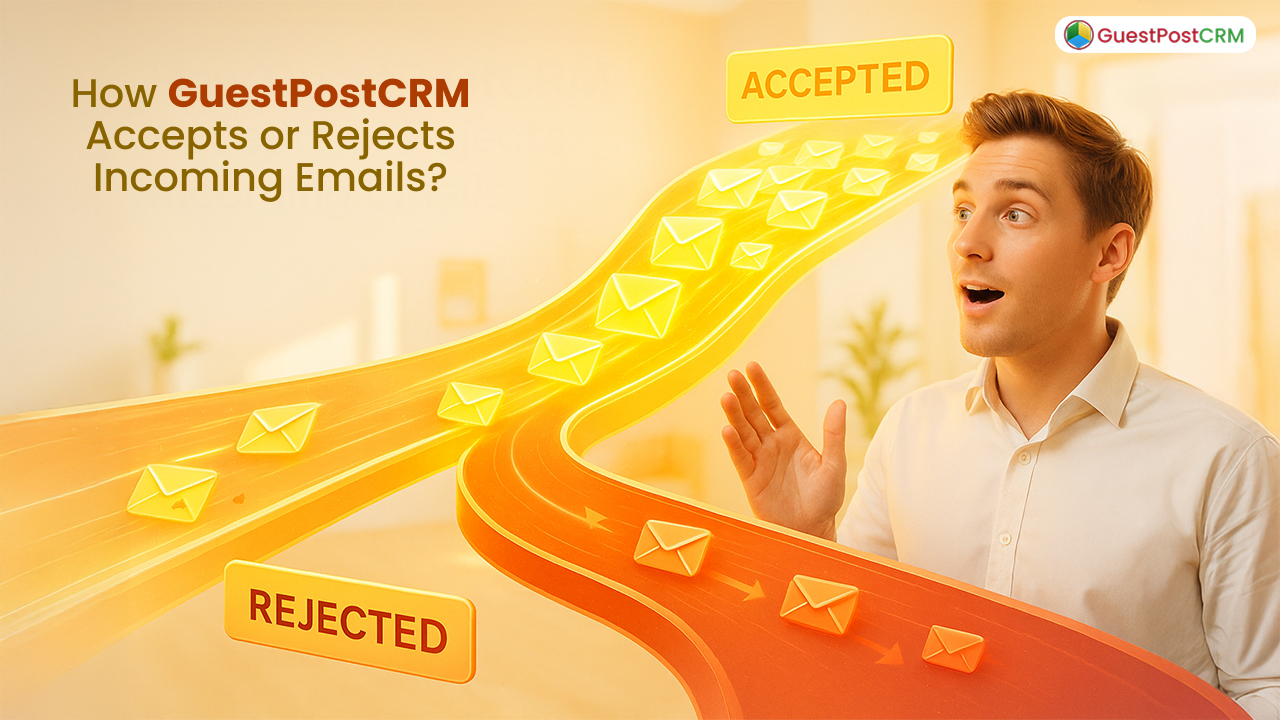
The email communication landscape has increased at an unprecedented speed. At GuestPostCRM, we help marketing professionals send thousands of outreach emails every single day. It automates numerous guest post processes, like offer management, negotiations, order creation, invoicing, and more. Furthermore, it allows you to keep your inbox clean, efficient, and manageable by using robust GuestPostCRM email filtering powered by smart acceptance and rejection logic.
This blog simplifies how GuestPostCRM Email Filtering smartly evaluates incoming emails and automatically classifies them for acceptance and rejection. This helps the platform stand out as a reliable solution for outreach teams among the top email filter service providers.
Email Acceptance on the Sender Level
GuestPostCRM initially verifies the sender's address to check whether the email is coming from a reliable source or not before scanning the subject or content. The system checks:
1. Sender is not in the defaulter list
The system checks whether the sender email address is listed as a defaulter or not. If not listed, the message can enter the system normally.
On the other hand, if the sender is already listed on the Defaulter List, the email instantly gets deprioritized, rejected, or moved to a low-priority bucket.
This helps marketers eliminate the need to deal again with:
- Fake publishers
- Unverified clients
- Untrusted vendors
By implementing junk email filter rules, GuestPostCRM guarantees only legitimate clients can enter your CRM pipeline.
2. Not a No-Reply / Alert / Automated Notification
If the incoming email is from
- noreply@domain
- notification@domain
- automated alerts
- system-generated messages
GuestPostCRM’s advanced filtering system automatically rejects or overlooks these emails, as they are not part of business deals or negotiations.
These are moved to:
- Non-relevant email label
This advanced spam email filter ensures your outreach campaigns never miss high-potential guest posting opportunities without cluttering from irrelevant system-generated emails.
3. Duplicate Email Management
If the incoming email sender already existed on your system, GuestPostCRM applies an intelligent tactic:
- If the connected contact is currently at the Offer Stage, it does not count as a duplicate.
- In this condition, duplicate emails are moved to non-relevance or the Inbox 2 email label to mitigate clutter.
This ensures you don’t get distracted by repetitive offers or automated follow-ups, aligning your email outreach strategy streamlined.
Also Read: How to Find Archived Emails in Gmail?
Email Acceptance on Subject / Content Level
After verifying the sender’s identity, the system evaluates what the email actually contains.
1. Spammy Content Gets Rejected
If the system finds spammy patterns in the subject line or email body, it automatically moves the email to
- Spammy Content
or - Spammy content email label
These emails include:
- Generic outreach emails
- Fraudulent guest post requests
- Over-promotional email templates
- Paid backlink solicitation
- Off-target SEO packets
2. Subject or Body Content is Not Related to Guest Posting
If the incoming email is a business email but not related to guest posting, link insertion, deal management, article submission, or outreach, it is simply moved to dedicated email labels, like
- Non-Relevance
These emails include:
- Job offers
- Newsletters
- Sales pitches outside content/SEO industry
- General marketing spam
For both seasoned marketers and casual Gmail users, understanding how to filter emails in Gmail can further improve inbox management.
Otherwise → Full Acceptance in the System
When the email passes all verification processes, GuestPostCRM will:
- Accept the email
- Classify sender as brand or non-brand
- A first reply is scheduled after 10 minutes (depend on your CRM settings).
- Log it into the primary pipeline (Leads, Offers, Deals, or Orders)
After this, the main business process starts, and your outreach teams can focus on creating lasting relationships and protecting guest post placements. With GuestPostCRM, you have complete flexibility with regard to email filtering rules, offering you total control over how your emails are classified and treated. If you would rather not use any automated filtering at all, you can simply disable this feature entirely and review all emails manually. If you need a quick setup, Default GuestPostCRM works out of the box, automatically detecting defaulters, filtering spam, categorizing for relevant guest posting opportunities. And if your agency follows specific acceptance criteria or specific risk tolerance levels, you can customize everything from how your defaulter lists are managed to sensitivity levels of spam detection and relevance thresholds of your content. This is why you have so much flexibility with email filtering that will work just right for your agency workflow.
Final Flow Summary (Super Simple Version)
Accepted Email
If the sender address is clean and verified and also the content is related to guest posting, GuestPostCRM stores it in CRM, detect brand, and schedule first reply.
Rejected Email
If:
- The sender is a defaulter.
- Or notification/no-reply
- Or content is irrelevant
- Or message is spammy
→ Moved to Non-Relevance and more Gmail labels accordingly
Why This System Works Perfectly for Guest Post Businesses
GuestPostCRM is built specifically for:
- Guest posting agencies
- SEO agencies
- Outreach teams
- Content publishers
- Bloggers managing placements
So the acceptance engine is optimized 100% for guest post communication—nothing else.
That’s why irrelevant emails instantly filter out, and genuine deal-making messages receive priority.
FAQs for GuestPostCRM Email Filtering
Q. Is there a way to filter emails?
A. Yes, most email platforms let you set rules to automatically sort, label, or move messages so your inbox stays organized without extra effort.
Q. What is an email filter?
A. An email filter is a rule you create that tells your inbox how to handle certain messages—like sending newsletters to a folder or marking priority emails as important.
Q. What is email content filtering?
A. Email content filtering checks the text, attachments, or links inside emails and sorts or blocks them based on what they contain, helping reduce spam and security risks.
Q. Why would you want to create an email filter?
Filters save time by keeping your inbox clutter-free, help you spot important messages faster, and protect you from unwanted or harmful emails.



.png)
.png)