

%204.png) GuestPostMailer
GuestPostMailer





.png)
.png)
The adoption of the Usenet (User’s Network) landscape has expanded considerably as user demand for accurate and efficient data continues to increase. However, the quality of user experience entirely depends on one vital component: the NZB indexer you choose. An NZB indexer acts as a search engine platform that compiles critical insights from newsgroups into NZB files. Users can quickly find and access specific content by simply downloading these files. While Usenet itself provides fast speed and data preservation capability, this indexer determines how efficiently, precisely, and reliably users can find content.
Primarily, there are plenty of options available, but NZBgeek stands out as an automation-friendly and community-driven NZB indexer. With over 17 years of proven presence, it has positioned itself as one of the most extensive and most reliable indexers available to the public. Despite its longevity, there are many misconceptions about the platform. This blog clearly explains what it is, how it functions, who benefits most, and how it stands apart from alternatives. This guide interprets everything about NZBgeek and whether it fits in their Usenet workflow.
Key Takeaways (TL; DR)
- Introduction: It refers to a community-driven NZB indexer and forum that offers NZB searches and RSS feeds for locating and downloading specific content.
- Audience: From novices seeking a browsable forum to experienced users requiring automation integration with tools such as Sonarr, Radarr, SABnzbd, or NZBGet.
- Core Strengths: clean, easy-to-use interface, dynamic sorting, community support, advanced automation, open registration, and affordable plans.
- Challenges: Occasional service interruption or periodic maintenance; same as other indexers, data longevity and quality depend on the newsgroup and release type. Always review the real-time status before fixing issues.
What is NZBgeek?
Fundamentally, NZBgeek serves as an NZB indexer for Usenet that searches, organizes results, and provides NZB files by gathering data directly from Usenet servers. It scans and gathers information from different sources and compiles them into NZB files. These lightweight XML files contain metadata and the exact location of content on Usenet, enhancing search efficiency and accessibility.
Its user-friendly interface, community-driven approach, ease of use, and long search history make it a widely adopted platform worldwide. Unlike automated NZB websites, this platform is completely operated by actual users, offering an active forum where they can report issues, request content, and share insights. This blend of automation and human oversight has helped NZBgeek remain relevant for many years in a rapidly changing Usenet landscape.
Essential Features of NZBgeek
As the platform Wapbald represents a new generation of streaming and direct-download services tailored for instant content access, NZBGeek works essentially in the same ecosystem. Here are some key features that set it apart from conventional platforms across the globe.
1. Enhanced Search and Filtering Capabilities
NZBgeek provides systematic search tools that let users classify results based on technical parameters such as category, size, age, and more. This helps mitigate the risk of false positives and repetitive downloads, especially when combined with automation tools.
2. API Connectivity for Automation
Resilient APi with comprehensive support is one of the robust benefits of NZBgeek. This automates the rapid integration with different popular automation platforms seamlessly, such as
- Sonarr for TV series
- Radarr for movies
- Lidarr for music
- nzbHydra2 for indexer aggregation
API accessibility allows automation users to retrieve results automatically based on standard guidelines, making NZBgeek perfect for automated Usenet configuration.
3. RSS (Really Simple Syndication) Feed Support
Users who prefer RSS-driven workflows can utilize personalized RSS feeds of NZBgeek, providing a stream of updates (articles, posts, or comments). These feeds can be customized for each user's specific search queries, categories, or quality requirements.
4. Online Community Hub
Unlike traditional indexers that fully depend on algorithms, NZBgeek offers a private forum where users can share, discuss, and engage with others. By adding practical significance, this community element enables users to:
- Submit broken or misleading release error
- Request unavailable content
- Discuss quality standard issues
- Connect with experienced community members
With this human feedback loop, index dependency strengthens for the long term.
How Much Does It Cost: Pricing and Membership Plans
NZBgeek keeps things refreshingly simple with a balanced pricing model, offering both free and paid membership tiers.
With a free membership, users get:
- Up to 15 NZB downloads every 3 days at geeknzb
- Limited API hits and search access
- Full access to the community forum at no cost
It becomes an ideal platform for those who want to test the platform or need to download a few items.
With paid membership, users need to choose a suitable pricing plan from $6 for six months to $12 for one year, $18 for two years, and lifetime membership. Users can get:
- Complete access to unlimited NZB downloads
- Faster, custom search functionality with higher API hit limits
- Priority indexing and enhanced credibility
Perfect for those who have advanced applications, like Sonarr, Radarr, and fully automated Usenet workflows.
Unlike many premium NZB indexers that use short trial-based subscriptions, like Torrent, NZBgeek’s paid plans are trusted, cost-effective, and primarily designed for long-term users. This pricing versatility, premium security, and high-quality experience partially set the platform apart from NZBgeek alternatives.
How does it work in a typical Usenet Environment?
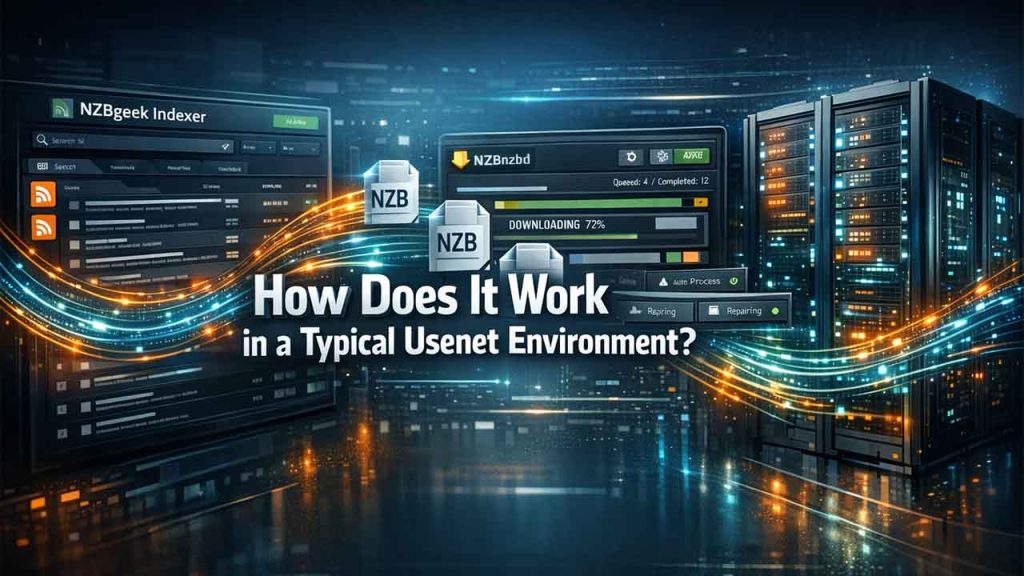
Before using the platform, it’s essential to understand how NZBgeek functions and fits into a standard Usenet workflow:
- By using NZBgeek’s web interface, RSS feeds, or API, users can search for queries or access specific content.
- NZBgeek scans Usenet posts and compiles them into clear, organized listings via NZB files.
- NZB files are passed to a Usenet downloader, such as SABnzbd or NZBGet, to retrieve the data.
- Users can access the actual data from an individual Usenet provider.
NZBgeek does not log user files, manage storage, or restrict download speed. Its real value exists in index precision, metadata quality, and seamless compatibility with automation tools.
Pros and Cons of NZBgeek
Pros
- Robust automation support with Sonarr, Radarr, and Lidarr
- Clean and user-friendly UI (User Interface)
- Cost-effective pricing compared to premium-only indexers
- Active community forum with real-time human support
- Offers great value with both free and affordable paid plans
- Open registration (not invite-only most of the time)
Cons
- Periodic maintenance or frequent downtime
- Niche or rare releases may not always be available
- Free plan limitations may feel restrictive for advanced automation users
On balance, the benefits easily outweigh the drawbacks for most Usenet users, particularly those focused on automation and dependable performance.
Essential Steps to Set up NZBgeek with Automation
Below is a general, reliable setup for the most common automation tools. Replace placeholders (API key, username) with values from your NZBgeek account.
A. Find your NZBgeek API key
- Log in to your NZBgeek account.
- Visit Profile, navigate API key or API settings (or equivalent).
- Copy the API key.
If you don’t see API settings, check out the site account pages or the member forum — some features are gated.
B. Sonarr (for TV)
- Go to Sonarr, access Settings
- Indexers, click Add and then select Newznab.
- Name: NZBgeek
- URL: https://NZBgeek.info (or whatever the current base URL shows in your account).
- API Key: paste your NZBgeek API key.
- Save and test: Sonarr should return a list of capabilities if communication works.
C. Radarr (for movies)
Follow the same steps as Sonarr, but add under Radarr,
- Go to Settings,
- then Indexers,
- and add Newznab.
D. Access Popular Downloaders (SABnzbd / NZBGet) for direct NZB management
Use the NZBgeek search page or RSS to fetch NZBs into your downloader. For SABnzbd, you can paste NZB files manually or feed Sonarr/Radarr’s direct link.
Troubleshooting quick checklist
- Test the indexer within Sonarr/Radarr to see the returned categories.
- Ensure the API key is correct, and there is no extra space.
- Confirm base URL and check site availability (see section 7)
Check Downloader Compatibility
NZBgeek supports all essential Usenet downloaders. It does not require any special configuration beyond passing NZB files or links from your automation tool.
Who Should Use?
NZBgeek is best suited for:
- Users building an automated Usenet setup
- Beginners who want a stable, well-documented indexer
- Experienced users who value community feedback
- Anyone seeking a long-standing, affordable NZB indexer
Users looking for extremely niche or ultra-curated releases may still supplement it with additional indexers.
Conclusion
NZBgeek rapidly gains traction as one of the most renowned NZB indexers in the Usenet environment. Its blend of automation support, accessibility, reliability, and community involvement ensures decisions are made based on knowledge rather than appearances.
Many users leverage NZBgeek not only as a single solution but as a foundational indexer. This integrates with automated workflows seamlessly while benefiting from years of community optimization.
If your goal is a reliable, highly efficient NZB indexer tailored with real-world Usenet usage, NZBgeek continues to be a robust and practical choice.
FAQs for NZBgeek
Is NZBgeek safe to use?
Yes, NZBgeek is designed with high security and SSL/TSL encryption in mind to protect data and activity. It works strictly as an NZB indexer and does not host or share any content itself.
Does NZBgeek work with other Usenet providers?
It is compatible with most popular Usenet providers, such as Sonarr, Radarr, and NZBGet, since it only allows NZB file downloading automation without relying on any provider.
Is NZBgeek reliable for long-term use?
Absolutely, with over 17 years of continuous operation, NZBgeek has proven to be a reliable long-term Usenet indexer.
Can I access NZBgeek without a Usenet provider?
Yes, NZBgeek lets users browse and find desired NZB files without a Usenet provider, but you’ll need to subscribe to one to actually download the content.
How much does NZBgeek cost?
This platform offers various pricing plans: a free tier with limitations, paid subscriptions, and lifetime memberships. All paid tiers are affordably priced for full access and automation support.


.png)
.png)
.png)
.png)