

%204.png) GuestPostMailer
GuestPostMailer




.png)
.png)
Professional Logo Design has become so much easier than it used to be. Hiring a designer is no longer required, nor do you need to be an expert in graphics editing software to create a professional logo. With online logo-making platforms available today, creating a logo has never been easier or less expensive for business owners. Thanks to advances in AI-Powered Graphic Design Tools, even users with no design experience can produce professional results in minutes.
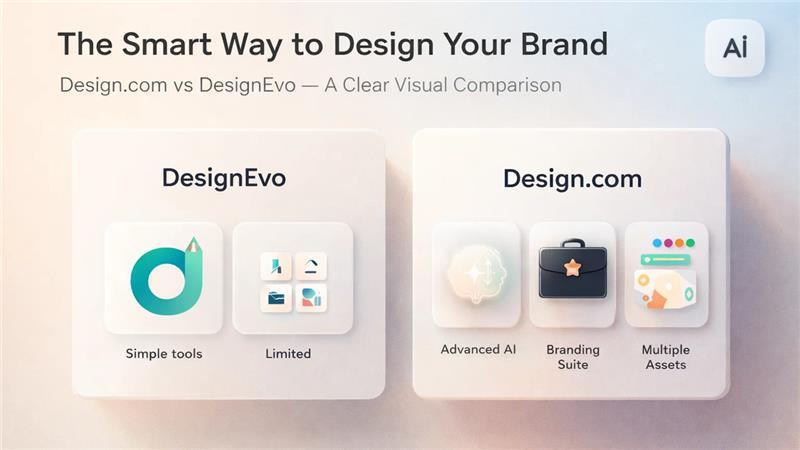
Two such platforms Design.com vs DesignEVO are often compared side by side with regard to their ease of use as well as their feature sets. Each platform aims to make logo creation as simple as possible; however, they take different approaches to achieving that goal.
Professional Logo Design Platforms Compared
The focus of this comparison will be on each platform's performance from the perspective of the quality of your designs created using their application, the flexibility of their applications, and ultimately, the overall value of their logo creation to your brand.
Design.com
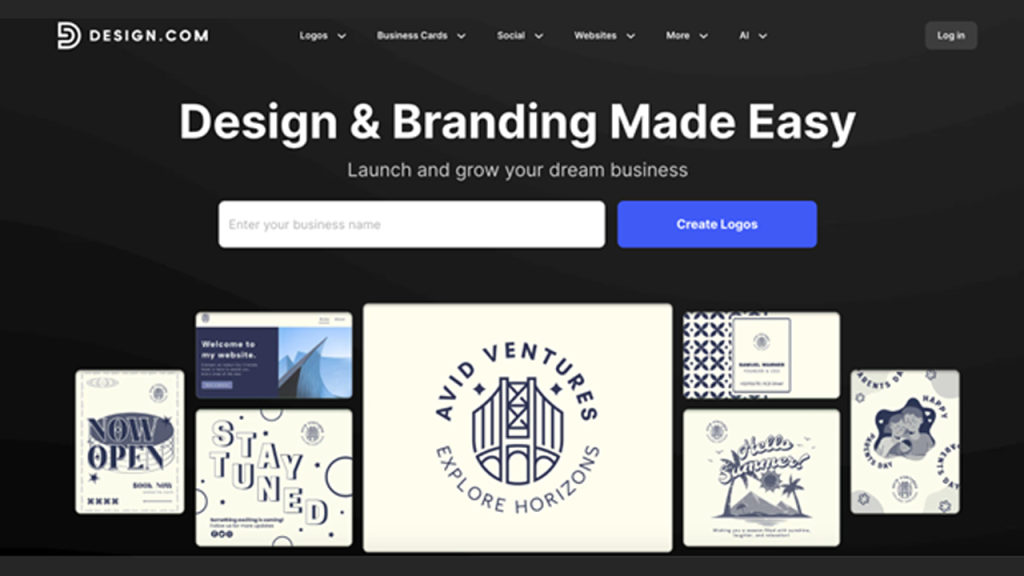
Design.com offers a different approach to logo design by using AI technology in addition to providing an extremely high level of customization and branding options. Design.com is primarily used for businesses looking to create a consistent brand image with a logo.
Key Characteristics
- Exceptional Logo Templates: There are over 360,000 logo templates, along with over 1,000,000 additional design templates for each industry.
- Additional Design Tools: The platform has over 50+ additonal design tools, including a website creator, business card creator, flyer creator, presentation creator, and many more.
- Fonts: There are over 750+ font options; there are also over 525+ exclusive font options.
- Format: Designs are available in vector (SVG, EPS, PDF), raster (PNG, JPG), and animated (GIF, MP4) formats, with the option of a transparent background.
- Brand Identity Social Media Images: In addition to generating social media post images, the platform will generate digital business cards, flyers, posters, presentations, and more - all in the same color as your logo.
- Commercial Use: Since all of the designs are created as original designs, they are fully protected for commercial use.
- Printing: You can print your logo on your business cards, t-shirts, mugs, etc. 24/7 customer service is also available via the platform.
- Strong AI Design Edits: You can easily edit your logos, icons, and text using an AI chat interface to ensure that all of your designs are copyright-free.
- AI-Powered Tools: Using advanced AI design tools, you can create logos, websites, business cards, flyers, posters, and remove backgrounds from images, etc.
Advantages
The benefits of Design.com go far beyond just designing your company logo.
- Design.com provides all of the necessary tools to help you build a complete branding package, including full branding and creating a custom website for your business. When launching your website alongside your new logo, following a comprehensive Website Redesign SEO Checklist ensures your brand stays visible in search results.
- Design.com offers the highest quality files to be used in web development, printing, and even animation.
- With Design.com, you can create a custom logo that meets your company's specific needs and preferences, utilizing many different options to create a truly unique and professional logo for your business.
If you need a logo today and the tools to help maintain a consistent and professional branding image across all areas of your company, then Design.com would be the perfect solution for you.
DesignEvo
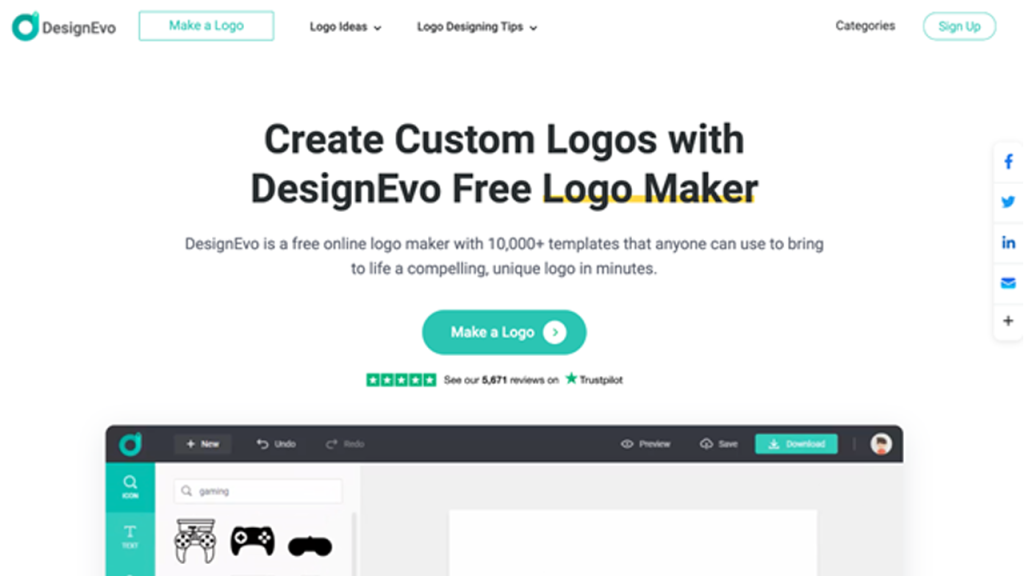
DesignEvo allows you to easily make logos with many different industry-specific logo templates and some of the most basic logo-making elements, such as a drag-and-drop editor for the layout of your text, color options, and overall design. This is perfect for anyone new to designing logos or companies looking for an affordable and quick solution to their logo needs.
Key Characteristics
- Logo Templates: Many pre-designed logo templates are provided by DesignEvo in many different areas of business.
- Fonts & Icons: Over 100 fonts and millions of icons are also included in the DesignEvo design suite.
- Editing Tools: The DesignEvo logo maker includes a simple drag-and-drop editor that can be used to add, change, or remove text, colors, and layouts on your design.
- File Format Options: Designs created through DesignEvo can be exported in PNG, JPG, and vector format, depending on the plan you have chosen.
- Cloud Saving: Once you've saved your project, it will automatically save to the cloud and allow you to access it from anywhere at any time to continue working on your design.
- Commercial Use: Paid plans allow you to use your designs commercially, and they also provide you with full copyright rights.
Advantages
- Fast and very user-friendly
- Has a large selection of templates
- You're able to customize all of the icons and fonts
- Has a free option: Paid subscriptions allow you to create vector designs and use them commercially.
DesignEvo is best suited for users who are looking for an easy, fast, and convenient way to create a logo that does not require advanced branding tools.
Design.com vs DesignEvo: Quick Comparison Chart
| Feature | DesignEvo | Design.com |
| Logo Templates | Large collection, industry-specific | 360K+ templates, 1M+ total designs |
| Fonts & Icons | 100+ fonts, millions of icons | 750+ fonts, 525+ exclusive fonts, 62K+ vector shapes |
| Editing Tools | Drag-and-drop, basic customization | Advanced AI editing for icons, text, layouts, and colors |
| AI Tools | None | AI logo generator, website builder, flyers, presentations, business cards, background remover |
| Branding Tools | Logo only | 50+ additional tools, including social media, digital business cards, posters, QR codes, and more |
| File Formats | PNG, JPG, SVG (paid) | Vector, raster, animated, transparent backgrounds |
| Commercial Use | Paid plans include copyright | All designsare commercially safe, extended licenses for exclusive rights |
| Ease of Use | Very simple, beginner-friendly | Moderate learning curve due to more tools |
| Cloud Saving | Yes | Yes, plus favorites and feedback polls |
| Printing & Merchandise | No | Print on business cards, apparel, mugs, etc. |
| Language Support | English | Multiple languages (English, Spanish, French, German, Portuguese, etc.) |
| Customer Support | Basic | 24/7 email and chat support |
| Ideal Use Case | Quick, simple logos | Full branding, long-term growth, professional design |
Final Verdict
There is no definite winner in the discussion of Design.com vs DesignEVO. Both Designevo and Design.com are useful in creating logos; however, each serves different purposes. Designevo works welll for simple and fast design options. At the same time, Design.com clearly stands out as the stronger choice that is best suited for businesses seeking a way to customize their branding while offering the flexibility to expand future branding opportunities.
Using a platform that grows with your company saves you time and money while providing consistency in your company's image and professionalism.


.png)
.png)
.png)
.png)