
- Blog
- Pricing
- Sign Up
- Login to App
Marketing Focused
Guest Posting Management
Agency Management
Client & Order Management
Publisher Management
Finance & Operations
Managing guest posting operations without clear visibility leads to confusion, missed opportunities, and poor decision-making. Stop guessing what’s working. GuestPostCRM's reporting and dashboard system gives you a 360° view of your guest posting performance, activity, and pipeline in real-time. Track every email, offer, deal, and order with structured reports that help you understand what’s working and what needs improvement.
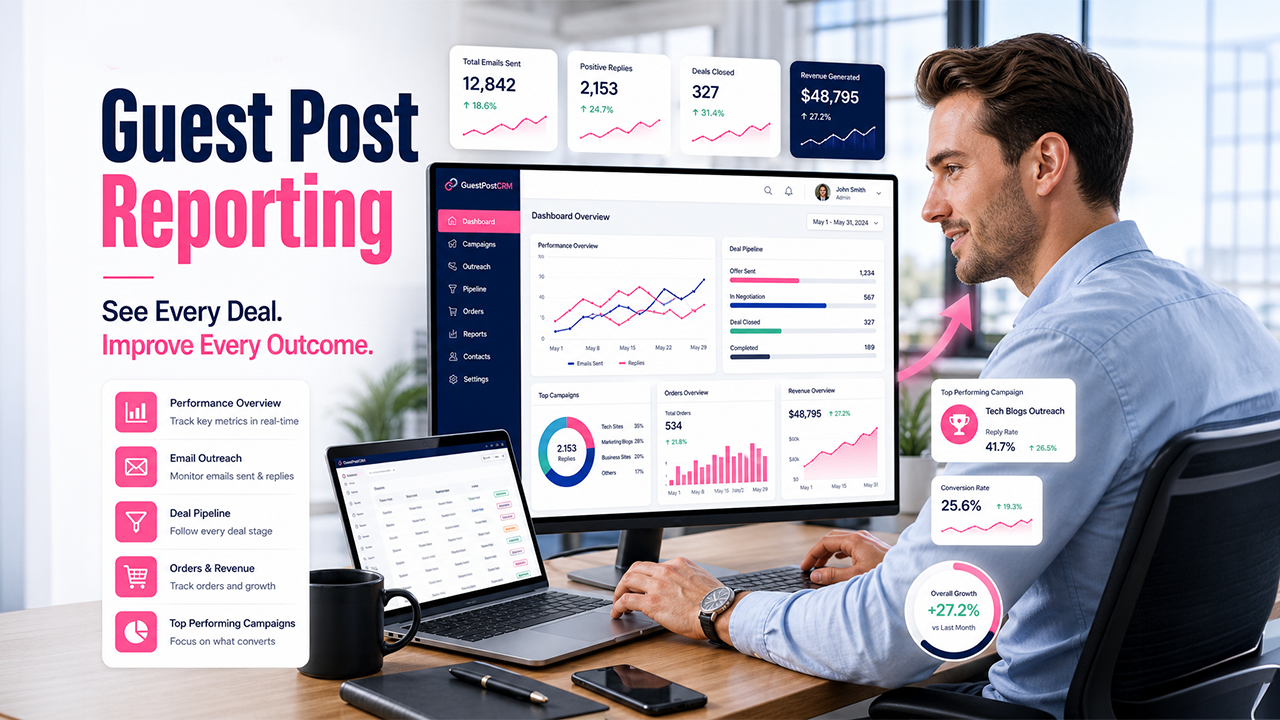
Without structured reporting, it becomes difficult to measure how many emails are converting to deals, offers, and completed orders.
Important data is spread across inboxes, conversations, and deals, making it hard to get a unified view of operations and workflows.
Without insights into activity trends and performance metrics, scaling operations becomes a guessing game instead of a strategic process.
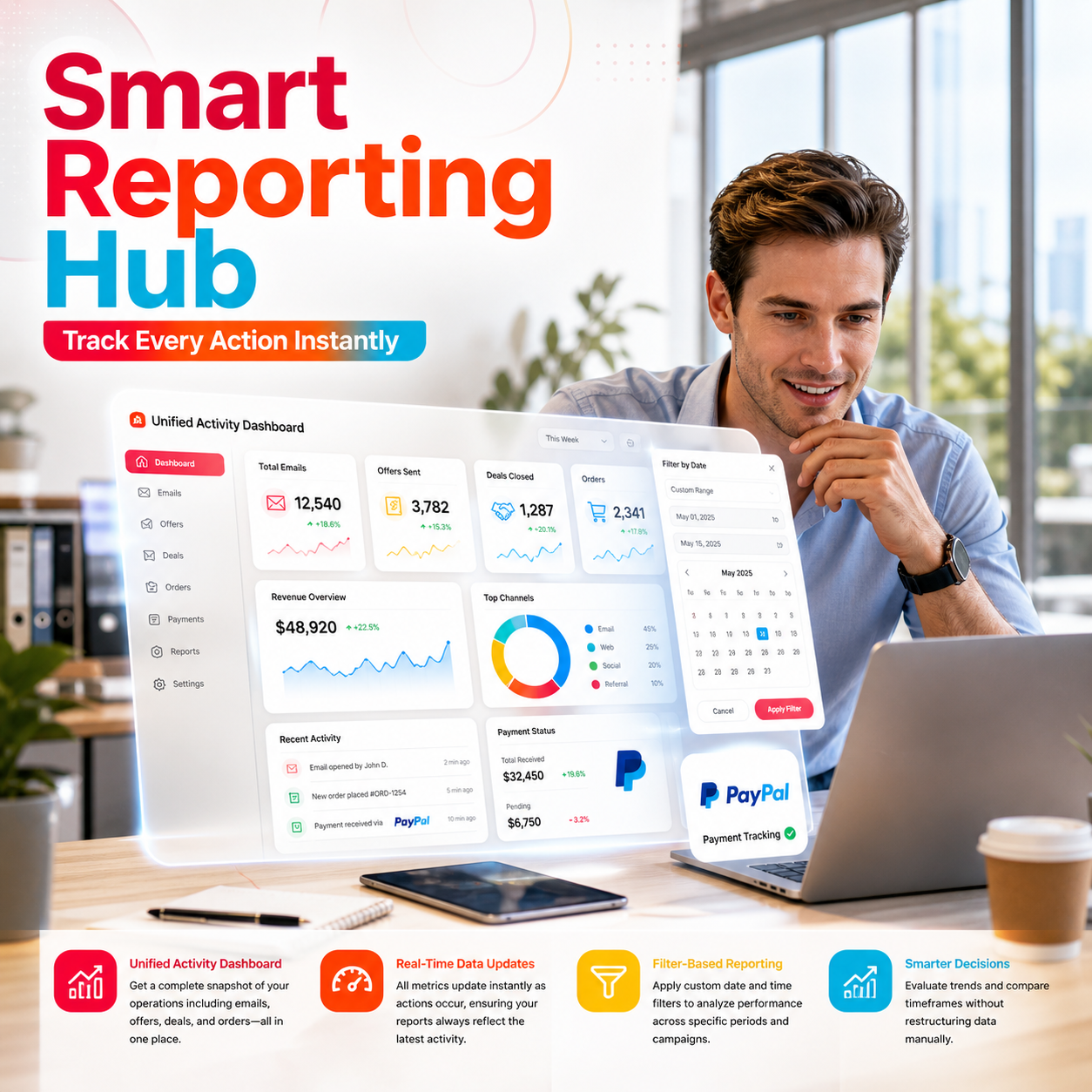
Get a complete snapshot of your operations including emails, offers, deals, and orders—all in one place. No need to switch between inboxes, conversations, and deal records.

All metrics update instantly as actions occur, ensuring your reports always reflect the latest activity. Make decisions based on accurate, up-to-date data without delays.

Apply custom date and time filters to analyze performance across specific periods and campaigns. Evaluate trends and compare timeframes without restructuring data manually.
Every activity across your workflow is captured, organized, and visualized through a structured reporting system.
Every action—from incoming emails to completed orders is automatically recorded in the system. No need to track anything manually. The system captures everything as it happens.

Activities are structured into categories such as accepted emails, rejected emails, reminders, offers, and orders. You can track who is performing what kind of activity across your workflow at a glance.
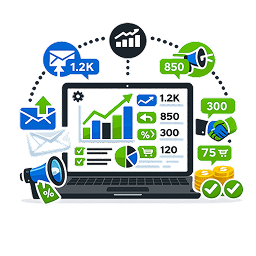
The system calculates key metrics like inbound emails, outbound responses, offers created, deals closed, and orders completed.
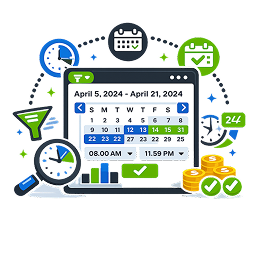
You can select custom date and time ranges to analyze performance for specific timeframes. This helps you focus on specific campaigns, time periods, or recent activity with precision.
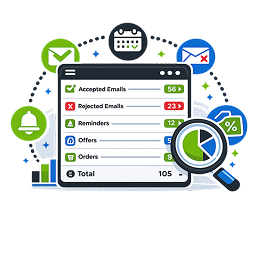
Each activity type is grouped into expandable sections with subtotal counts for detailed analysis. You can drill down into specific categories without losing the overall context of your data.
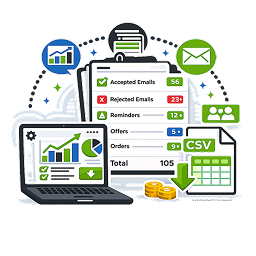
You can easily export reports to share insights with your team or for internal analysis. All exported data matches your dashboard view, ensuring consistency and clarity in reporting.
Quickly review incoming emails, responses, and ongoing activity to stay updated on what’s happening without digging into multiple sections.
Monitor offers, negotiations, and deal progress in one place. It helps you stay aligned with active opportunities and pending actions.
Use structured reports to evaluate how your workflow is performing over time without manually compiling data from different sources.
Give your team access to a shared dashboard where everyone can view activity, track progress, and stay aligned on workflow status.
Get a high-level view of total activity, trends, and output without needing to analyze individual conversations.
Use historical data and structured reports to plan future campaigns, pricing strategies, and workflow improvements.
GuestPostCRM ensures that your reporting stays accurate, consistent, and dependable across every stage of your workflow, so you never have to second-guess your data.
Every action is logged the moment it happens, ensuring your dashboard always reflects real-time system activity without delays.
The system avoids duplicate counting and missing entries, so your reports remain clean and trustworthy across all categories.
Data from emails, offers, deals, and orders follows a consistent structure, making it easy to compare and analyze without confusion.
All past activity remains stored and accessible. This allows you to review previous performance without losing context.
Whether you apply filters or view long-term data, your numbers remain consistent and comparable across different reporting periods.
The dashboard acts as a centralized, dependable data layer that replaces spreadsheets, manual tracking, and fragmented reporting tools.
Offer Tracking Accuracy
Time Saved Weekly
Faster Deal Closures
Offer Creation Time
Join global teams automating their guest posting and link insertion management and investing their time and resources on what matters, closing deals.
Got questions? Go through these FAQs. Here, we have answered the commonly asked questions about this GuestPostCRM's feature. If you have specific questions about GuestPostCRM's features, workflows, sign up process, or pricing,
feel free to reach out via our Contact Us page. You can also email us at [email protected].
A- It tracks all key activities across your workflow, including emails, offers, deals, orders, and reminders. It organizes this data into structured metrics so you can monitor performance in one place.
A- Yes, you can apply custom date and time filters to view reports for specific days, weeks, or emails.
A- Yes, all metrics update instantly as actions occur within the system.
A- You can track activity distribution, monitor conversion flow from emails to deals, and identify bottlenecks.
A- Yes, you can export reports directly from the dashboard by clicking on the “Export” button in the top right corner.
A- No, the reporting system works automatically without any manual input. All activity is recorded, processed, and updated in real time, so your reports are always ready to use.

.png)
.png)


