





.png)
.png)
There are many businesses that are still doing things the hard way. They are sending emails one by one, forgetting to follow up on leads, and running poor campaigns that fall apart the moment their team gets busy.
There exists a version of marketing that works even when you’re asleep. Emails go out on time, leads get followed up, campaigns stay consistent, and your audience never feels ignored. All of this happened without you having to do anything by yourself. Marketing automation software makes this possible.
This blog is going to walk you through everything you need to know about marketing automation software: what it is, what to look for, which tools are worth your attention, and how to pick the right one for where your business actually is right now.
What Is Marketing Automation Software?
Marketing Automation refers to using software to automate repetitive marketing tasks such as sending welcome emails, follow-ups, nurturing leads through a sales funnel, scheduling social media posts, or segmenting your audience based on their behavior.
For instance, someone signs up for your newsletter; the software sends welcome emails instantly. You don’t have to do them manually. When a potential customer visits your pricing page three times without converting, the software can trigger a targeted follow-up email without you having to lift a finger.
7 Best Marketing Automation Software for Your Business
Let's see the seven best marketing automation software, their features and pros and cons so that you know which one is best suited to your business needs.
1. HubSpot
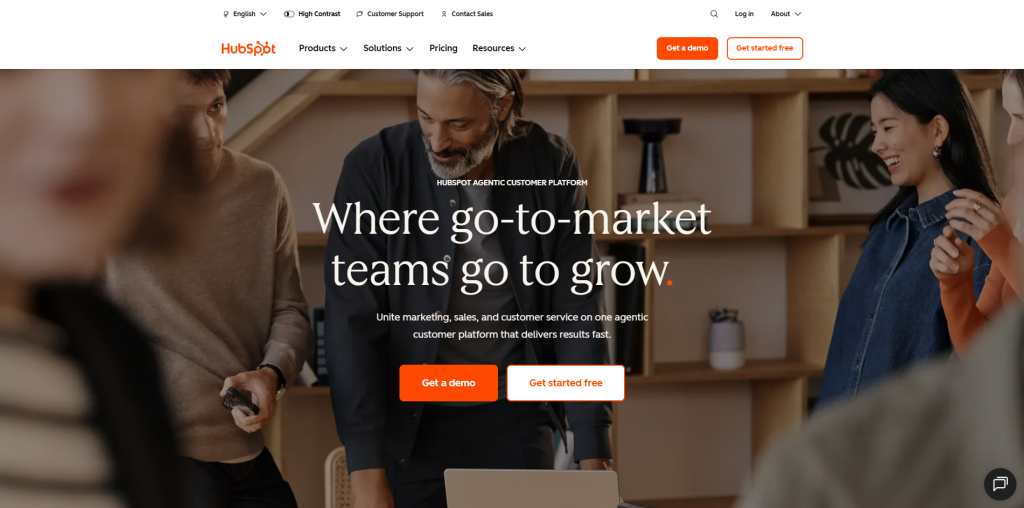
HubSpot has been dominating the list of best marketing automation software, and for good reasons. It brings together marketing, sales, and customer service on one platform. This free CRM is genuinely useful; it offers automation features that scale with your business.
Key Features
- Free built-in CRM that connects directly with marketing tools
- Drag-and-drop email builder with smart personalization
- Visual workflow automation builder for multi-step campaigns
- Landing page and form builder
- Lead scoring and contact segmentation
- Detailed analytics dashboard and reporting
- Integration with 1,000+ third-party apps
Pros
- All-in-one platform means fewer tools to manage
- Generous free plan covers CRM, email, and basic automation
- Extremely beginner-friendly with strong onboarding support
- Scales well from small business to enterprise level
- Excellent customer support and a large knowledge base
Cons
- Paid plans can get expensive quickly as your contact list grows
- Some advanced features are locked behind higher-tier plans
- Can feel overwhelming for users who only need basic automation
- Customization options are somewhat limited compared to enterprise tools
2. ActiveCampaign
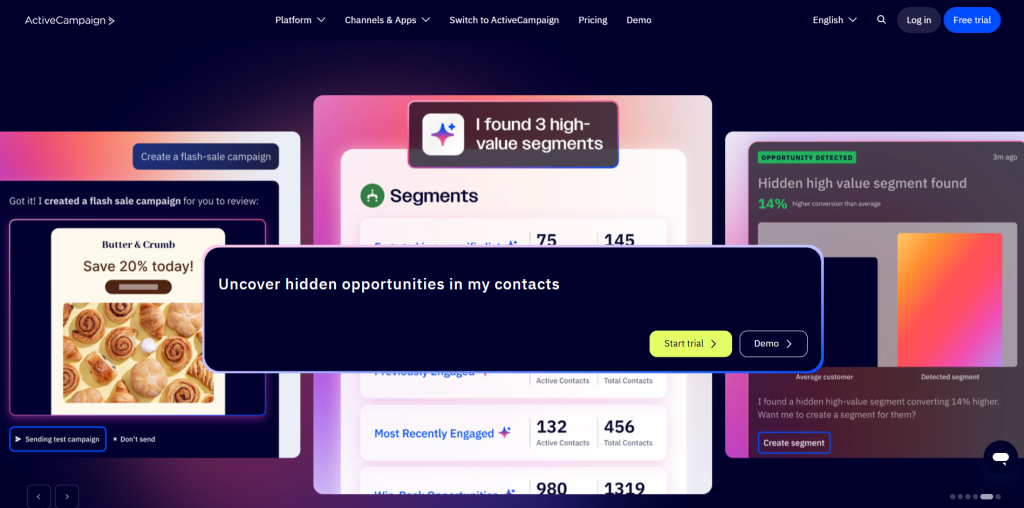
Businesses that want powerful email automation with a layer of strong CRM often prefer ActiveCampaign over others. Its workflow builder is flexible and allows you to build complex sequences based on user behavior, tags, and conditions. It strikes a solid balance between power and usability.
Key Features
- Advanced email automation with conditional logic and branching workflows
- Built-in CRM with deal management and pipeline tracking
- Behavior-based triggers for highly targeted campaigns
- Lead scoring to prioritize high-intent contacts
- Site tracking to monitor what pages visitors browse and where they drop-off
- SMS marketing included in higher plans
- 900+ integrations with popular tools
Pros
- One of the most powerful automation builders available at its price point
- Deep personalization options for segmented campaigns
- CRM and marketing work seamlessly in one place
- Strong deliverability rates for email campaigns
- Excellent for businesses with complex nurture sequences
Cons
- Learning curve is steeper than most entry-level tools
- Interface can feel cluttered, especially for new users
- Reporting features, while functional, could be more visually intuitive
- Customer support response times can vary depending on your plan tier3
3. Mailchimp
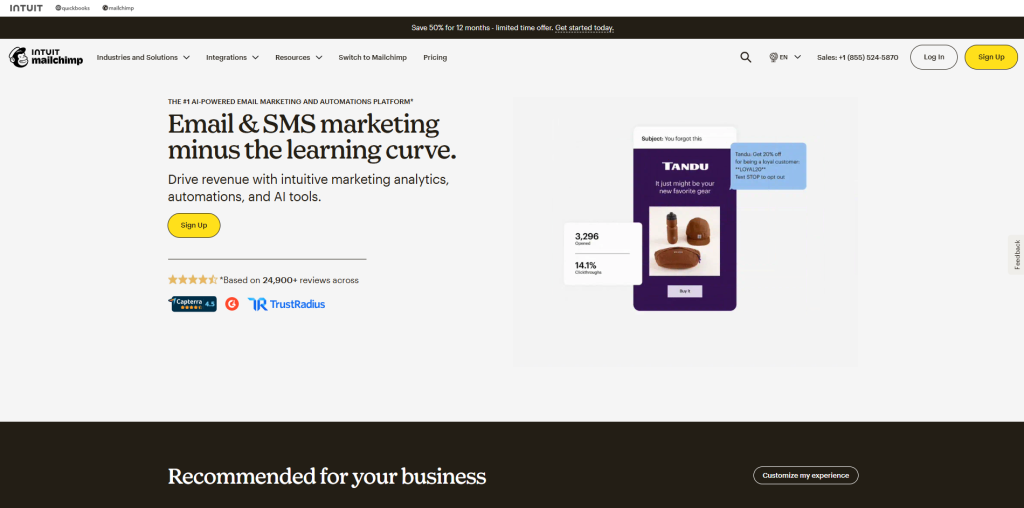
Many small businesses and solo marketers use Mailchimp as a starting point. It is simple to navigate, feel familiar, and offers a free tier that covers all the basics. It has definitely improved its automation features over the years; however, it can feel limiting as your needs grow complex.
Key Features
- Beginner-friendly drag-and-drop email builder
- Pre-built email templates for quick campaign setup
- Basic automation workflows including welcome emails and abandoned carts
- Audience segmentation based on demographics and activity
- A/B testing for subject lines and content
- Landing page builder and signup form creator
- Integration with e-commerce platforms like Shopify and WooCommerce
Pros
- It is very easy to use; ideal for beginners with no technical background
- Its free plan is genuinely useful for basic campaigns and small lists
- Clean and intuitive interface that needs minimal training
- Offers good range of templates to get campaign live quickly
- Reliable email deliverability
Cons
- Automation capabilities are relatively basic compared to competitors
- Pricing jumps significantly as your contact list grows
- CRM functionality is limited and not suitable for complex sales pipelines
- Customer support on the free plan is restricted to email only
- Not the best fit for businesses with advanced segmentation needs
4. Brevo
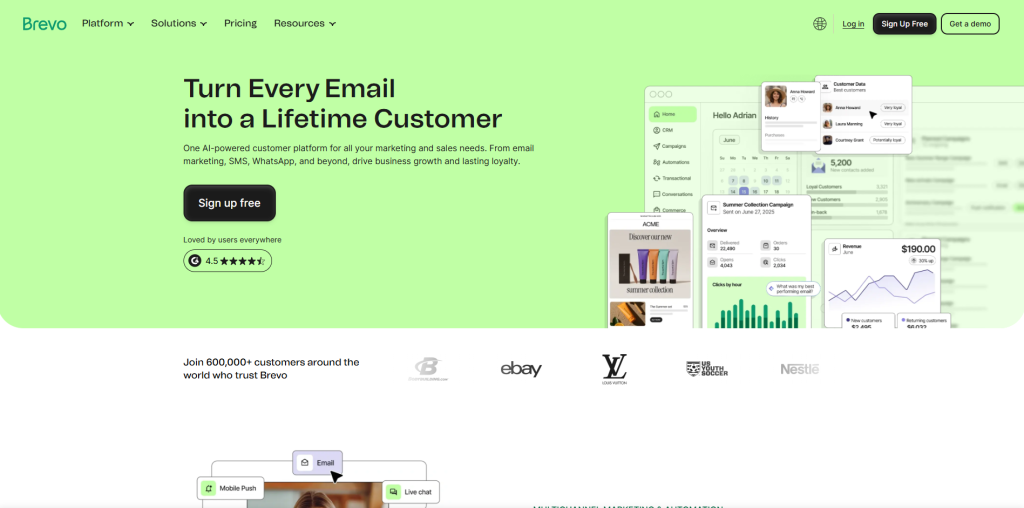
It is an excellent option if you are working with a tight budget but need more than just email. It stands out in the mid-market space because of its ability to combine email and SMS automation in one platform.
Key Features:
- Email and SMS marketing combined in one platform
- Visual automation workflow builder with behavior-based triggers
- Transactional email and SMS support
- Contact segmentation and dynamic list management
- Landing page and signup form builder
- WhatsApp campaign support
- Pricing based on emails sent, not contact list size
Pros:
- Excellent value for money; pricing by email volume is more flexible for growing lists
- Combines email, SMS, and WhatsApp in a single platform
- Free plan includes unlimited contacts, which is rare among competitors
- Clean interface that is relatively easy to navigate
- Good deliverability and transactional email performance
Cons:
- Automation features, while solid, are not as advanced as ActiveCampaign or HubSpot
- Email template designs feel somewhat dated compared to other platforms
- Reporting and analytics could be more detailed
- Some users report occasional delays in customer support response
- Advanced features like landing page conversions require higher-tier plans
5. Marketo
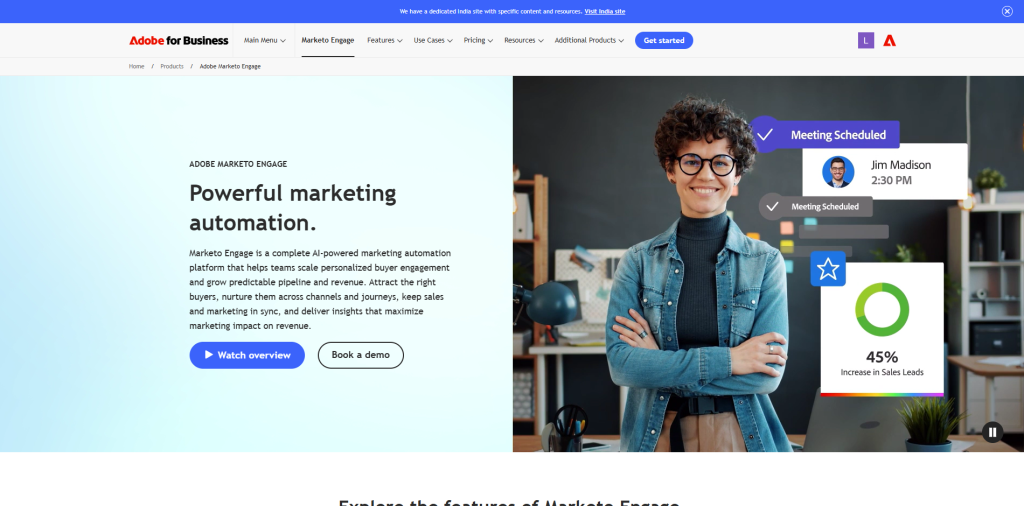
It is now a part of Adobe. It is built for enterprise teams that deal with complex marketing operations. It offers deep customization, advanced lead scoring, and robust integration capabilities. It is powerful but takes a lot of time to learn, hence comes with a steep learning curve and a price tag to match.
Key Features
- Enterprise-grade lead management and lead scoring
- Advanced multi-channel campaign orchestration
- Account-based marketing (ABM) capabilities
- Deep CRM integration, particularly with Salesforce
- Comprehensive analytics and revenue attribution reporting
- Dynamic content personalization at scale
- Robust API for custom integrations and enterprise tech stacks
Pros:
- Extremely powerful and highly customizable for complex marketing operations
- Best suited for large teams running sophisticated, multi-channel campaigns
- Deep Salesforce integration makes it a strong choice for enterprise sales teams
- Excellent account-based marketing tools
- Scales without limitations for enterprise-level contact volumes
Cons:
- Very steep learning curve; typically requires dedicated training or a specialist
- Custom pricing with no publicly listed rates makes budgeting difficult upfront
- Not practical or cost-effective for small or mid-size businesses
- Implementation can take weeks or months to set up properly
- Ongoing management requires significant time and technical expertise
6. Drip
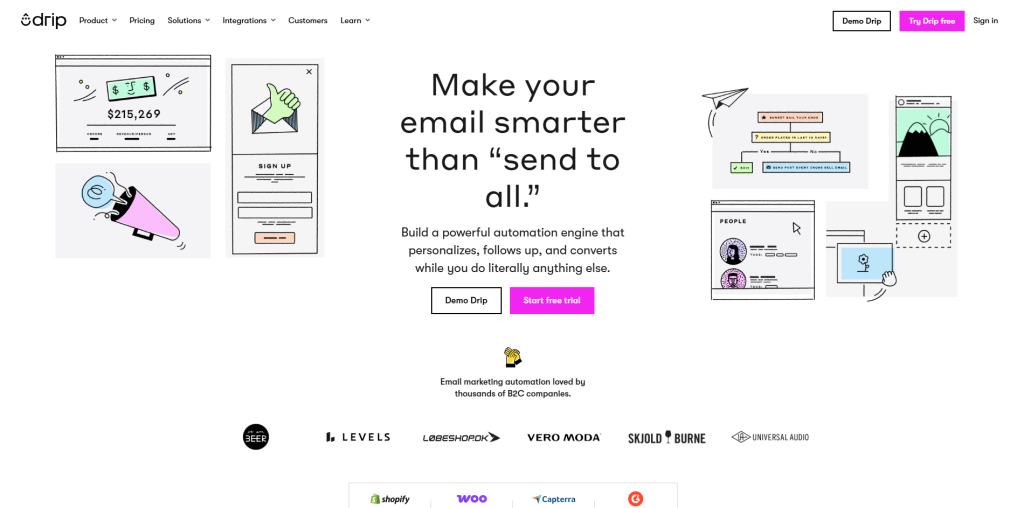
It positions itself as a marketing automation tool specifically designed for e-commerce and direct-to-consumer brands. It focuses on revenue attribution and helping brands understand what is actually driving purchases.
Key Features
- E-commerce focused automation with revenue-tracking at its core
- Visual workflow builder with behavior-based triggers
- Deep integration with Shopify, WooCommerce, and Magento
- Advanced segmentation using purchase history and customer behavior
- Email personalization with dynamic product recommendations
- On-site popups and forms to capture leads
- Revenue dashboards to track exactly how automation impacts sales
Pros:
- Specifically built for e-commerce, so every feature serves that purpose
- Revenue-focused reporting gives clear insight into marketing ROI
- Clean and intuitive interface compared to more complex enterprise tools
- Strong segmentation capabilities based on real shopping behavior
- Solid integration with major e-commerce platforms
Cons:
- Limited use case outside of e-commerce; not ideal for SaaS or service businesses
- No free plan available; pricing starts at around $39/month
- Smaller integration library compared to HubSpot or ActiveCampaign
- Customer support options are not as comprehensive as larger platforms
- SMS marketing features are not as developed as dedicated multi-channel tools
7. GetResponse
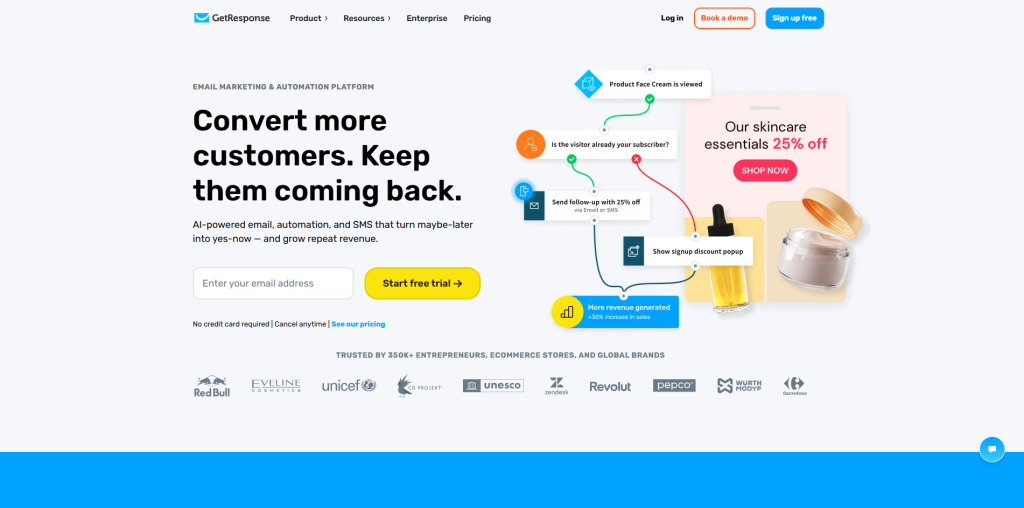
It is a versatile platform that covers email marketing, automation, landing pages, and even webinar hosting. It is a good fit for coaches, creators, and course sellers who want an all-in-one solution without enterprise-level pricing.
Key Features
- Email marketing with advanced automation workflows
- Built-in webinar hosting. It's a feature that very few competitors provide
- Landing page and website builder included
- Conversion funnel builder for end-to-end campaign management
- Contact segmentation and behavior-based tagging
- SMS marketing available on higher plans
- Integration with e-commerce platforms, CRMs, and third-party tools
Pros:
- Built-in webinar features make it valuable for coaches, educators, and course creators
- All-in-one approach covering email, landing pages, funnels, and webinars
- Competitive pricing for the range of features included
- Good automation builder with solid conditional logic
- Clean interface with a manageable learning curve
Cons:
- Webinar functionality, while unique, is limited in capacity on lower plans
- Email template designs feel slightly outdated compared to newer platforms
- Deliverability has received mixed reviews compared to dedicated email tools
- CRM capabilities are basic and not suitable for complex sales pipelines
- Customer support quality can be inconsistent depending on your region and plan
What Features Should You Look for in Marketing Automation Software?
There are dozens of software available on the market, and they all promise the best services. Before you compare them, it helps you to know what actually matters. Here's what you should genuinely evaluate before making a marketing decision:
Ease of Use: If software takes a month to learn, it will slow your team down before anything speeds up. Look for an intuitive interface that has a manageable learning curve.
Email Marketing Capabilities: Email dominates as one of the highest ROI channels in digital marketing. Your automation platform should offer robust email features including templates, A/B testing, scheduling, and performance tracking.
CRM Integration: Marketing and sales must interact with each other. When a platform integrates with your CRM, it ensures a seamless flow of lead data between teams.
Workflow and Automation Builder: The core of any automation tool is its workflow builder. Before committing to the software, look for drag-and-drop functionality, conditional logic, and the ability to build multi-step sequences without needing a developer.
Audience Segmentation: Every customer is different. Good software lets you group your audience based on behavior, demographics, purchase history, or engagement level, so you can send the right message to the right person.
Analytics and Reporting: You need to know what is working and what is not. Look for clear dashboards, campaign performance metrics, and the ability to track conversions.
Price Transparency: Some platforms look affordable on the surface. But when you add the features, it inflates the pricing. Make sure you look at what is included in each pricing tier before committing.
How to Choose the Best Marketing Automation Software for Your Business
When so many options are available, the decision can feel overwhelming. But it doesn’t have to be. Instead of asking “which tool is the best?”, you should ask “which tool is the best for us, right not?”
- Define your goals first whether it's to convert more leads, retain existing customers, or grow an email list. Let that guide your decision.
- Match the tool to where your audience lives, not the other way around.
- Always check integration compatibility with your existing CRM and tech stack before signing up.
- Be honest about your team’s capacity because a complex tool that nobody uses is a waste.
- Use free trials to test workflows and see how the platform actually feels in practice.
Conclusion
Marketing automation software is not limited to just big companies with large budgets. It is a practical, accessible tool that helps businesses of all sizes communicate more personally and grow more efficiently.
The seven platforms covered in this blog represent some of the best options available today, each designed with different use cases in mind. Whether you are just getting started with automation or looking to upgrade from a basic tool, there is a platform on this list that fits where you are and where you are headed.

.png)
.png)