


.png)
.png)
When you ask ten SEO professionals about which SEO tool they use, you’ll get ten different answers. SEO isn’t one job; it’s five or six jobs combined into one. Keyword research, rank tracking, technical audits, content optimization, backlink analysis, reporting. Each of these needs a different kind of tool, and pretending one app can do it all is how marketing budgets quietly bleed out on features nobody actually opens.
So, instead of assuming there is one perfect tool for all, this guide breaks down the best SEO tool for each specific job, what it actually costs in 2026, and who should and shouldn’t bother paying for it. Whether you're running one blog solo or managing fifty client sites, you should walk away knowing exactly where to put your money.
What Is an SEO Tool?
An SEO tool is a software that is built especially to improve the performance of a website in search results. It might sound simple in theory; however, in practice it’s a lot messier because an SEO tool covers everything from keyword research to analytics reporting.
Most search engine optimization tools fall into one of four buckets:
- Keyword Research Tools: They are used to find out what people are actually typing into Google, and how often they do that.
- Rank Trackers: They monitor the position of your pages and where they sit in search results, day by day.
- Site Auditors: They crawl your website and flag any technical problems that are quietly dragging your rankings down.
- Content Optimization Tools: These tools structure your pages, so they can realistically compete with what's already ranking on search results.
There are a few platforms that cover all four categories at once. A focused SEO tool that does one job extremely well usually beats an exaggerated all-in-one that does five things at a mediocre level. The same rule applies across digital marketing tools: use the right tool for the right job.
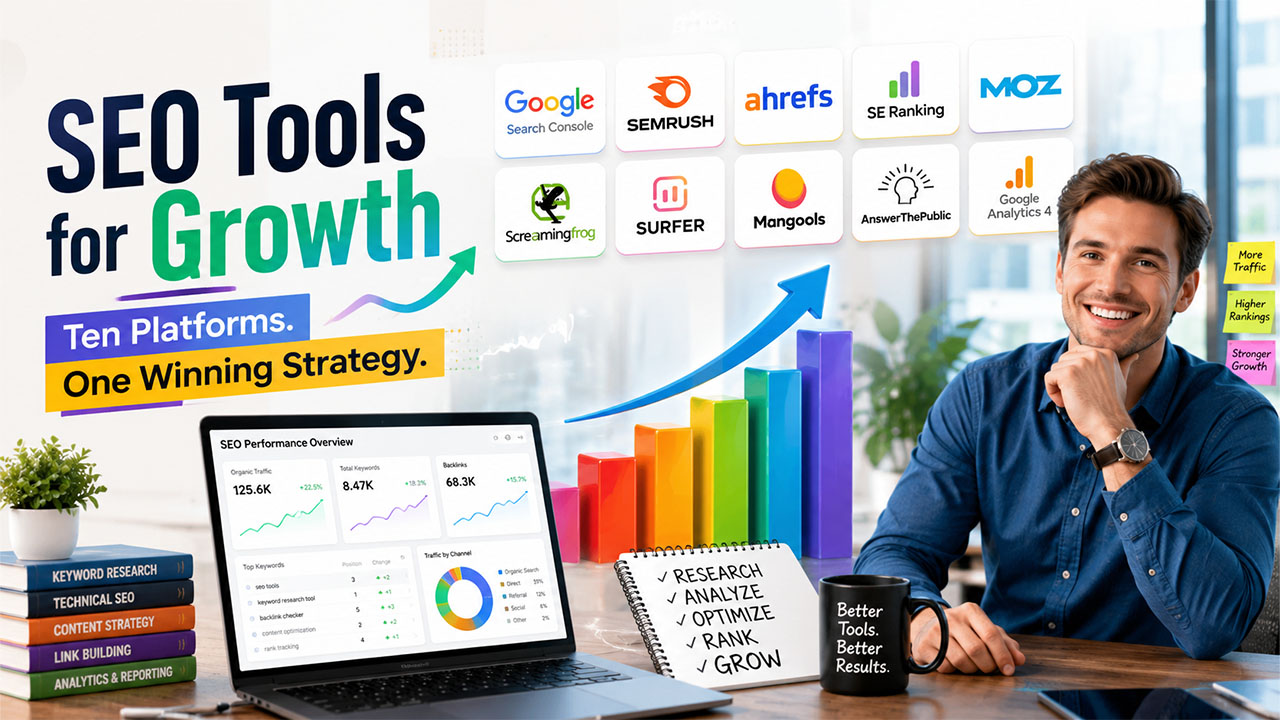
Quick Comparison of the 10 Best SEO Tools
| Tool | Best For | Standout Feature | Starting Price |
| Google Search Console | Everyone, no exceptions | Direct data straight from Google | Free |
| SEMrush | All-in-one SEO platform | 25+ billion keyword database across 140+ countries | ~$140/mo |
| Ahrefs | Backlink & competitor research | One of the largest, most frequently refreshed backlink indexes | $29/mo Starter tier |
| SE Ranking | Budget-conscious agencies | Full SEO suite at roughly a third of SEMrush's price | ~$129/mo (Core) |
| Moz Pro | Beginners, DA benchmarking | Domain Authority, the metric Moz itself invented | ~$49–59/mo (Starter) |
| Screaming Frog | Technical audits | Desktop crawler with four distinct crawl modes | Free (500 URLs) / ~$259/yr |
| Surfer SEO | Content optimization | NLP-based content scoring that updates while you write | ~$99/mo |
| Mangools | New SEO teams | Five simplified tools in one clean dashboard | ~$49-$60/mo |
| AnswerThePublic | Content ideas on a budget | Visual wheel-style keyword clustering | ~$11/mo |
| Google Analytics 4 | Traffic and behavior data | Free, event-based tracking baked into Google's ecosystem | Free |
Note: Pricing is subject to changes in this industry. Always double-check on the vendor site before you plan your budget.
10 Best SEO Tools to Improve Rankings and Organic Traffic: Detailed Breakdown
Now that you've seen the comparison, let's take a closer look at each SEO tool to understand its features, strengths, pricing, and ideal use cases.
1. Google Search Console
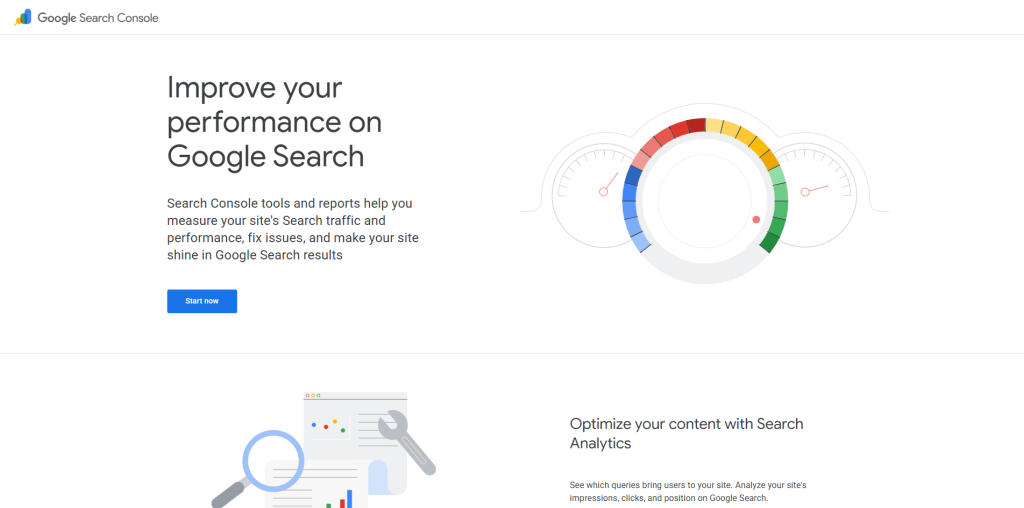
Google Search Console is the only tool that pulls data straight from the source. It does not deliver an estimate or a third-party crawl that tries to guess things from Google lens. It is the real thing, delivered by Google itself.
For instance, you run a blog on WordPress topics, and you're trying to figure out why a post about ecommerce plugins suddenly dropped in traffic. GSC will show you the exact queries that trigger impressions for that page, how your click-through rate shifted week over week, and whether Google flagged any indexing errors around the same time. This kind of page-level insight is also central to search engine positioning, which focuses on optimizing specific pages to outrank named competitors.
Features:
- Shows exact search queries bringing traffic to every indexed page
- Reports impressions, clicks, and average position, filterable by country and device
- Flags indexing errors, crawl issues, and manual actions
- Tracks Core Web Vitals and mobile usability scores
- Allows you submit sitemaps and request indexing for new pages directly
| Pros | Cons |
| Completely free, no tier restrictions | No competitor data at all; only shows your own site |
| Straight from Google, so it's the most accurate source available | Data typically lags two to three days behind real time |
| Catches indexing issues before they tank rankings | Historical data caps at 16 months |
2. SEMrush
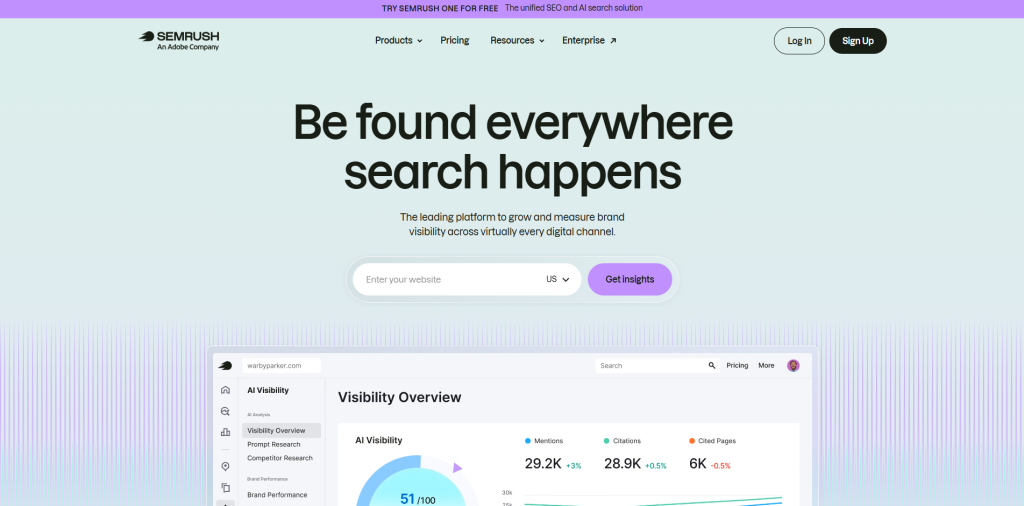
SEMrush offers you keyword research, backlink analysis, site audits, and content optimization into one dashboard. Its keyword database is one of the largest in the industry spanning more than 140 countries.
SEMrush’s competitive gap analysis is what makes it different from other tools. For instance, you want to write content around “CRM for solopreneurs” and want to know about your top three competitors for the same topic, SEMrush's Keyword Gap tool lays that out in a side-by-side comparison in seconds, something that would otherwise take hours of manual searching.
Features:
- Keyword Magic Tool for filtering by search volume, intent, and difficulty
- Competitor keyword gap analysis across multiple domains at once
- Site audit tool that scores and prioritizes technical fixes
- Built-in SEO Writing Assistant for on-page content scoring
- Local SEO tracking and listing management for multi-location businesses
| Pros | Cons |
| One dashboard covers nearly the entire SEO workflow | Entry-level plans are expensive, often starting around $140/month |
| Enormous keyword database across dozens of countries | Can feel like data overload for small or solo teams |
| Strong, fast competitor research | Rank tracking granularity trails dedicated rank trackers |
3. Ahrefs
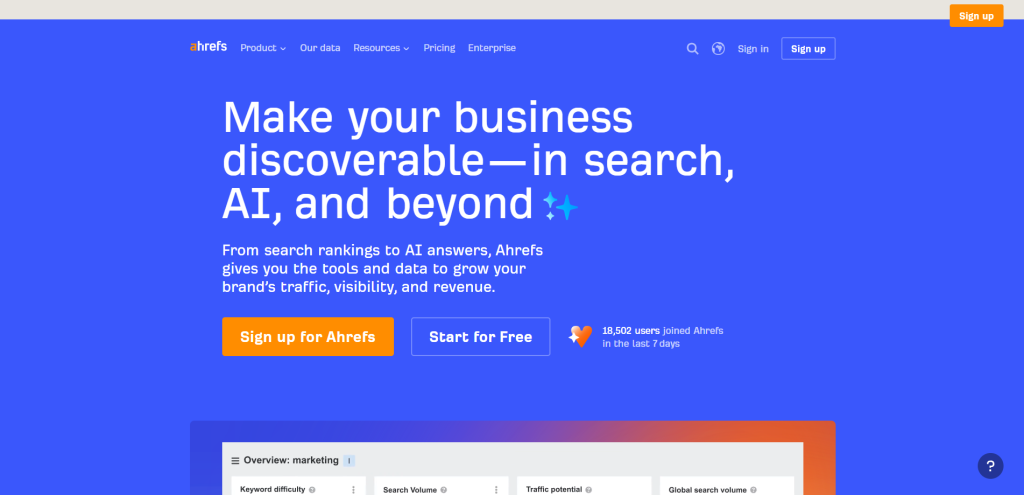
Ahrefs is an ideal option if your strategy revolves around backlinks. It runs one of the largest, most frequently updated backlink indexes in the industry, and its keyword research tools aren't far behind in quality.
A practical example: agencies often use Ahrefs' Content Gap tool to find keywords that competitors rank for, but their clients don't. They also use the Link Intersect tool to identify websites linking to competitors but not to their clients, making it easier to find quality backlink opportunities. That's why it is one of the more effective best link building tools available for outreach targeting.
Features:
- Site Explorer for a full breakdown of any domain's traffic, keywords, and inbound links
- Content Gap tool comparing your keyword coverage against named competitors
- Keywords Explorer with detailed difficulty scoring and parent-topic mapping
- Traffic value estimates that translate keyword rankings into real dollar terms
| Pros | Cons |
| Best-in-class, frequently refreshed backlink data | Pricing climbs sharply at higher, full-featured tiers |
| Excellent for competitor and gap research | No built-in content editor or writing assistant |
| Accurate, well-maintained keyword index | Noticeable learning curve for first-time users |
4. SE Ranking
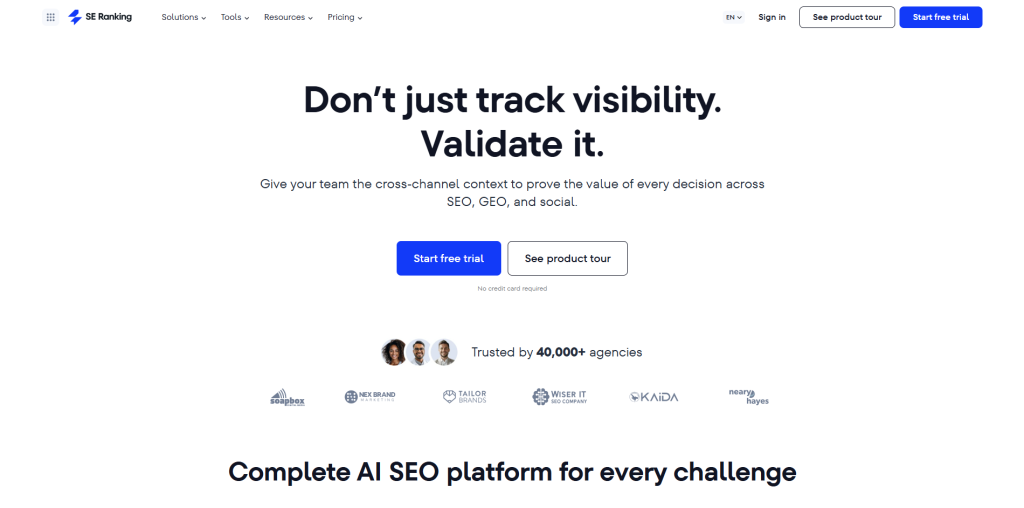
SE Ranking does everything that SEMrush does, at roughly a third of the price. Smaller agencies that need to track everyday ranking and white-label client reports can freely use this tool without having to commit to enterprise-level spending.
Features:
- Daily rank tracking across Google, Bing, and Yahoo
- Competitor keyword gap analysis built into the core dashboard
- Site audit module with a clear technical SEO score
- White-label reporting available starting at the mid-tier plan
| Pros | Cons |
| Full SEO suite at a fraction of SEMrush's cost | Keyword database is noticeably smaller than SEMrush or Ahrefs |
| Clean, low-friction interface for onboarding new team members | AI-powered features are newer and still maturing |
| Genuinely good value for growing agencies | AI-powered features are newer and still maturing |
5. Moz Pro
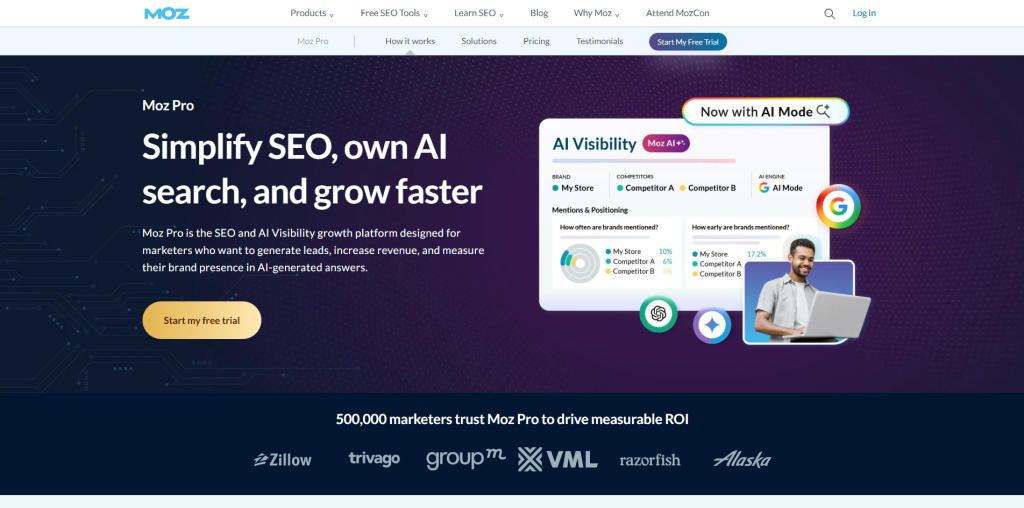
A lot of SEOs use Moz’s vocabulary. Moz is the one that invented metrics like the Domain Authority and Page Authority. It also educates people through its resources like Moz Academy and its long-running Whiteboard Friday series. That makes it a natural fit for teams that are learning SEO fundamentals while using the tool, rather than teams that already know exactly what they're looking for.
Features:
- Domain Authority and Page Authority scoring for quick benchmarking
- Keyword Explorer with SERP feature and opportunity analysis
- Site crawl with prioritized issue detection
- MozBar browser extension for instant on-page checks while browsing
| Pros | Cons |
| Genuinely beginner-friendly interface | Backlink database trails behind Ahrefs in depth |
| Strong educational content built into the platform | DA is a proxy metric, useful for benchmarking but not a direct Google signal |
| Solid all-around starter platform | Pricing runs high relative to SE Ranking for similar feature sets |
6. Screaming Frog SEO Spider
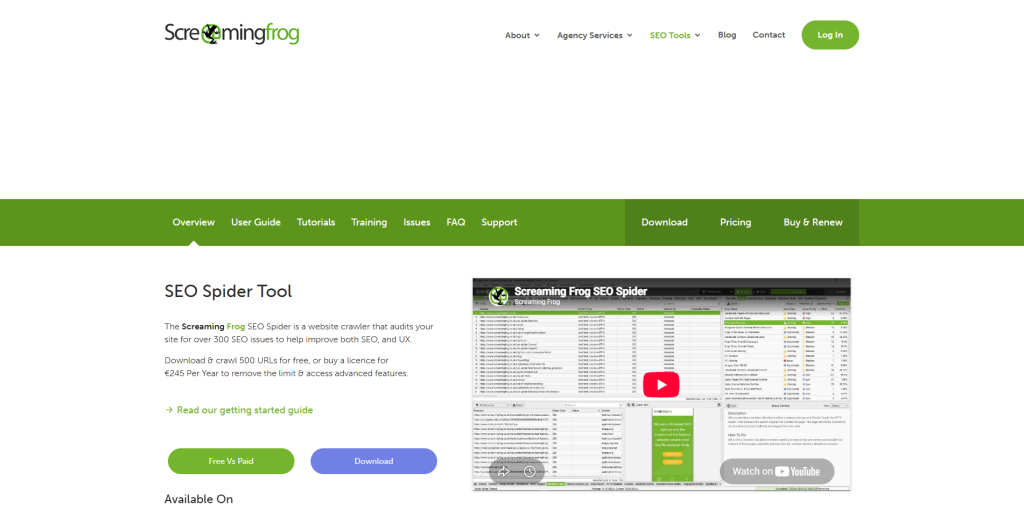
Screaming Frog is a desktop crawler and useful to technical SEOs because it looks deeper into a site’s actual structure than most web-based auditors even attempt. It runs in four different modes such as Spider, List, SERP, and Compare. Each one does a different type of technical research.
For instance, the Compare mode lets you run two crawls before and after a site migration and see exactly what changed, which is invaluable when a client's traffic drops right after a redesign, and they can’t figure out the reason behind it.
Features:
- Crawls thousands of pages to surface broken links, redirect chains, and duplicate content
- Flags missing or duplicate title tags and meta descriptions at scale
- Integrates directly with Google Analytics and Search Console for combined analysis
- Custom data extraction using XPath, CSS selectors, or regex
| Pros | Cons |
| Free tier covers up to 500 URLs, enough for small sites | Requires local installation, not a cloud-based dashboard |
| Extremely granular technical data | Point-in-time audit tool, not continuous monitoring |
| Strong GA and GSC integration | Real learning curve for non-technical users |
7. Surfer SEO
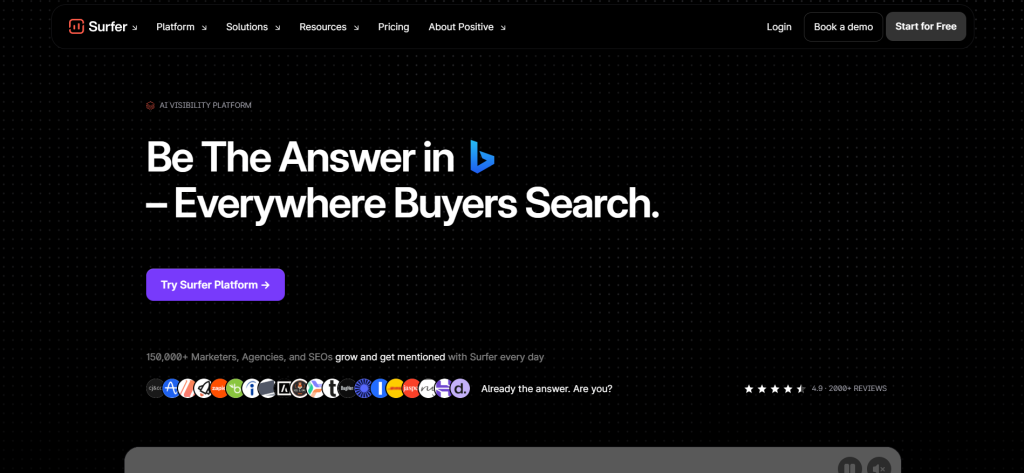
Surfer SEO bridges the gap between researching the keyword and actually writing the content. Type in your keyword and it instantly analyzes the pages that are currently ranking on the top and then provides a Content Score along with specific recommendations such as word count ranges, SEO headings to include, and terms that are missing in your draft.
Here's where it gets genuinely useful: the Content Editor plugs directly into Google Docs and WordPress, so a writer can watch their score improve in real time as they add missing terms.
Features:
- Real-time Content Score that updates as you write
- SERP Analyzer comparing structural elements across top-ranking pages
- Direct integration with Google Docs and WordPress
- Keyword clustering to help build topical authority maps
| Pros | Cons |
| Data-backed content recommendations, not generic checklists | No free plan available |
| Saves substantial manual competitor research time | Pricey for what is essentially a single-function tool |
| Works inside tools writers already use | Can produce robotic-sounding content if followed too literally |
8. Mangools
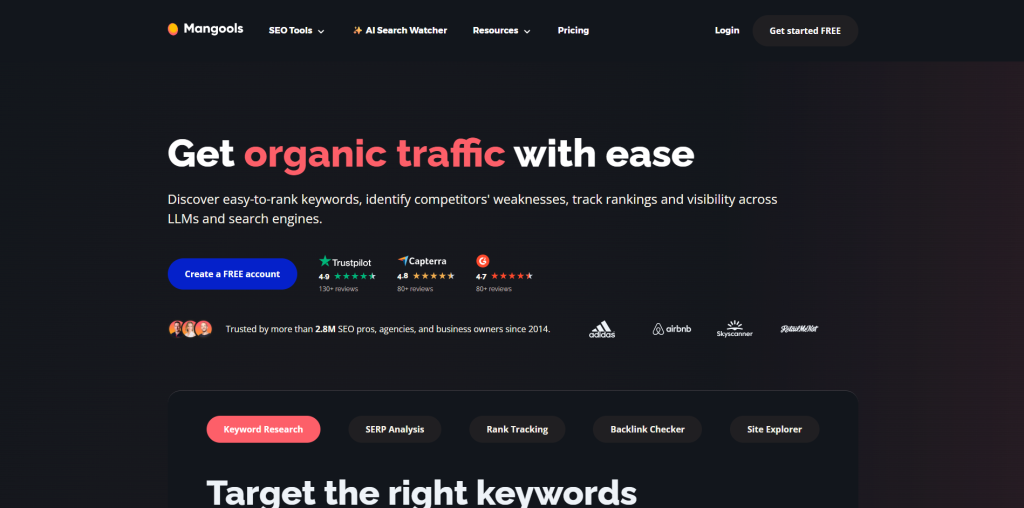
Mangools work best for beginners who find Ahrefs too intimidating. It brings together five tools such as KWFinder, SERPChecker, SERPWatcher, LinkMiner, and SiteProfiler into one interface that organizes your data for your use. KWFinder in particular does deeper keyword research including search volume, difficulty, and long-tail suggestions, without the dozen extra columns.
Features:
- KWFinder for straightforward keyword volume and difficulty scoring
- SERPWatcher to track ranking movement over time with alerts
- LinkMiner for basic backlink opportunity discovery
- SiteProfiler for a quick, full-site SEO snapshot
| Pros | Cons |
| Easy to lean in one go | Daily search limits on lower-tier plans |
| Provides clear, uncluttered metrics | Not built for large-scale enterprise workloads |
| Affordable entry point, starting around $49/month | Noticeably less depth than premium platforms |
9. AnswerThePublic
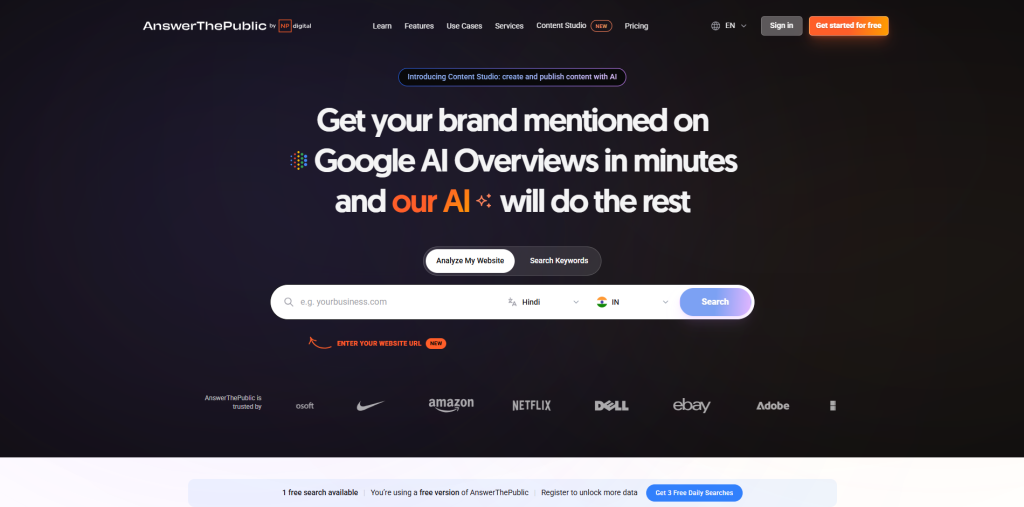
This tool helps you visualize your content strategy. It does not hand you a flat spreadsheet full of keywords. Rather, it visualizes search questions in the form of a wheel, grouped by how, why, and versus. This makes it easy to identify gaps in content.
For content teams brainstorming an editorial calendar, that visual format tends to surface angles that a plain keyword list can’t simply do that.
Features:
- Visual keyword clustering organized by question type
- Search volume and CPC data attached to each term
- Trend alerts for timely, rising topic opportunities
- Exportable data tables and high-resolution images
| Pros | Cons |
| Very affordable, with a lifetime plan option around $119 | Limited strictly to keyword and question research |
| A genuinely unique way to spot content angles | Only pulls data from Google, YouTube, and Bing |
| Simple enough to use with zero learning curve | Not a full SEO management tool on its own |
10. Google Analytics 4
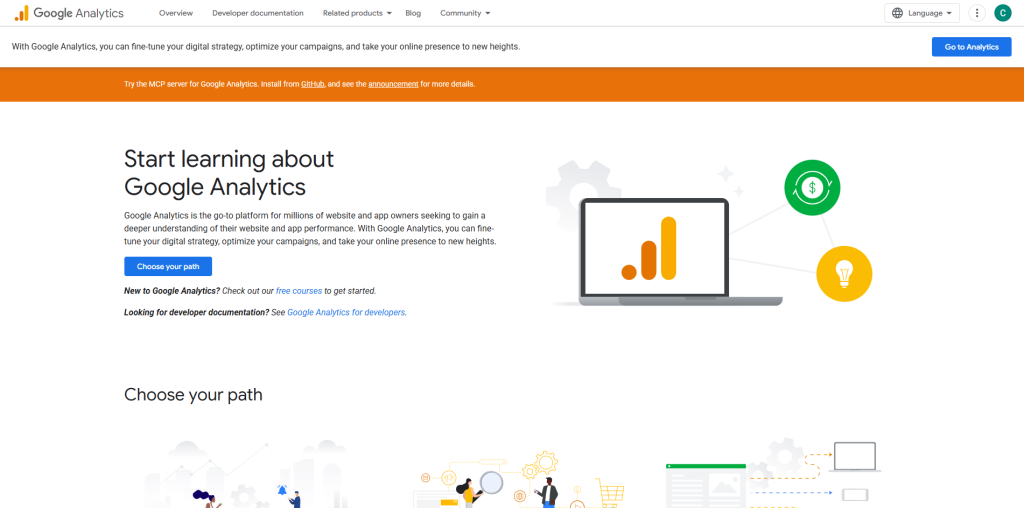
GA4 doesn't track rankings, and it's not trying to. Its job is answering a different question entirely: what happens after someone actually lands on your page? Where do they go next? What makes them convert, and where do they drop off?
For SEO specifically, GA4's integration with Search Console lets you connect organic search queries directly to on-site behavior — so you can see not just that a blog post ranks well, but whether the people clicking through actually stick around, scroll, or bounce within five seconds.
Features:
- Event-based tracking for scroll depth, video plays, clicks, and form submissions
- Deep integration with Search Console for combined organic performance data
- Custom exploration reports for funnel and user-path analysis
- Free BigQuery export for teams that want to run advanced analysis
| Pros | Cons |
| Completely free with effectively no usage cap | No keyword ranking data whatsoever |
| Pairs naturally with Search Console | Interface has a real learning curve compared to older analytics tools |
| Flexible, event-based tracking model | Some standard reports get sampled on very high-traffic sites |
Conclusion: Which Is the Best SEO Tool?
The right question is which combination of tools covers your actual workflow without heavy pay.
If you're a solo blogger, you only need Search Console, GA4, and something easy like Mangools. If you’re running a small agency with a handful of clients, add SE Ranking or SEMrush for research, Screaming Frog for technical checkups, and Surfer for stronger content. Bigger agencies that deal with dozens of clients usually need more powerful tools like Ahrefs, a rank tracker, and reporting tools. good link building tools matter just as much. And juggling too many tools wastes time; that's why all-in-one platforms like GuestPostCRM are gaining popularity.

.png)
.png)