




.png)
.png)
Website traffic is one of the most important performance indicators of the website. Irrespective of whether you are doing a competitor analysis, verifying a potential client, or monitoring your own SEO progress, a traffic checker provides you a quick and data-driven way to check how many visitors a website is attracting and where these visitors are coming from. You do not need to access account or insider data, just the domain name of the website and the right tool.
In this guide, let us cover what website traffic checker really measures, how to read the numbers it provides, and which platforms are worth using for ongoing website traffic analysis.
Understanding a Traffic Checker
A traffic checker is primarily an SEO tool that calculates how many visitors a website receives, organized by sources including paid advertisements, organic search, referrals, or direct visits. Since most of the website do not share their internal analytics publicly, such tools model traffic through signals such as:
- Search volume and keyword rankings for the terms a website actually ranks for.
- Estimated click-through rates as per the ranking position.
- Referral patterns and backlink profiles.
- Historical indexing and crawl data.
The numbers are not an accurate headcount but rather an estimate. However, it is quite close enough to identify real trends: which websites are evolving, which are losing visibility, and how a domain is comparing against the competitors.
Why You Need to Check the Traffic of the Website?
Agencies, marketers, and site owners check overall traffic for a variety of reasons:
- Competitor Research — Check how much traffic a rival website is getting and where it is getting from.
- Client Vetting — Check for yourself a potential client’s website is actually getting the meaningful visitors before sending a strategy.
- Outreach Screening and Guest Post — Stop pitching low-traffic websites will not move the needle on visibility.
- Industry Benchmarking — Keep track of how traffic changes across a niche over time.
- SEO reporting — Assess whether your own optimization efforts are paying off or not.
How to Check Website Traffic (for Any Website)?
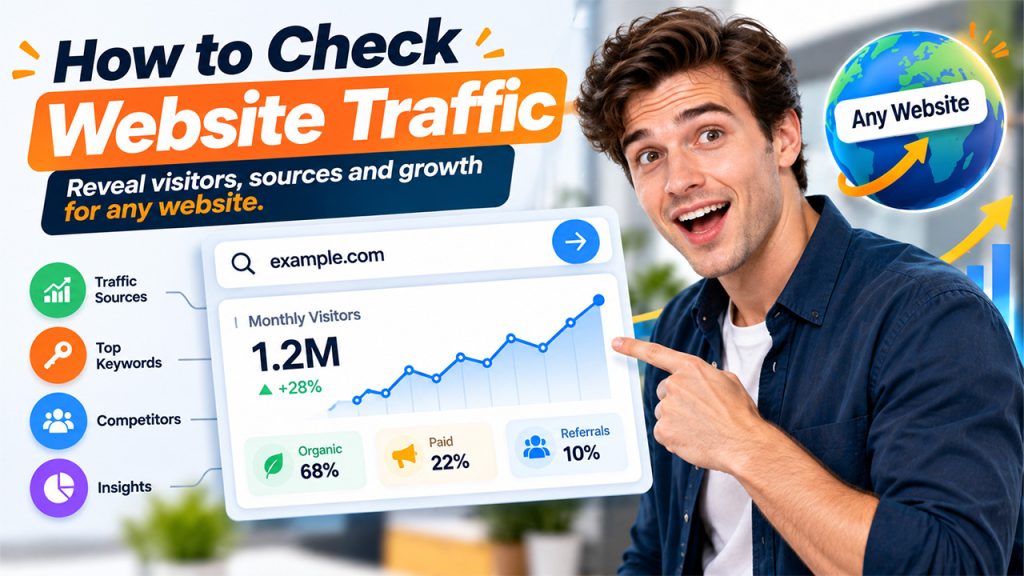
Most tools for checking website traffic follow a standard workflow:
- Enter the domain of your website into the search bar of your tool.
- Explore the overview page, which mainly shows a split between paid and organic traffic.
- See the number of clicks. This showcases the total number of visitors that have reached the website from search results in the periods of most traffic.
- Go deep into the PPC or SEO overview to deeply understand rankings, keywords, and ad spend.
One thing which is worth knowing is this: traffic estimators do not count bot and automated activity before showing the number, which is part of why websites utilize verification systems such as What Is CAPTCHA in the first place. This separates actual human visits from scripted traffic and keeps both security and analytics data clean. When you are comparing the numbers from the traffic checker to the own metrics of the website, keep in mind that a portion of raw hits (including scrapers and bots) are never considered “real traffic” in either of the tools.
What Should You Focus on in Website Traffic Analysis?
A top website traffic analysis goes well beyond a single number. Using SEO Audit Tools alongside traffic data can also help identify technical issues, on-page optimization gaps, and other factors that may affect a website’s search performance. Here is what you have to check:
- Paid vs Organic Split — It tells you whether a website has got its visibility or bought it.
- Monthly Click Trend — flags decline, growth, or seasonal patterns.
- Keyword Count — If keywords are ranking more, it generally means broader and more resilient traffic.
- Traffic Value — This is an estimate of what it can cost to purchase the clicks volume through advertisements.
- Geographical Distribution — It shows whether the audience of the website is focused on a single region throughout the world.
If you wish to go a layer deeper into how a website is actually coming up in search, a detailed SERP Insight review of the ranking keywords of the website can tell you which particular queries are increasing the traffic and where are the content gaps.
Checking a Traffic of Competitor
Doing competitor analysis is one of the most positive use cases of a traffic checker. Essentially, you need to look for:
- Traffic Share among a similar set of websites within your niche.
- Overlapping Keywords — the total number of keywords you both rank for, and who achieves a higher rank.
- Traffic Gaps — Topics or pages where a competitor is attracting heavy traffic and you have not competed yet.
Before you invest time in partnership or outreach decisions as per the traffic numbers of the website, it is also worth using DA PA Checker to see whether the traffic is being generated by an authoritative profile or not. High estimated traffic combined with a spammy, or weak backlink profile is a major red flag.
Checking Daily Traffic Fluctuations
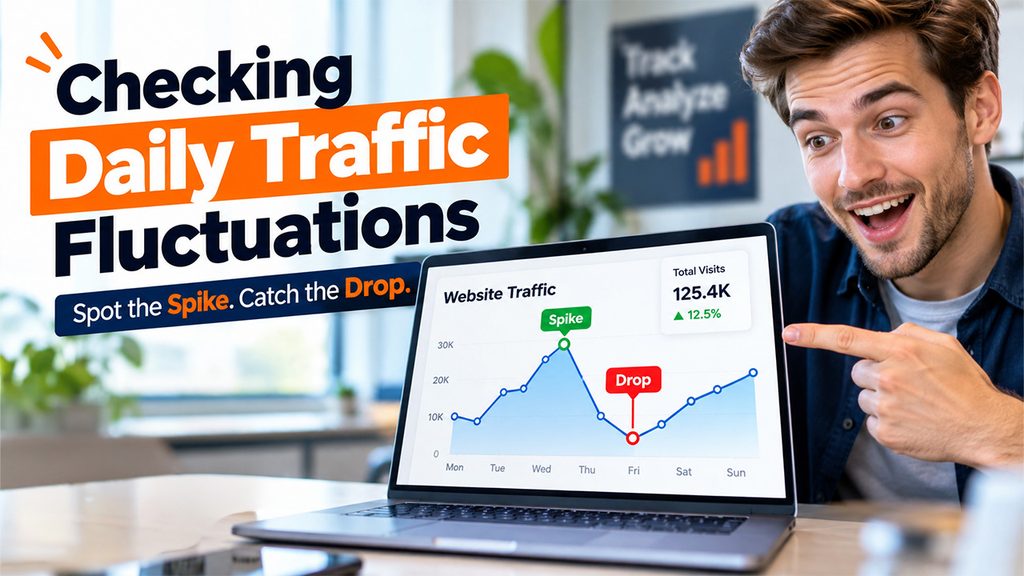
For websites you are keeping track of actively, whether it be a client’s website, your own domain, or the website of a close competitor, daily snapshots of traffic showcase patterns that a monthly total can hide:
- Sudden decrease that might indicate a technical problem or a Google algorithm update.
- Spikes driven by a particular viral post, campaign, or mention.
- Stable daily patterns that setup a baseline for future comparisons.
Most website traffic checker tools automatically update routine snapshots once a domain is included in a tracked list, so patterns become visible without re-checking manually.
Are Third-Party Traffic Checkers Precise?
Third-party traffic checker tools will not be the same as internal Google Analytics numbers of a website, since they give an estimate instead of directly measuring it. However, you can trust them well enough:
- To identify major traffic changes over time.
- Recognize which websites are leaders in a specific market or niche.
- Compare different domains on a level-playing field.
For outreach decisions and competitive research, this level of accuracy is often sufficient. You are looking for scale and direction, not a precise visitor count.
Conclusion
A traffic checker converts guesswork into a data-driven decision, whether you are evaluating a client, researching a competitor, or keeping track of your own growth. Combining regular website traffic analysis with authority checks and keyword-level insights provides you a complete picture than any single metric can. This helps you focus on websites and strategies that are worth your time actually.


.png)
.png)