


.png)
.png)
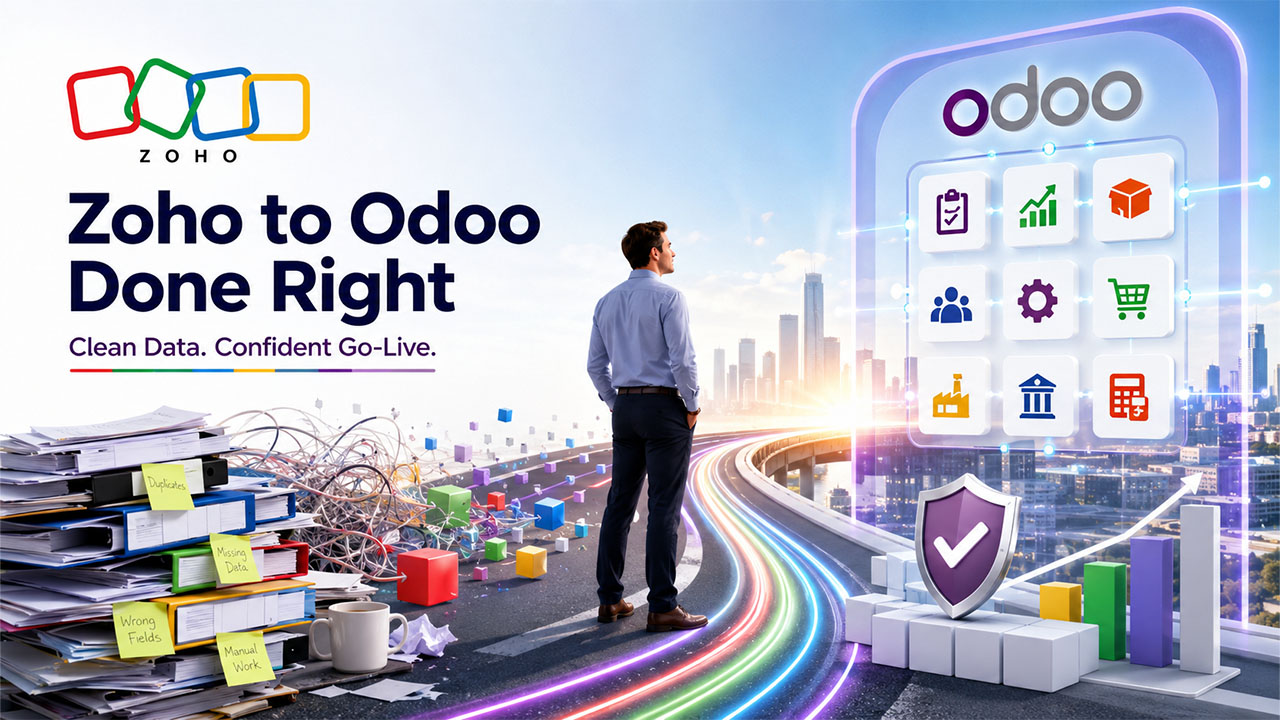
Businesses do not abandon Zoho because they suddenly start disliking it. They leave because it stops being useful to their business. When Zoho hits its limit, order volumes increase, making manufacturing more complex. And gradually, the tool that you worked with for years starts holding your business operations back. This is what forces companies to finally leave Zoho behind and start exploring other options like Odoo. However, not every migration from Zoho to Odoo is successful. Some migrations fail or stall. And the only way to fix them is strategic planning, clean data, and experienced ERP migration services rather than the software itself.
Usually, these types of projects have a pattern. The problems recur and so do the solutions. This guide covers the 12 challenges that most companies face when they shift from Zoho to Odoo, and how experienced teams solve each one.
Quick Answer
Usually, the reason why migration fails is because of messy data, poor planning, weak testing, and low user adoption. Software itself is hardly the reason behind migration failure. And the most feasible way to fix this is employing an experienced Odoo implementation partner who can carry out a phased migration by handling data cleansing, accurate field mapping, validation, and staff training before go-live.
Key Takeaways
- Your data and your process pose risks to migration, not Odoo itself.
- Clean as well as validate your data before you move it, not after.
- Map Zoho fields to Odoo fields with a tested and documented plan.
- Before going live with actual users and records, not sample data.
- A phased rollout is a better than a big-bang switch for the majority of small-and-medium enterprises.
- The best partner in Odoo implementation is the most effective success factor.
Why Businesses Choose to Switch from Zoho to Odoo?
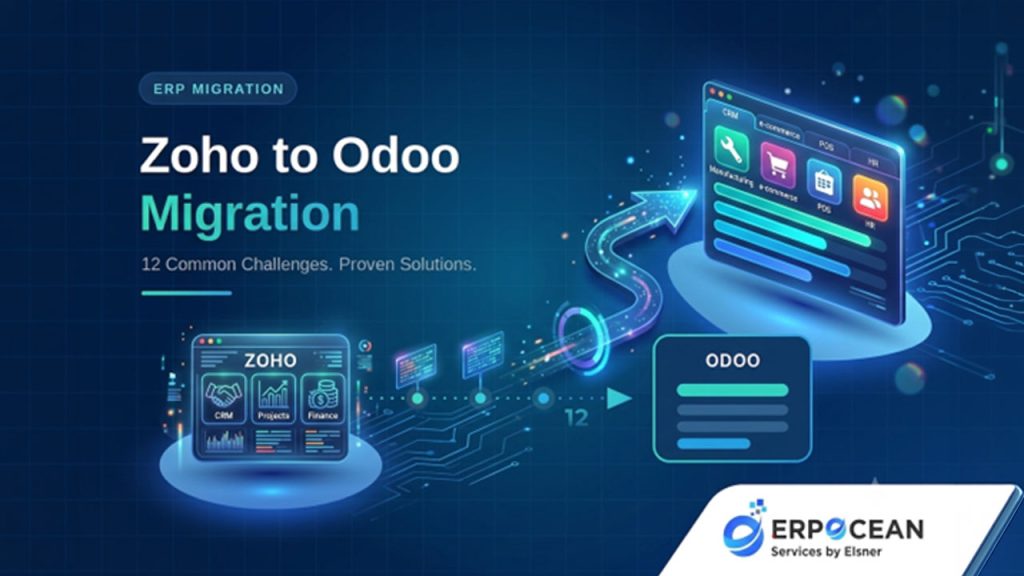
Zoho is a strong suite for early and mid-stage companies. But growth changes what a business needs. Here is why teams switch.
- Scalability: Zoho is an unquestionable choice until process complexity and transaction volume does not outpace it. Odoo scales across more warehouses, users, and entities seamlessly without any friction.
- Customization. Odoo is open source at its core, so you can easily create custom modules and shape workflows around how businesses run actually.
- Manufacturing. Odoo Manufacturing manages work orders, bills of materials, and native routing. Companies overseeing production based on spreadsheets generally go for this alone.
- Inventory. Multi-warehouse logic, lot and serial tracking, and reordering rules are more mature. Wholesale and distribution businesses feel this fast.
- Accounting. Odoo integrates inventory, sales, and finance into a single ledger. Fewer reconciliations, exports, and much more cleaner books.
- Automation. Business easily processes automation across purchase-to-pay, and quote-to-process runs inside a single platform, which eliminates manual handoffs.
- Long-term growth. A single connected environment is better than a group of disconnected apps as you add product lines and locations.
If you need to learn the operational upside in detail, go through this breakdown of Zoho to Odoo migration improves sales and inventory, which can elevate your knowledge.
Is Zoho to Odoo Migration Difficult?
Short answer: it depends on your process and your data, and not on Odoo.
A single-entity and clean business with organized records can migrate in a few weeks. A company with multiple warehouses with a long history of custom Zoho workflows, messy history, and third-party integrations is an entirely different project.
Complexity is often dependent on some factors:
- Data volume and quality. More records and more mess mean more work.
- Number of modules. CRM is simple. CRM plus Inventory plus Manufacturing plus Accounting is not.
- Customizations in Zoho. Custom fields and functions need equivalents in Odoo.
- Integrations. Payment gateways, ecommerce platforms, and shipping tools all need reconnecting.
- Historical data needs. How much history you bring over shapes the whole scope.
None of this makes migration impossible. It makes planning essential.
Common Business Problems Before ERP Migration
It helps to name what pushes companies out of their current setup. Recognize any of these?
- Disconnected systems: Sales in a single tool, inventory in another tool, and accounting in a third. Data does not flow.
- Manual processes: Staff copy numbers between apps by hand. Slow and error-prone. For many growing businesses, this highlights why CRM vs Spreadsheet is no longer a practical debate, as a modern ERP system eliminates repetitive manual work and improves data accuracy.
- Duplicate data: The same customer exists three times with three spellings.
- Reporting issues: Leadership cannot get one clean view without stitching exports together.
- Limited customization: The system will not bend to how the business operates.
- Poor scalability: Performance and cost both worsen as you grow.
- High operational costs: Multiple subscriptions plus wasted staff hours add up quietly.
Odoo can solve these. A bad migration can also make them worse, which is why the next section matters.
Why ERP Migration Projects Fail
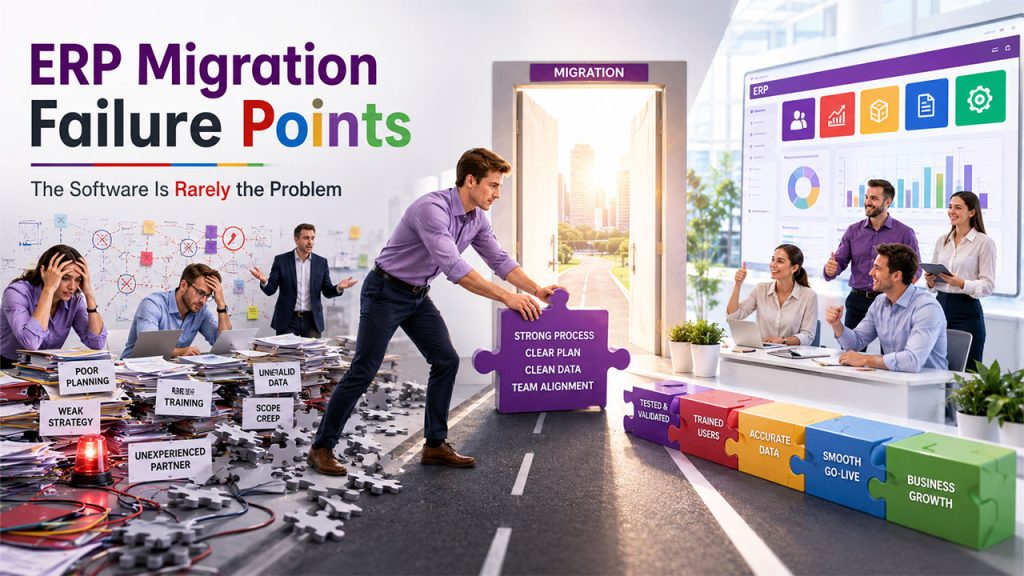
Once you rescue sufficiently failed projects, you can quite easily identify the causes. They rarely involve software:
- Poor planning. Teams jump into data transfer with no scope, timeline, or owner. The project drifts.
- Weak migration strategy. No decision on what moves, what stays, and in what order.
- No testing. The team migrates once, goes live, and finds problems with customers watching.
- Incomplete data validation. Records move but never get checked. Errors surface later in finance.
- Lack of training. The system works, but the staff does not. Adoption collapses.
- Scope creep. New requirements get bolted on mid-project. Budgets blow out.
- Poor implementation partner. An inexperienced team learns on your project.
Notice the theme. Every failure point is a people and process failure, not an Odoo limitation.
Signs Your Business Needs ERP Migration
Not sure if it is time yet? These symptoms usually mean yes.
- Your team spends hours reconciling numbers across different tools.
- You cannot trust stock figures without a physical count.
- Month-end close drags on far longer than it should.
- You have hit a wall in customizing your current system.
- Reporting needs manual spreadsheet gymnastics every week.
- Growth has slowed because your systems cannot keep up.
- You pay for several tools that still do not talk to each other.
Three or more sound familiar? An ERP migration is worth a serious look.
12 Common Zoho to Odoo Migration Challenges (And Proven Solutions)
1. Poor Migration Planning
Teams treat migration as a data copy task instead of a business project.
- Why it happens: Leadership often underestimates the work and skips discovery.
- Business impact: Surprise costs, missed deadlines, and lost momentum halfway through.
- Proven solution: Launch a ERP migration strategy and discovery phase first. Ensure documentation of the Zoho setup, determine modules and scope, and create a timeline with owners.
- Expert tip: Have a record of what you are currently not migrating. Exclusions help in avoiding more chaos than inclusions.
- From the field: A company decided to migrate for three months and failed because there was no documented scope. Then, the company spent one week on discovery, and the actual migration then ran more quickly than it did in the failed three months.
2. Dirty or Duplicate Data
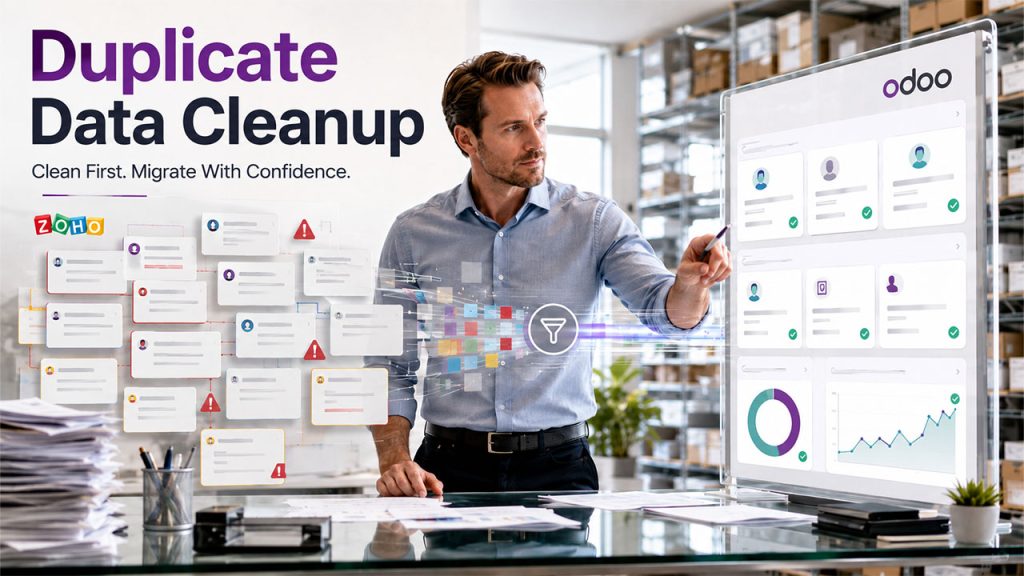
Years of use leave Zoho full of duplicate customers, dead products, and half-finished records.
- Why Does It happens: Nobody cleans data while operating. It just accumulates.
- Business impact: Wrong reports, confused staff, and a new system that feels as broken as the old one.
- Proven solution: Run a data cleansing pass before migration. Deduplicate, standardize formats, and fix incomplete entries.
- Expert tip: Clean at the source in Zoho first. It is easier than cleaning mid-transfer.
- From the field: One retailer had roughly 18 percent duplicate contacts. We cleaned the customer master before touching Odoo, and reporting was trusted from day one.
3. Incorrect Data Mapping
Zoho and Odoo do not store data the same way. Guess the mapping and records land in the wrong place.
- Why it happens: Teams assume the two systems match. They do not.
- Business impact: Broken records, mismatched fields, and hours of manual cleanup after go-live.
- Proven solution: Build a documented data mapping sheet. Every Zoho field gets a defined Odoo destination, with rules for custom fields.
- Expert tip: Use external IDs during import so you can update or roll back records cleanly.
- From the field: A manufacturer had custom Zoho spec fields with no obvious Odoo home. We mapped them to product attributes and variants, which improved how they ran their catalog.
4. Data Loss During Migration
Attachments disappear. Records vanish. Historical transactions do not migrate.
- Why This Happens: No reconciliation, no backup, and a quick one-shot transfer.
- Business impact: Lost compliance gaps, history, and finance figures that are no longer synchronized.
- Proven solution: Take a complete Zoho backup first. Ensure migration in controlled batches.
Reconcile key totals and counts after each batch. - Expert tip: Match the control totals, not only row counts. Even if the invoice count is same, it would mean nothing if the values are wrong.
- From the field: At the time of migration of ERP data, a company did a reconciliation and spotted a currency rounding problem before going live. The issue was caught in testing. The client never observed the wrong number.
5. ERP Integration Issues
Your Zoho setup rarely lives alone. Ecommerce stores, payment gateways, and shipping tools all tether to one another, and such links often disconnect on the move.
- Why This happens: Integrations are often discovered later on, often after going live.
- Business impact: Orders do not synchronization anymore; payments do not record anymore, and routine operations grind.
- Proven solution: Map every integration during discovery. Re-establish every connection through verified connectors or Odoo APIs, then test throughout.
- Expert tip: Rank each integration in terms of criticality. Recreate the ones that are revenue-critical first.
- From the field: An e-commerce seller had a payment processor, store, and courier all connected to Zoho. The system integration was rebuilt in Odoo, and the full order lifecycle was tested before going live.
6. Business Process Mismatch
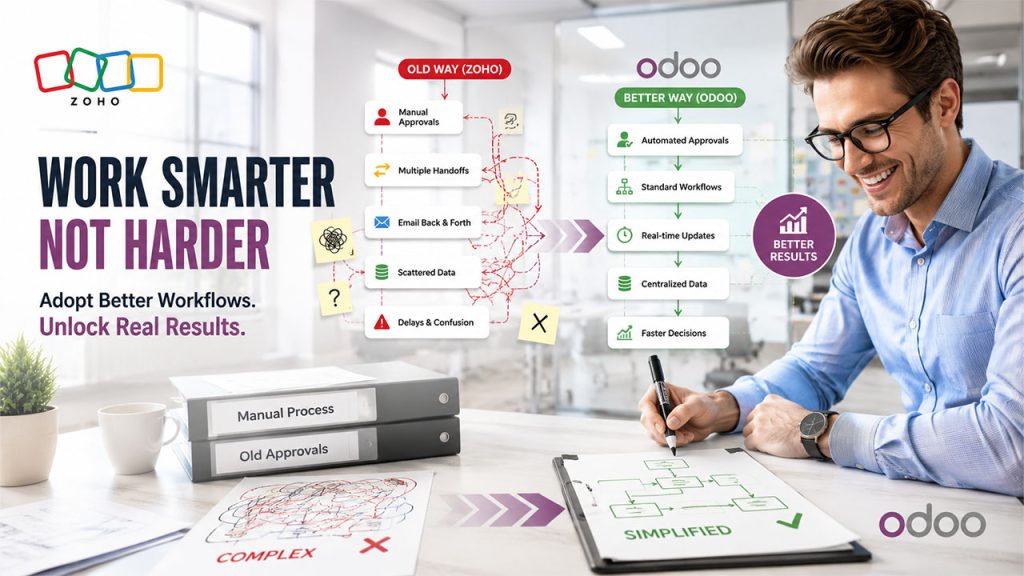
Companies often aim to force their precise Zoho workflow into Odoo. Generally, it does not align, since Odoo has its own, sometimes better, way of doing things.
- Why This Happens: Teams need the new system to work like the older one.
- Business Impact: Lost efficiency, awkward workarounds, and frustration with a platform that can help.
- Proven solution: Review core workflows during implementation. Adopt Odoo standard processes where they are stronger. Personalize only where you genuinely need to.
- Expert tip: Avoid the mindset "we have always done it this way." Migration is the best time for business workflow optimization.
- From the field: A wholesaler ran a clunky manual approval chain. We replaced it with Odoo automated approval rules and cut their quote turnaround by two days.
7. Custom Module Migration Problems
Heavily customized Zoho setups carry functions with no direct Odoo equivalent. These get rebuilt, not copied.
- Why This Happens: Custom logic remains invisible until someone makes an effort to move it.
- Business Impact: Missing automation, broken features, and a system that yields even less performance than the old on the first day.
- Proven solution: Audit customizations early. Rebuild what matters as native Odoo modules through
an experienced Odoo development company. Retire what no longer earns its keep. - Expert tip: Not every old customization deserves to survive. Question each one.
- From the field: A services firm had a custom Zoho commission calculator. We rebuilt it as a native module tied to sales orders, removing a monthly manual spreadsheet.
8. User Resistance
Staff know Zoho. Change threatens that comfort. If people quietly refuse to adopt Odoo, the whole investment underperforms.
- Why This happens: Change is tricky, and teams often fear being slow in a new platform.
- Business impact: Shadow spreadsheets, low adoption, and data the never completely exists in Enterprise Resource Planning.
- Proven solution: Get key users involved early on. Run role-based user training on real scenarios. Name internal champions who help their peers.
- Expert tip: Train people on their daily tasks, not a generic feature tour. Relevance drives adoption.
- From the field: At one client, warehouse staff resisted hardest. We trained them on barcode receiving, and within two weeks they preferred it to the old manual method.
9. Downtime at the Time of Migration
Organizations often worry that switching between platforms can freeze the business. If the project is not run properly, it very well can.
- Why This happens: A big-bang cutover with no plan for fallback.
- Business Impact: ERP downtime during lost sales, business hours, and dissatisfied customers.
- Proven solution: Plan the transition in the low-business window. Run a final delta sync of recent data. As a short-term fallback, ensure that the old system remains readable.
- Expert tip: Create the schedule centered around your calendar, and not the vendor’s. Avoid month-end or peak season transition.
- From the field: A retailer went live over a quiet weekend. The bulk of the data was moved midweek, synchronized only new transactions on the weekend, and on Monday, everything resumed with no friction or visible interruption.
10. Budget Overruns
The overall cost of the project rises more than expected. This almost always goes back to discovery and scope, and not the hourly rates.
- Why This happens: Hidden complexity, vague scope, and mid-project additions.
- Business Impact: Stalled work, blown budgets, and trust issues with the partner.
- Proven solution: Create a detailed statement of work and fix your scope. Handle change requests
through a formal process. Get a clear view of Odoo implementation cost drivers up front. - Expert tip: Question your partner what generally causes overruns on projects such as yours. If your partner is good, you can expect an honest answer.
- From the field: A client burned once by a vague fixed quote came to us wary. We scoped by module with transparent assumptions, and they finished within five percent of the estimate.
11. Weak Testing Before Go-Live
Teams often test with a bunch of sample records, declare the result as successful, and then go live. Real data then exposes what was missed.
- Why This happens: Testing often feels like a delay when everyone is expecting to launch.
- Business Impact: Errors get revealed during product, often in front of investors or customers.
- Effective Solution: Test with actual users and migrated data. Run full transaction cycles. Execute user acceptance testing if any user goes live or signs off.
- Expert tip: Get the end users to test their own routine workflows. They find issues consultants never will.
- From the field: In one UAT round, a salesperson found a tax rule that applied wrongly to a product group. We fixed it before it hit hundreds of live orders.
12. Choosing the Wrong Implementation Partner
This challenge quietly causes most of the others. A partner who is inexperienced often converts a manageable project into a painful one.
- Why This Happens: Businesses choose pricing as the deciding factor and end up with a generalist with no detailed knowledge on Odoo implementation.
- Business impact: Wasted budget, routine failures, and at times, a complete restart with a fresh team.
- Proven solution: Select an experienced Odoo implementation company with an actual track record in migration, documented methodology, and references.
- Expert tip: A cheap partner who fails is the most expensive option there is. Judge on capability, not just quote.
- From the field: More than half the rescue projects I take on share one root cause: the first partner had barely touched Odoo. The right Odoo implementation partner is the single biggest factor in success.
Challenge Comparison Table
| Challenge | Business Impact | Solution | Expected Result |
| Poor planning | Delays and cost overruns | Discovery and migration strategy phase | Predictable, on-track project |
| Dirty Data | Wrong reports, confusion | Data cleansing before transfer | Trusted data from day one |
| Incorrect Mapping | Records in wrong places | Documented data mapping sheet | Clean, correctly placed records |
| Data Loss | Lost history, compliance gaps | Backup, batching, reconciliation | Complete, verified data |
| Integration Problems | Broken operations | Rebuild via Odoo APIs and connectors | Fully connected systems |
| A Mismatch in Process | Lost efficiency | Adopt Odoo standard workflows | Optimized, faster processes |
| Custom module Issues | Missing features | Rebuild as native Odoo modules | Full functionality retained |
| User Resistance | Low adoption | Role-based training and champions | High user adoption |
| Downtime | Lost sales | Off-hours phased cutover | Minimal or zero disruption |
| Budget Overruns | Blown budgets | Fixed scope and change control | Costs kept on plan |
| Weak Testing | Errors in production | UAT with real data and users | Stable, error-free go-live |
| Wrong Partner | Repeated failures | Experienced Odoo partner | Smooth, successful migration |
What Are the Right Practices for an Effective Zoho to Odoo Migration?
If you have to follow anything from this guide, you should follow the checklist below. Such habits separate easy migrations from difficult ones:
- Migration planning. Define modules, scope, timeline, and owners before moving your data. Planning is cheaper and poses less risks than fixing.
- Data cleansing. Deduplicate and standardize records first. Never migrate a mess and hope to sort it later.
- Data validation. Reconcile counts and control totals after every batch. This proves nothing was lost.
- Testing. Test with real data and real users, running full transaction cycles through UAT.
- Employee training. Train on daily tasks by role. Confident users decide adoption.
- Phased rollout. Migrate in stages where you can. Smaller steps mean smaller risks.
- Backup strategy. Keep a full Zoho backup and a readable fallback for a defined period.
- Post-migration support. Line up support for the first weeks. Fast answers protect adoption.
- Performance monitoring. Watch system performance and user behavior after launch, and tune out friction early.
Handle these well, and most of the 12 challenges above never get the chance to hurt you.
Why Choose ERPOcean for Your ERP Migration Services?
Migrations succeed or fail on execution. That is where the right team earns its keep.
ERPOcean supports businesses through the full journey rather than a single step. It begins with ERP consultation to comprehend your objectives and operations, then moves into comprehensive migration planning that determines the scope before movement of any data.
As far as the technicalities are concerned, the team manages ERP data with effective mapping, cleansing, and reconciliation, so records arrive in a correct and complete way. Where you need it, ERP customization and native module development shape Odoo around how you actually work.
Testing is treated as non-negotiable: real data, real users, and real transaction cycles. Deployment is planned around your calendar to keep downtime minimal. After launch, training builds user confidence, and ongoing support keeps momentum while the system beds in.
The goal is simple. A migration that feels boring, because boring means nothing broke. You can explore the full Odoo implementation services to see how the pieces fit together.
Conclusion
Zoho to Odoo migration cannot be considered risky just because Odoo is hard. It is often risky because most businesses skip the planning stage, ignore the data, and do not spend time with thorough testing. Each challenge here is completely avoidable, and the solutions above are tried and tested.
The lessons repeat. Plan before you move. Clean before you migrate. Validate before you trust. Test before you launch. Train before you expect adoption. And work with a partner who has done this many times.
If your business has outgrown Zoho, run an honest ERP readiness check against the signs above. Then bring in experienced ERP migration services to turn a risky switch into a smooth one. To take the next step, explore ERPOcean's Odoo implementation and migration services and start your move on solid ground.



.png)
.png)