





.png)
.png)
There is no shortage of tasks for professionals these days. What they lack is the time to finish all of them. Between overflowing inboxes, back-to-back meetings, and consistent flow of notifications, remaining focused is non-negotiable. Thus, this is the exact issue that the productivity tools were built to solve.
The right productivity platform does a lot more than streamline a to-do list. They minimize routine manual work, ensure that teams remain aligned without constant status-check meetings, and provide professionals with valuable hours that used to disappear into busy work. However, with thousands of applications competing for attention, selecting the wrong ones can increase frustration instead of removing it. In this detailed guide, let us break down the best 5 productivity tools worth utilizing in 2026, along with how to assess which ones align with how your team operates.
What are Productivity Tools?
Productivity tools are a type of software or digital solution that help individuals and teams in working more efficiently, stay organized, manage tasks, and collaborate effectively. The main aim of these tools is to reduce the time and effort required to complete tasks, while also improving the overall performance of individuals or teams.
In the current digital workplace, productivity tools play a crucial role in helping professionals manage increased workloads, communicate seamlessly, and focus on high-value tasks.
Common Types of Productivity Tools
There are various types of productivity tools available across the internet, each designed to offer specific features to users. Some of the popular types of productivity tools include:
- Task Management Tools: These tools help the user in creating, organizing, prioritizing, and tracking tasks efficiently.
- Collaboration Tools: These types of tools enable seamless collaboration between teams. It also allows easy sharing of information.
- Note-Taking and Knowledge Management Tools: This type of productivity tool helps in capturing ideas, creating documentation, and organizing knowledge.
- Time Management Tools: The time management tools help users in scheduling work, tracking time, and improving focus.
- Automation Tools: The automation tools help in reducing manual efforts by simply connecting apps and automating workflows.
How It Help Improve Workplace Productivity?
The productivity tools help professionals or teams simplify the work processes, reduce unnecessary efforts, and improve communication. It also helps employees focus on high-impact tasks instead of repetitive or disorganized work. In the modern workplace, productivity tools act as the backbone of efficient collaboration and time management.
Some of the keyways productivity tools help improve workplace efficiency are as follows:
- Reduce Time Wasted on Repetitive Tasks: Productivity tools help in reducing repetitive manual work, like sending follow-up emails, updating spreadsheets, and assigning tasks. Productivity tools feature various automation capabilities that handle these repetitive tasks automatically.
- Improve Task Organization and Prioritization: The task management tools help the team with structured workloads by allowing the professionals to create, assign, and prioritize tasks.
- Enhance Team Collaboration: Productivity tools offer a centralized communication platform that makes team collaboration faster and easier. It also allows seamless sharing of updates, files, and feedback.
- Enable Real-Time Collaboration: The modern productivity tools also allow multiple individuals to work on the same document or project simultaneously, which eliminates delays caused by version control issues or file sharing.
Businesses looking to streamline their sales pipeline can also explore our comprehensive guide on lead management software to understand how automation can improve lead conversion and team productivity.
Top 5 Productivity Tools
There are various popular tools that enhance workplace productivity for individuals and teams. Some widely used workplace tools include Notion, Google Workspace, Microsoft 365, Todoist, Slack, and Trello, among others.
A quick comparison of top 5 productivity tools is as follows:
| Productivity Tools | Task Management | Team Collaboration | Project Management |
| Notion | Good | Good | Good |
| Google Workspace | Moderate | Excellent | Low |
| Microsoft Suite | Moderate | Excellent | Moderate |
| Todoist | Excellent | Moderate | Low |
1. Notion
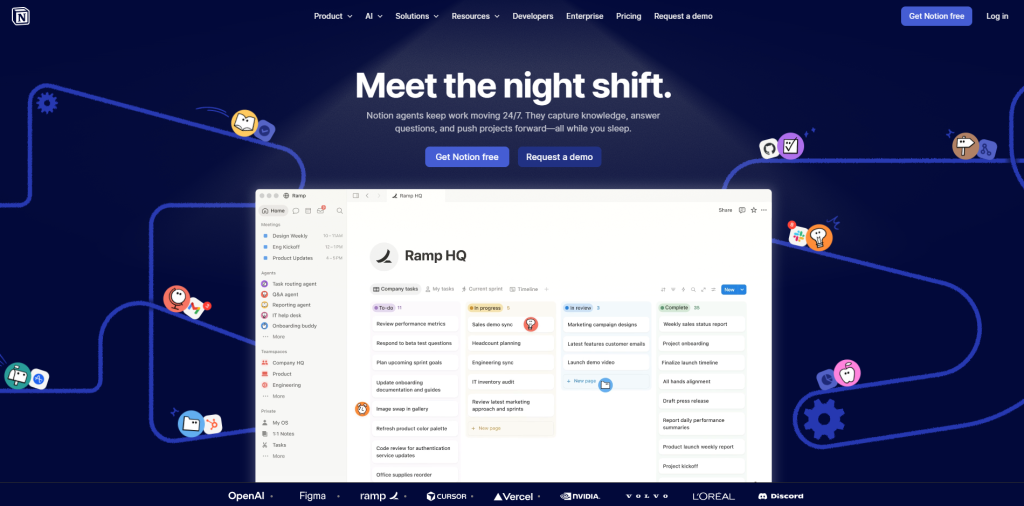
Notion is considered an all-in-one workspace that combines notetaking, documentation, task management, databases, and team collaboration in a single platform. The tool manages projects, knowledge bases, and notes with a customizable workspace.
Ideal For
- Startup
- Content Team
- Project Managers
- Freelancers
Key Features
- Notes, wikis, and documentation
- Project and task management
- Databases and custom dashboard
Benefits
- Consolidates multiple tools in one platform
- Highly customizable for individuals and teams
- Excellent for knowledge management
Limitations
- Steep learning curve
- Overly complex
2. Google Workspace

Google Workspace is a cloud-based productivity suite that includes various tools, like Gmail, Docs, Sheets, Slides, Meet, Drive, and other collaboration tools. It offers various features, like real-time editing, and allows multiple users to work on documents simultaneously. While it excels in collaboration, businesses looking for advanced project management strategies may require additional specialized tools. When weighing Google Workspace pricing for small‑team deployments, many growing SMEs also consider Lark. This unified platform combines document collaboration, messaging and meeting functions within one integrated workspace.
Ideal For
- Remote Teams
- Educational Institutions
- Small Businesses
Key Features
- Real-time collaboration
- Drive cloud storage
Benefits
- Industry-leading real-time collaboration
- Easy sharing and document management
- Cloud-first accessibility
Limitations
- Limited advanced project management
- Weak offline functionality
3. Microsoft Suite
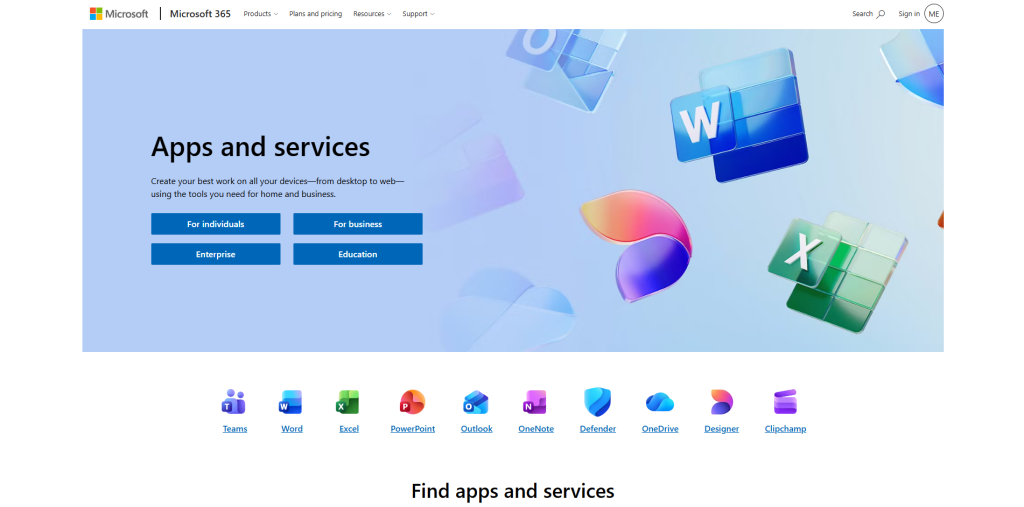
Microsoft 365 is a comprehensive productivity suite that includes Word, Excel, PowerPoint, Outlook, and Teams, among others. The suite combines various desktop applications, which features cloud-based collaboration.
Ideal For
- Enterprises
- Large Organizations
- Finance Teams
Key Features
- Advanced workspace tools
- Easy integration
Benefits
- Enterprise-grade security and compliance
- Advanced spreadsheets and data-analysis capabilities
- Powerful desktop application
Limitations
- Higher complexity for new users
- More expensive compared to alternatives
4. Todoist
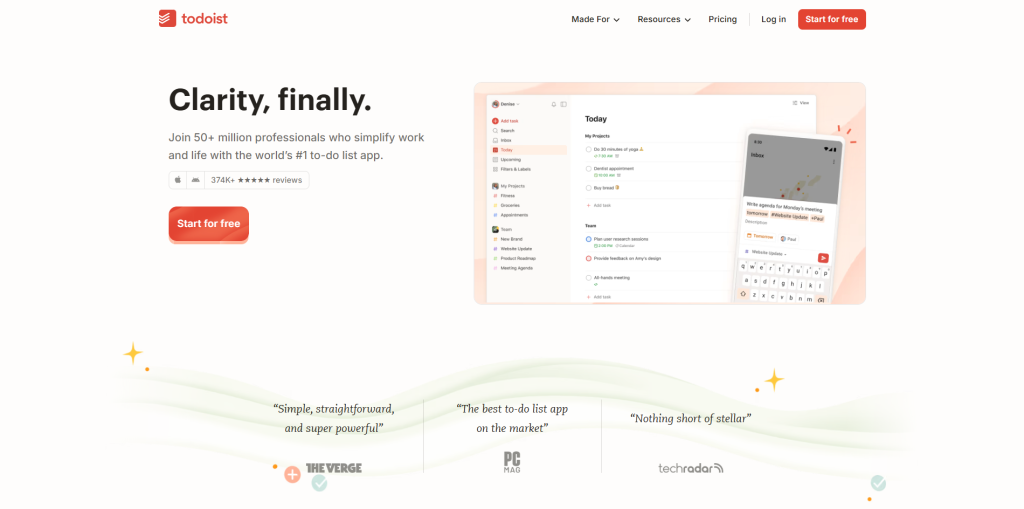
Todoist is a powerful and simple task management application, which is especially designed to help individuals and teams efficiently organize their work. The platform allows users to create tasks, set deadlines, assign priorities, and track progress.
Ideal For
- Individuals
- Freelancers
- Students
Key Features
- Task management
- Recurring tasks
- Priority levels
Benefits
- Simple and intuitive interface
- Quick task capture
- Excellent recurring task management
Limitations
- Limited document management
- Basic collaboration features
Choosing the Right Productivity Tools
The selection process of productivity tools mainly depends on understanding the main issues and identifying what can actually solve these challenges. The main goal of selecting the right productivity tools is to build a simple and effective system that can support how the team works.
The process of selecting the right productivity tools involves the following steps:
1. Understand Real Work Problems
Before selecting any tools, it is essential to understand what real work problems are. Users need to understand why:
- Tasks are getting lost or missing.
- Communication is scattered across emails and chats.
- Repetitive tasks eating up your time.
Once the user identifies the core issue, they can choose the tool that solves the specific problem instead of collecting unnecessary apps.
2. Prefer Simple and Easy to Use
The main purpose of productivity tools is to save time. If the tool is too complex to use, it consumes more time and eventually defeats its purpose.
3. Check for Integrations
Productivity tools cannot work in isolation. The best productivity tool should integrate with various other software and tools seamlessly. Good integration support reduces duplicate work and prevents information silos.
4. Consider Team Size and Collaboration
Selecting the right tool depends heavily on the size of the team. Whether you are working alone, in a small team, or in a large organization.
How to Measure the ROI of Productivity Tools?
Adopting a new platform is simpler than you think. However, measuring whether it was worth the time and effort is another matter. Before purchasing any subscription plans and training time to any productivity tool, it aids to monitor a few core impact indicators:
- Time Saved Per Each Task: Compare how long-term repetitive work, including follow-ups, status updates, report creation took before and after the platform was introduced.
- Reduction in Missed Deadlines: A significant drop in overdue tasks or late deliverables is one of the most notable signs a task management platform is operational.
- Lesser Platforms in the Stack: If a new platform enables you to retire from two or three older applications, that consolidation itself becomes a measurable productivity advantage.
- Employee Adoption Rate: A platform only ensures Return on Investment if people actually utilize it. Low active usage daily, even months after the rollout, is a clear sign of low adoption, which is worth investigating.
- Meeting Time Reduction: Platforms that enhance async collaboration generally show up as shorter or fewer meetings. This frees up the calendar time for work that requires more focus.
Keeping track of such metrics for 60-90 days after the adoptions gives you a much clearer picture than instinct alone, making it simpler to justify or even reconsider the platforms in your stack.
Limitations of Productivity Tools
The productivity tools offer various advantages, but also include various challenges. Some of the major limitations of productivity tools are as follows:
- Learning Curve and Training Requirement: The productivity tool requires extensive training to master the platform. This initially leads to a drop in productivity and also requires time and resources.
- Tool Overload and Complexity: Organizations often adopt multiple productivity tools, which leads to "tool overload", in which the employees spend more time switching between applications.
- Technology Dependency: The productivity tools heavily rely on internet connectivity, software availability, and system performance. Any technical issues can disrupt the complete workflow, affecting productivity.
Conclusion
Productivity in 2026 is not about cramming more into the workday. It is about eliminating the friction that stops professionals from delivering the best performance. The right mix of productivity platforms manages the routine and low-value tasks automatically, so your attention and time naturally go toward getting the key work done.
Google Workspace, Notion, Microsoft Suite, and Todoist each solve a distinct piece of the productivity puzzle, from managing tasks to enabling real-time collaboration. However, no platform works in isolation. The real advantage comes from choosing tools that align with your team's workflow, measuring the time they save, and staying open to new solutions as technology evolves. When used strategically, productivity tools become more than just software—they become a competitive advantage for your business.



.png)
.png)