



.png)
.png)
The blog offers readers an explanation related to unblocked websites and how to access these websites using an unblock website browser. The blog also provides a comparison between the top 5 unblock websites, along with the benefits and limitations of such websites.
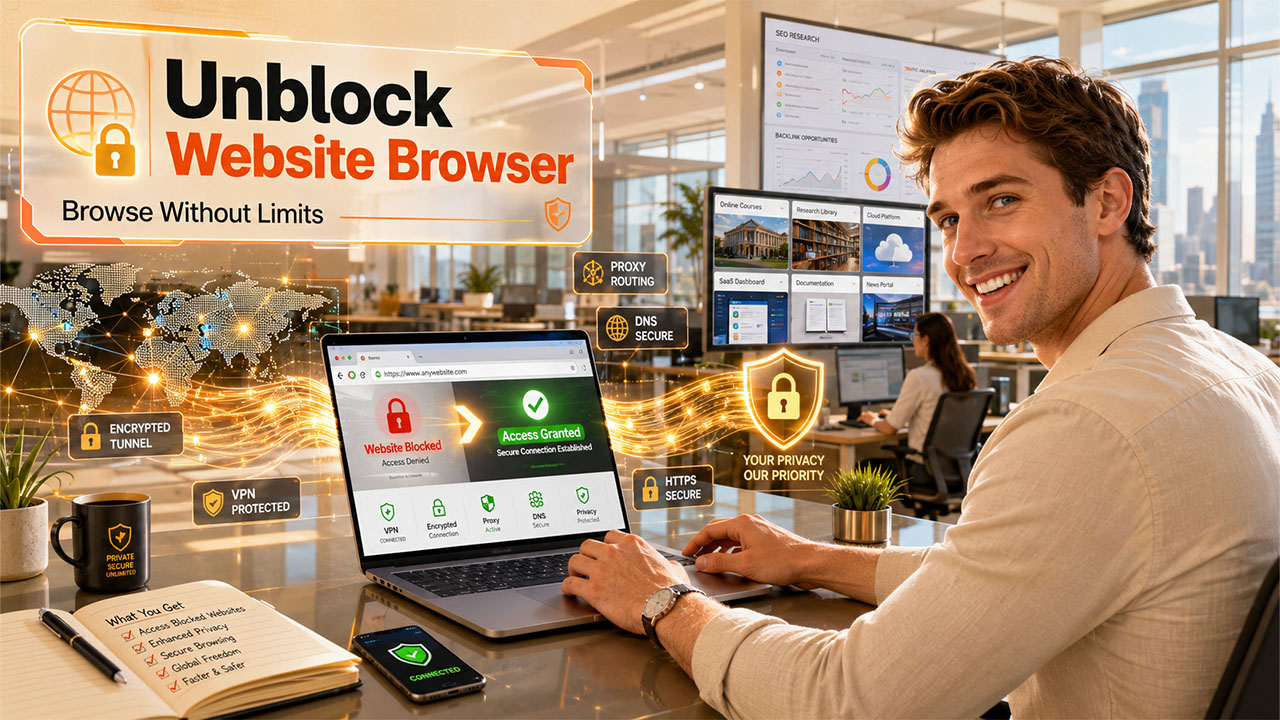
In the current digital landscape, websites are essential for every organization, from work to education or entertainment. In this scenario, if a website refuses to load or shows an "access denied" message, it can lead to frustration. The inaccessibility often lies in the "unblock website browser issues". Unblock website browser usage with advanced technologies, such as traffic encryption, proxy routing, alternative DNS services, and privacy-focused features, to offer users access to restricted websites.
What is an Unblock Website Browser?
An unblock website browser is a specially designed or configured web browser that helps users access websites that may be restricted to a network, device, or region. Such browsers have the capability to bypass certain limitations, which actually prevent users from opening specific websites. The unblock website browser helps users regain access to open web content, which might be restricted or enforced by various entities, such as schools, workplaces, public Wi-Fi networks, or internet providers.
How an Unblock Website Browser Works:
The unblock website browser uses various techniques to reduce or bypass restrictions, which include:
- Proxy Routing: The web browser sends a request through another server, bypassing local network blocks. Users can also utilize VPNs for fast and safe browsing in the USA or other countries.
- Traffic Encryption: These browsers encrypt the internet traffic of the user, ensuring that the network filters cannot easily detect which website they are visiting.
- Built-in VPN or Privacy Layers: Unblock website browser also uses VPN-like features, which help in masking the location and identity of the user.
- Alternative DNS Resolution: Some browsers also use public DNS services, which are not restricted by local networks.
Benefits of an Unblock Website Browser
Some of the key benefits of unblock website browsers are as follows:
- Access to Restricted Content: One of the most crucial benefits of an unblock website browser is that it offers users access to restricted content, which may otherwise be unavailable. Schools, institutions, or public networks generally restrict websites, such as research databases, academic journals, video learning platforms, or technical documentation sites.
- Enhance Privacy and Data Protection: The unblock website browser uses various techniques, like address masking, that help in improving the online privacy of the user.
- Seamless Access to Work Platforms: The unblock website browser offers uninterrupted access to various essential SaaS tools. With unblock browser, users can seamlessly access platforms like GuestPostCRM, which often relies on content connectivity for key tasks, like managing guest post orders, tracking outreach campaigns, and handling automated email responses.
- Improve Workflow Efficiency for SEO Teams: An unblocked website browser helps SEO teams maintain access to various guest posting and link-building workflows without delays caused by network filtering or blocked domains.
SEO professionals frequently use advanced search techniques to identify guest posting opportunities, competitor backlinks, resource pages, and niche-specific websites. Learning how to use Google Search Operators can significantly improve research efficiency by helping users discover highly relevant pages faster.
Top 5 Unblock Website Browsers
1. Octo Browser
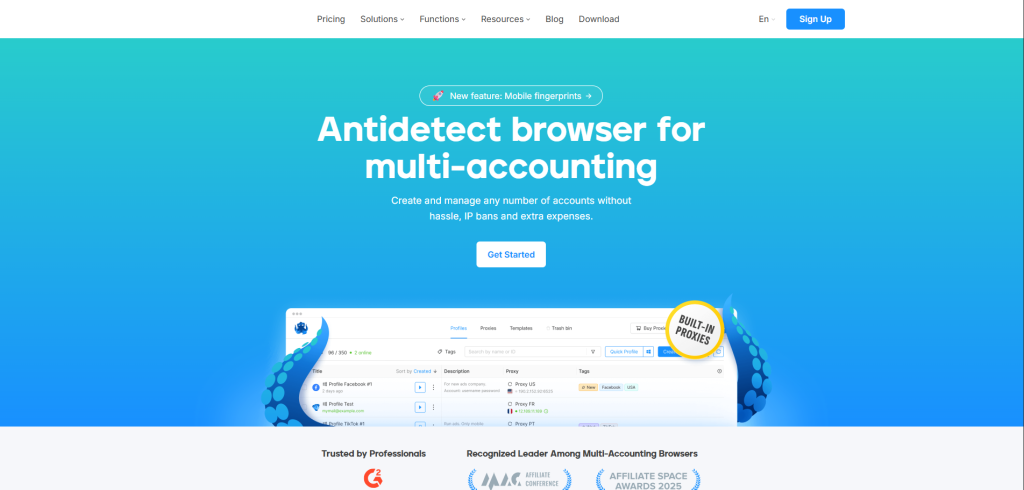
Octo browser is a professional anti-detect browser, which is primarily designed for organizations that need to manage multiple online accounts securely.
Key Features
- Multi-account management
- Unique browser fingerprints for each profile
- Built-in proxy integration
Limitations
- Paid subscription required for full features
- More complex than standard browsers
Ideal For
- Digital Marketers
- Affiliate Marketers
- E-Commerce Sellers
2. TOR
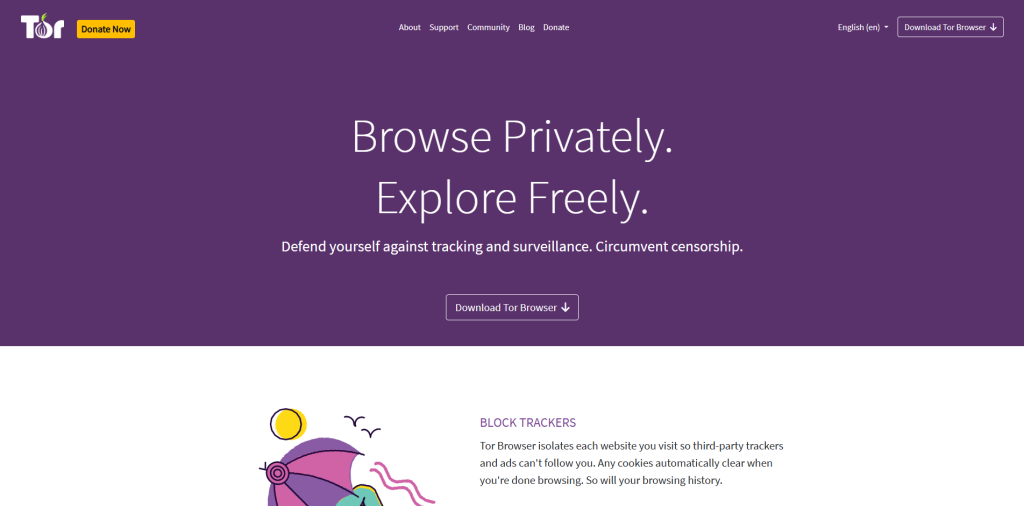
It is a privacy-focused browser that routes internet traffic through the TOR network to help protect user anonymity.
Key Features
- Strong anonymity
- Multi-layer encrypted routing
- Helps access websites blocked by local networks
Limitations
- Slower browsing speeds due to traffic routing
- Some websites may require additional verification or block Tor traffic
Ideal For
- Journalists
- Researchers
- Privacy-Conscious Users
- Travelers
3. Brave
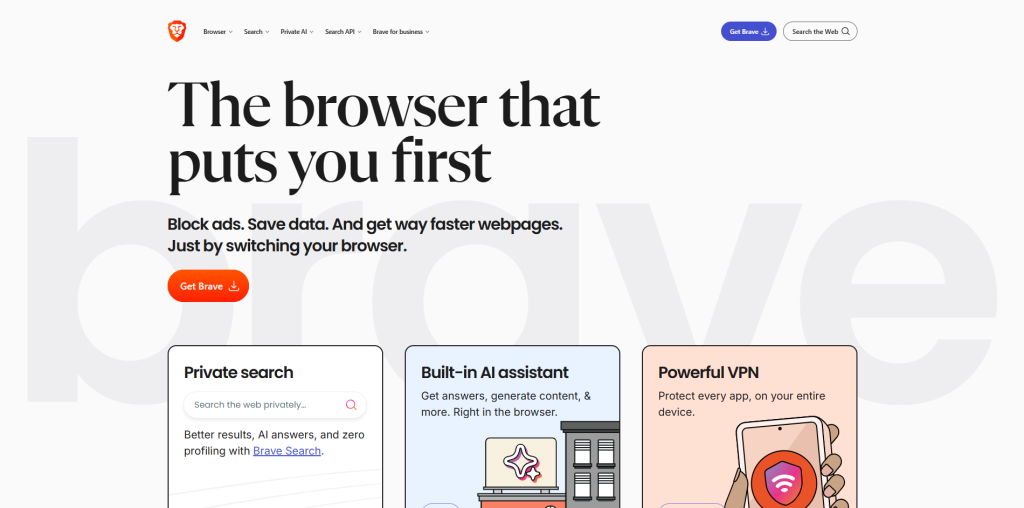
Brave Browser is a Chromium-based browser that strongly focuses on privacy, speed, and built-in security.
Key Features
- Built-in ad and tracker blocking
- HTTPS upgrades available
- Optional private browsing with Tor integration
Limitations
- Does not automatically bypass all network restrictions
- Some websites may not function correctly with aggressive blocking enabled
Ideal For
- Everyday users looking for enhanced browsing, better privacy, and built-in protection.
4. DuckDuck Go
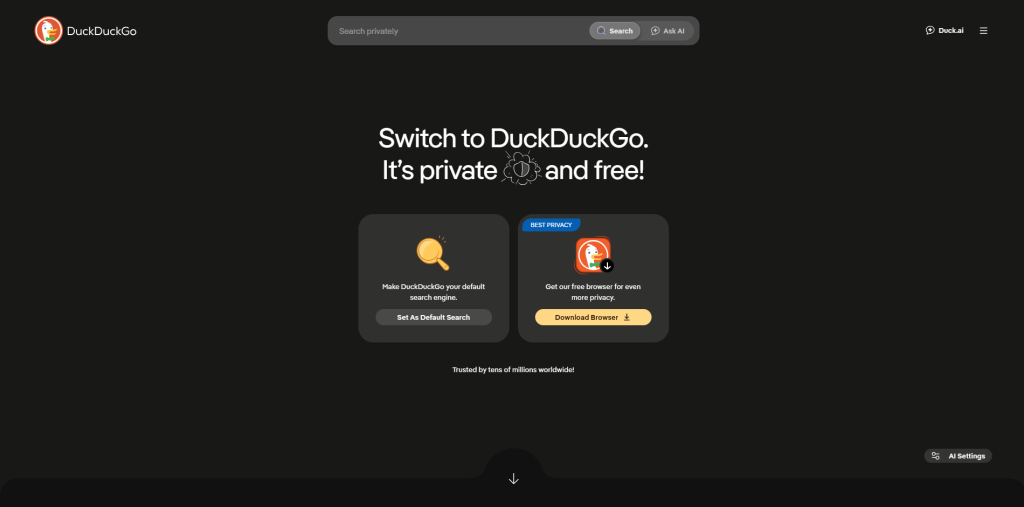
DuckDuckGo is a lightweight browser that mainly focuses on privacy, along with a simple and tracker-free browsing experience.
Key Features
- Blocks third-party trackers
- Private search by default
- Cookie consent management
Limitations
- Does not include advanced anonymity features like Tor by default
- Smaller extension ecosystem
Ideal For
- Everyday users are looking for an easy-to-use and secure browser.
5. Epic Privacy
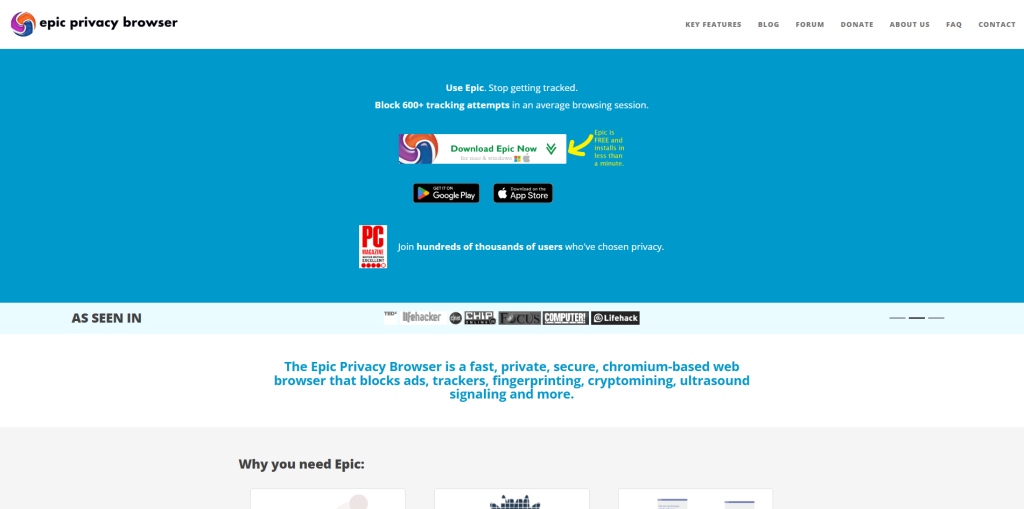
Epic Privacy Browser is a Chromium-based browser that is specifically designed to minimize online tracking and enhance user privacy.
Key Features
- Built-in encrypted proxy
- Blocks ads, trackers, and fingerprinting scripts
- Disables many tracking technologies by default
Limitations
- Limited browser extension support
- Some websites may not work properly because of strict privacy settings
Ideal For
- User looking for strong privacy.
Quick Comparison
A quick comparison between the top 5 unblock website browsers are as follows:
| Browser | Privacy Level | Speed | Ease of Use |
| Octo Browser | High | Moderate | Moderate |
| TOR | High | Low | Normal |
| Brave | Moderate | High | High |
| DuckDuck Go | Moderate | Moderate | High |
| Epic Privacy | Moderate | Moderate | Moderate |
Choosing the Right Unblock Website Browser
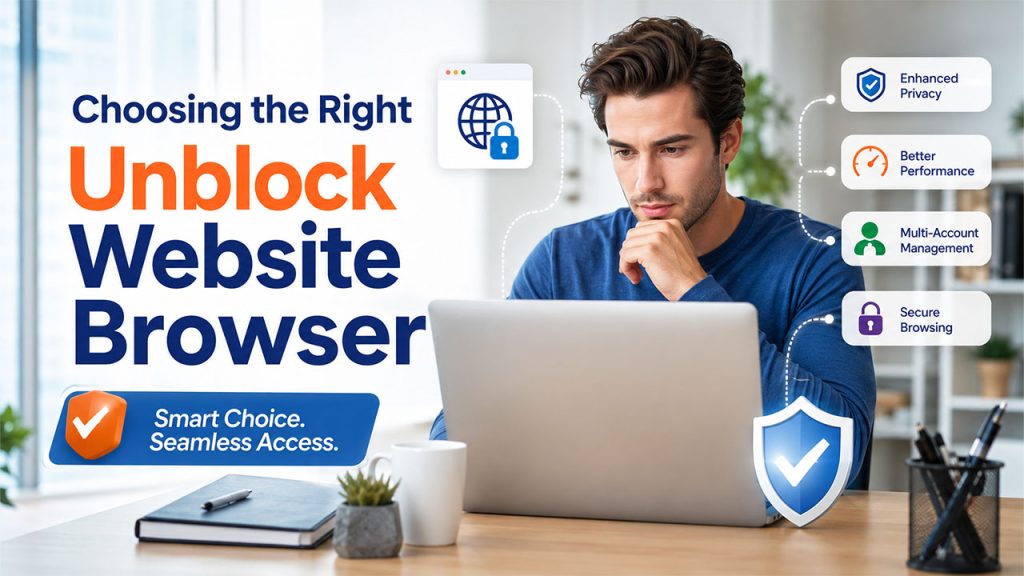
Some unblock website browsers are designed to offer enhanced privacy, while others focus on anonymity and access-enhancing features. Choosing the right browser generally depends on key factors, such as requirements, speed, and ease of use.
Some of the key considerations before choosing the right unblock website browsers are as follows:
1. Consider Primary Purpose
Before choosing an unblock website browser, users need to consider key factors, such as
- Why do they need unblock website browser?
- Do they focus more on privacy or speed?
- Do they need to manage multiple online accounts?
2. Evaluate Privacy and Security
Before selecting the right unblock website browser, users need to check for key features, such as tracker blocking, ad blocking, HTTPS enforcement, fingerprint protection, encrypted browsing, and cookie management, among others.
3. Consider Ease of Use
Some unblock website browsers are designed to be used immediately, while others require technical knowledge. Ideally, choose a browser with built-in privacy features, along with a straightforward interface.
4. Look for Multi-Account Support
If the user's work generally involves managing multiple clients or business accounts, they need to consider browsers with features like separate browser profiles, cookie isolation, fingerprint management, and team collaboration.
Best Practice While Using Unblock Website Browser
Unblock website browser can act as a valuable tool for accessing websites that are restricted by network settings, improving online privacy, or maintaining productivity. However, using these browsers responsibly is also important. Following the best practices for using an unblock website browser not only helps in protecting the personal data of the user, but it also ensures these tools are used ethically, securely, and in compliance with applicable laws.
Some of the best practices are as follows:
- Choose a Trusted Browser
Selecting a reliable and trusted browser that is developed by a reputable company or open-source community is considered the best practice before using an unblocked website browser. A trusted browser should receive regular security updates, bug fixes, privacy improvements, and performance enhancements.
- Respect Organizational Policies
While using unblock website browsers, users need to understand the organization's acceptable use policies. Organizations like schools, universities, or workplaces may have restricted access to certain websites to protect network security, maintain productivity, prevent malware, and comply with legal requirements.
- Verify Website Authenticity
Access to any website is not related to its trustworthiness. Before entering any personal information in a restricted website, users should confirm whether the website uses HTTPS, check the domain name, and look for valid contact information.
- Stay Informed
Users should understand how browser security and privacy standards are evolving continuously. Staying updated with trusted resources such as AEO Insights Company can help you keep pace with evolving browser technologies, AI-driven search trends, and digital best practices.
Conclusion
An unblock website browser is more than just a tool for accessing restricted websites, but it is a tool that combines key features, like accessibility, privacy, and productivity. From offering uninterrupted access to educational resources or online services, the unblock website browser helps in improving the overall internet experience of the user. These browsers also help individuals or organizations in reaching websites that are inaccessible due to network, regional, or policy-based restrictions. From education and productivity to privacy and global access, unblocking website browsers play a crucial role in modern internet usage, especially in environments where access is limited or controlled.
Frequently Asked Questions
Which unblock website browser is ideal for secure browsing?
For secure browsing, Tor Browser and Brave Browser are considered among the safest, as they offer strong privacy and encryption features.
How is an unblock website browser different from a VPN?
A VPN encrypts all internet traffic system-wide, while an unblock browser only protects the current browsing activity.
What is the role of DNS in website blocking?
In website blocking, DNS translates domain names into IP addresses. A DNS Lookup helps retrieve the IP address associated with a domain name, and any restriction enforced at the DNS level can prevent access to certain websites.
Are unblock browsers safe for financial transactions?
Yes, unblock browsers can be safe for financial transactions if you are using a trusted browser. But for online banking or financial transactions, VPN or secure standard browsers are usually recommended.


.png)
.png)