



.png)
.png)
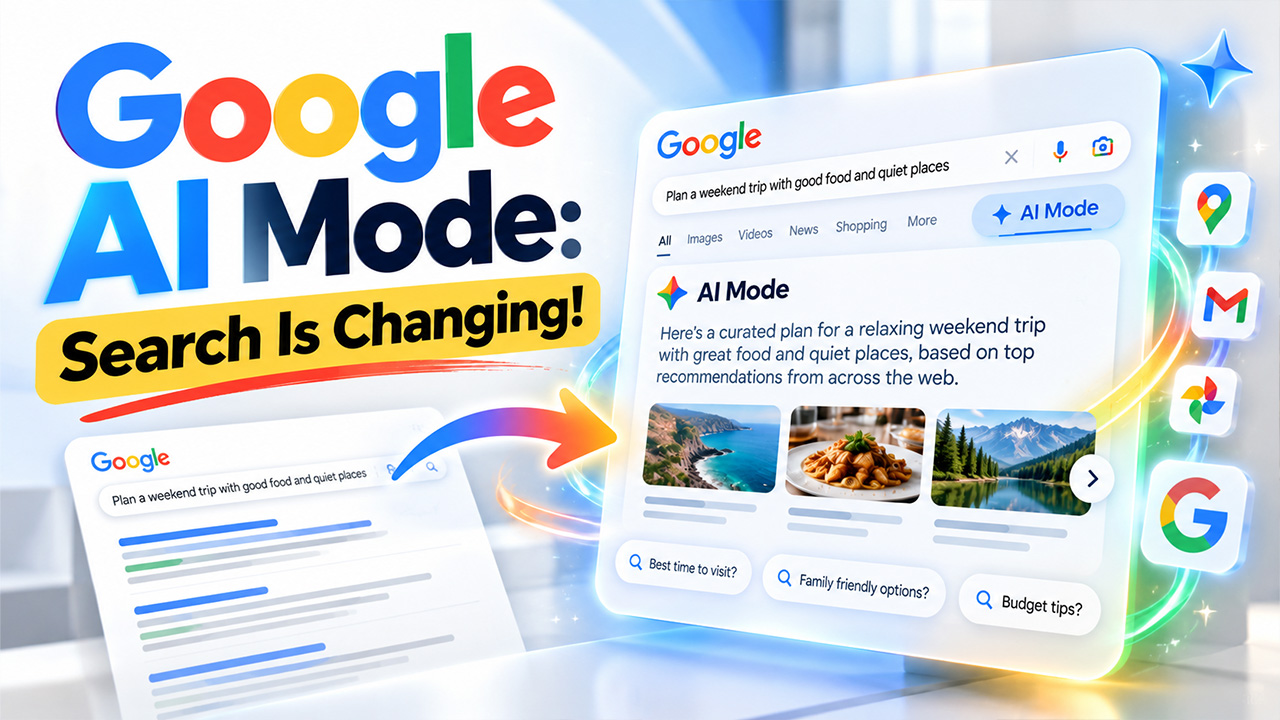
Imagine you are trying to find an answer to a big, messy question in a library. Now, you could go through every aisle, pulling out ten books and skimming through for the answer yourself. Or you could directly ask a librarian who already knows where to look and hands you the right pages. For years, Google worked like the aisles. But Google AI Mode works more like the librarian. In Google AI Mode, you can just describe the whole problem in your own words, and it gives you one clear answer with links, so you can verify it yourself. This guide discusses AI Mode in detail: what it is, how it works, how to use it, and what it means for SEO.
What Is Google AI Mode?
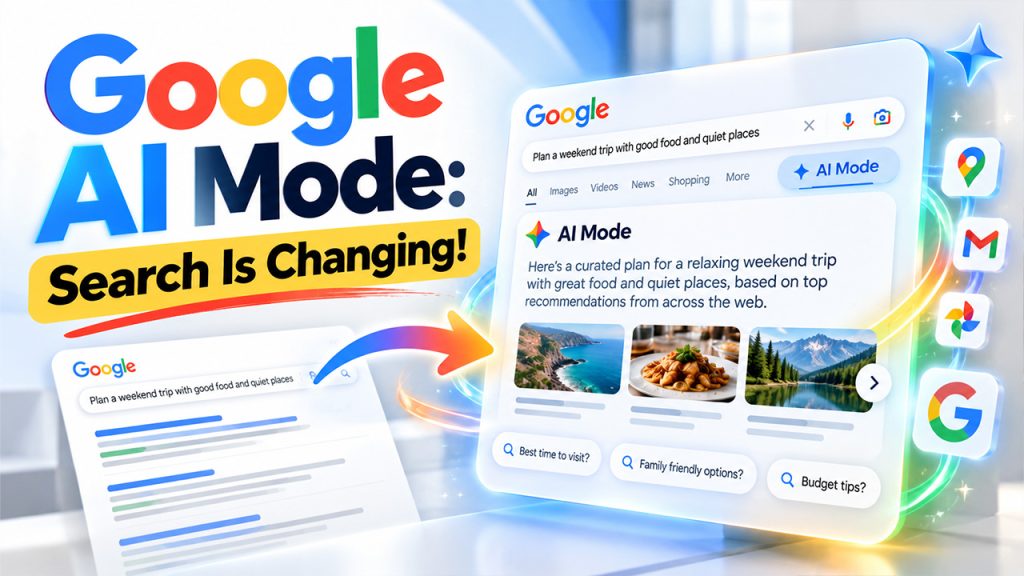
Google AI Mode is a new, faster way to search, built right into Google Search. It's powered by Gemini, which is Google's AI model. When you type in a detailed question, it brings back one clear answer with links to the source websites it used. Moreover, you can ask follow-up questions without starting from scratch. Here's how it compares to what you already know:
| Google Search | AI Overviews | Google AI Mode | |
| What you get | A list of links | A short summary above links | A full answer with source links |
| Follow-ups | Start a new search | Can lead into AI Mode | Ask right away |
| Best for | Finding one page | Quick facts | Big, multi-part questions |
How Does Google AI Mode Work?
When you ask AI Mode something, it doesn't run just one search. It breaks your question into smaller parts and searches for each part at the same time. Google calls this "query fan-out." Then it pieces everything back together to give you a single answer. You can also ask questions by voice, uploading a photo, or a file.
Let's see why that matters.
Most of us learned to search in three or four words, like "good restaurant." That doesn't give AI Mode much to work with. Instead, try this: "a vintage-themed restaurant with good food for dinner, under $100, that feels quiet and peaceful." Now it has four clear things to look for, and the answer gets much better and more precise.
Follow-ups work the same way. Each new question builds on everything you've already said. So, for the second answer, you don't have to start fresh. It's the same search, just narrower. However, keep one thing in mind. AI Mode can still make mistakes. It provides links for a reason, so use them to cross-check information, especially for health, money, or legal topics.
How to Access Google AI Mode
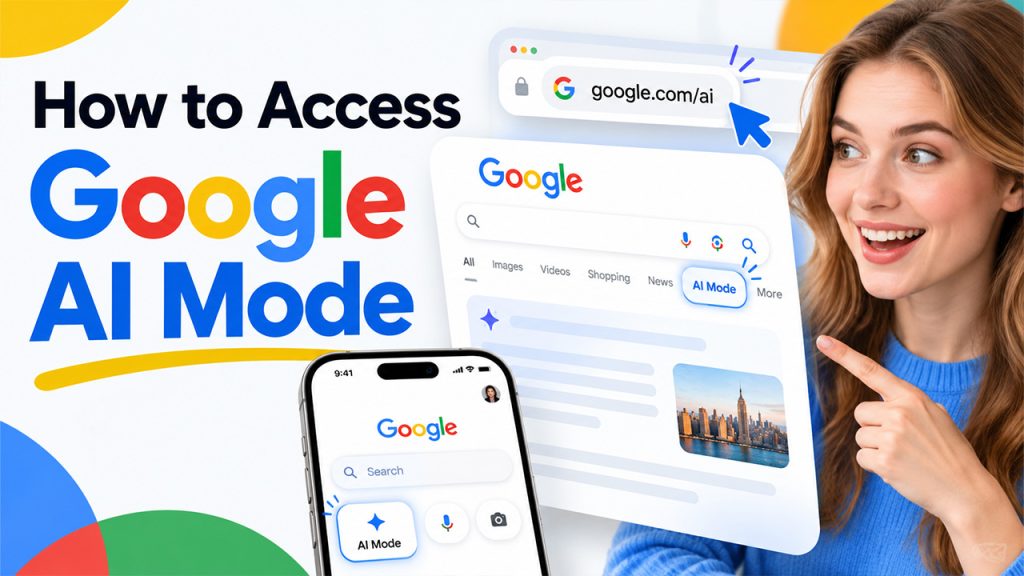
There are three easy ways to access AI Mode:
- Go straight to google.com/ai.
- Search on google.com and tap the AI Mode tab.
- Open the Google app on your phone and tap AI Mode on the home screen.
It's now available in many countries and languages. Additionally, you don't need to sign up for Search Labs anymore. Work accounts can be different, though. Some features depend on your Workspace admin, so if AI Mode shows up on your personal account but not your work one, that's the likely reason.
How to Turn Off Google AI Mode
AI Mode is a separate tab, so it won't run until you choose it. If you don't tap it, you won't see it. However, if you've already opened it, switch back to the All or Web tab to get regular results. As far as our knowledge of AI Mode goes, there's no single master switch that removes AI Mode completely. Google doesn't offer an easy setting to hide the short AI summaries on normal results either. So, the web tab, which shows plain links, is the easiest workaround.
If you prefer precise, simple searching without any surprises, you can learn to use Google Search Operators. Small tricks like quotation marks or the "site:" command let you control exactly what regular Search shows you.
Google AI Mode Features: 6 Tools to Know
AI Mode is not just a simple chat box. It does a lot more than that. Here are the main features you'll come across:
- Deep Search: It takes a few extra minutes to read several websites and give you a long, detailed report with sources. It works well for making big decisions, like picking software for a small team.
- Search Live: It allows you to talk to Search out loud. In the Google app, you can even turn on your camera and ask about what you're looking at.
- Canvas: It is a workspace where you can build things like a trip plan, a study guide, or a cover letter. You can edit it and come back to it later.
- Image Creation: This tool lets you create or edit pictures. You give a short prompt to AI mode or upload a photo, and it generates images based on that.
- Personal Intelligence: It uses your Search activity and connected apps, such as Gmail, Google Calendar, and Google Photos, to make answers fit you better. If you already use Gmail AI Features, this will feel familiar. Connecting apps is completely optional, and you can disconnect them anytime.
- Connected Apps: In some places, AI Mode can act on your request, not just answer it. Ask for what you need to cook dinner, and a linked shopping app can fill your cart while you just review and check out.
Some tools need a paid Google AI plan, and what you see can depend on your region.
What Does Google AI Mode Mean for SEO?
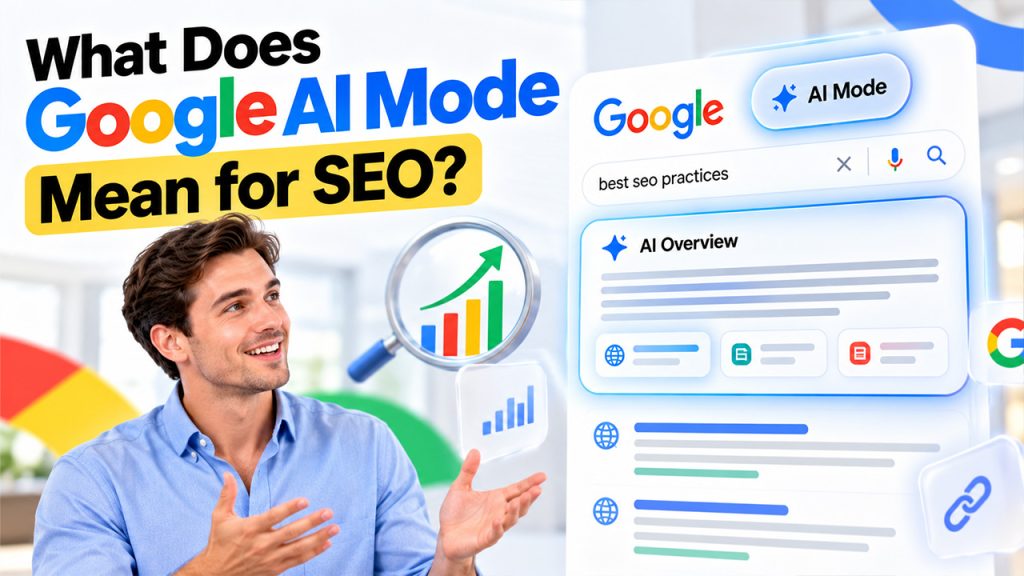
Let's be honest about this. When a search gives you a good answer, fewer people click blue links to visit websites. Many people call this "zero-click" search. So, the goal is slowly shifting from only ranking high to also being cited in the answer. Some people call this Generative Engine Optimization or GEO. To put it simply, it means writing in a way so that AI can understand your content and trust it enough to mention you.
You don't need to abandon traditional SEO ways. Rankings still matter, and AI Mode pulls from the open web. However, a few habits are worth building:
- Answer Questions Clearly and Directly: Write clear, precise content, and put the direct answer near the top of a section, then elaborate on it.
- Use Clear Headings: They help both readers and AI tools find the right part of your page faster, without struggling.
- Address Related Questions and Follow-Up Searches: If your content leaves room for follow-up concepts, the reader would naturally ask a second question, so answer it on the same page in clear language.
- Build Trust With Accurate, Verifiable Content: Share accurate facts, mention your sources so readers can verify, and show who wrote the page.
- Strengthen Your Online Presence: If you're a professional or a small business owner, Add Me to Search is a simple way to put your own details in front of people who search for you.
Think of it this way: only clear, honest, and genuinely useful sites will get cited.
Conclusion
Google AI Mode isn't going to replace regular searches overnight. But it clearly shows where Google is heading: fuller answers, more conversation, and less hopping between tabs. For everyday users, the takeaway is simple. Ask detailed questions, check the sources, and switch back to classic results whenever you like. For writers and marketers, the lesson is just as clear. Create content that's easy to understand and worth citing. Rankings still count, but trust and clarity now carry more weight than ever before.


.png)
.png)