




.png)
.png)
The article explores what CAPTCHA is, what is a CAPTCHA challenge response, how a CAPTCHA challenge-response system works, the different types of CAPTCHAS, its benefits and limitations, and why it remains important for website security.
In the current digital landscape, the need for websites to distinguish between genuine users and automated bots is increasing. Every time a user signs up for an account, submits a form, resets a password, or purchases something online, a website verifies the user. This is where CAPTCHA offers its capabilities.
CAPTCHA is a security mechanism that is designed to identify human users and prevent any automated programs from abusing online services. Although users are quite familiar with CAPTCHA challenges, the main question that arises is: what is a CAPTCHA challenge response, how does it work, and why do websites use it?
What is CAPTCHA?
CAPTCHA stands for Completely Automated Public Turing test to tell Computers and Humans Apart. It is a security tool that is used by websites to determine whether the visitor is a real human or an automated bot. Users may encounter CAPTCHA while creating an online account, logging into a website, submitting a contact form, posting a comment, making an online purchase, or accessing a website after unusual activity.
A CAPTCHA might ask the user to select specific images, type characters, click a checkbox, or complete another simple task. The CAPTCHA system might evaluate the user's response and may also analyze the interaction to determine whether it looks normal human activity or a bot.
What Is a CAPTCHA Challenge Response?
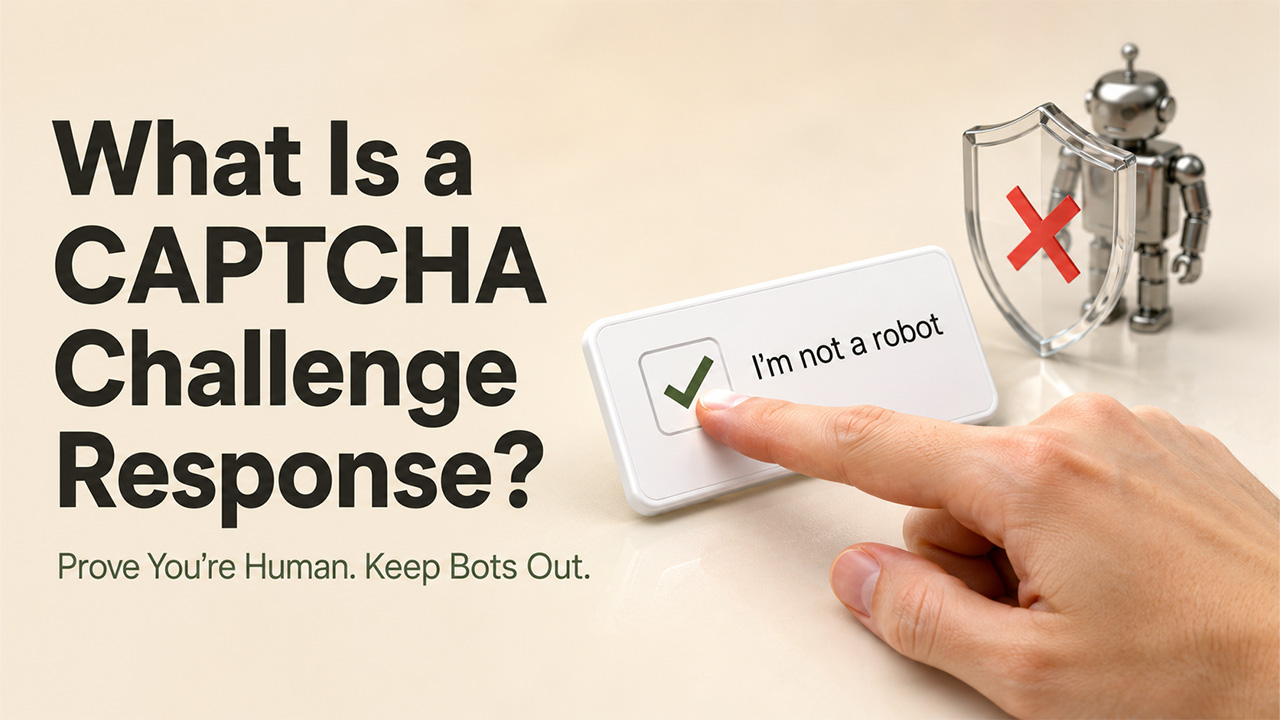
A CAPTCHA challenge response can be explained as the answer or action a user provides when a website asks them to prove they are a human rather than an automated bot. CAPTCHA challenge is the task presented by the website, while a CAPTCHA response is the user's answer or interaction with that task.
The challenge response helps websites reduce automated activity and abuse. It is commonly used to protect key elements of a website, such as login pages, registration forms, contact forms, comment sections, online polls, password-reset pages, and checkout and payment-related processes.
What is a CAPTCHA Test?
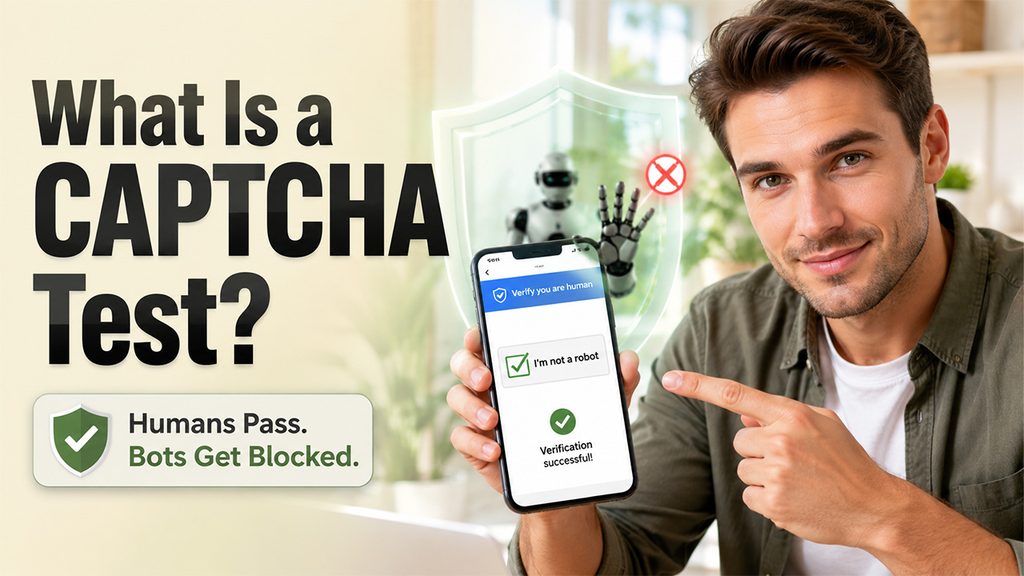
A CAPTCHA test is a security verification that is used by websites to determine whether a visitor is a real human or an automated bot. Through the test, the website presents a task that should be relatively easy for a human, but more difficult for automated software to complete reliably.
The primary application of a CAPTCHA test is to reduce automated abuse. Websites can use CAPTCHA as an additional layer of protection against spam submissions, automated account creation, repeated login attempts, fake votes, automated form submissions, and other unwanted bot activities.
There are four major types of CAPTCHA tests, which include:
- Text CAPTCHA, in which users enter distorted letters or numbers.
- Image CAPTCHA, where users identify particular objects in a group of images.
- Checkbox CAPTCHA, where the user interacts with an "I'm not a robot" checkbox.
- Audio CAPTCHA, where users listen to an audio challenge.
How Does CAPTCHA Test Work?
A typical CAPTCHA test follows a structured set of steps, which includes:
- Step 1: The website requests verification.
- Step 2: A CAPTCHA challenge appears.
- Step 3: The user provides a response.
- Step 4: The system evaluates the interaction.
- Step 5: The user continues or receives another challenge.
CAPTCHA vs. reCAPTCHA: Understanding the Difference
CAPTCHA and reCAPTCHA both help websites identify and block automated bots, but they are not the same thing. CAPTCHA is the broader concept, while reCAPTCHA is Google's implementation of CAPTCHA technology.
| CAPTCHA | reCAPTCHA |
| A general method for distinguishing humans from bots. | A CAPTCHA service developed by Google. |
| Often ask users to complete challenges such as text, image, or audio tests. | Can use a checkbox, invisible verification, or risk-based analysis to verify users. |
| Developed and provided by different companies. | Developed and provided by Google. |
| Usually requires users to interact with a challenge to prove they are human. | Some versions can verify users with little or no direct interaction. |
| Focuses on preventing automated bots from accessing website resources. | Focuses on bot protection while reducing friction for legitimate users. |
In simple terms, reCAPTCHA is one implementation of the broader CAPTCHA concept. A website can use reCAPTCHA to perform CAPTCHA-style bot detection without always presenting users with a traditional puzzle.
What Is a CAPTCHA Used For?
CAPTCHA is mainly used to distinguish between real human users and automated bots. Websites use CAPTCHA as a security measure to prevent automated programs from performing unwanted or abusive actions. For website owners and SEO professionals, Google Search Operators can also help identify suspicious search results, discover indexed pages, and investigate unusual website activity alongside CAPTCHA-based security measures.
Some of the key applications of CAPTCHA are as follows:
- Preventing Spam: CAPTCHA helps websites stop bots from flooding the contact forms, comment sections, and review boards with junk messages. Businesses can also use spam detection alongside CAPTCHA to identify and reduce unwanted or automated activity before it affects their forms and communication channels.
- Protecting Registration: It blocks automated software from creating fake accounts or mass registrations.
- Stops Scalping: It slows down high-demand ticket sales and limited-edition product drops, preventing bots from hoarding products.
- Maintaining Poll Accuracy: It prevents automated scripts from skewing online votes by forcing time delays for every submission.
- Security Login: CAPTCHA defends login pages against any automated password-guessing and credential stuffing attacks.
What Happens If You Fail a CAPTCHA?
A failing CAPTCHA usually means that the website cannot successfully verify the user's response or determine if the interaction was legitimate. This can be because of how the website has configured its CAPTCHA system.
Some of the common outcomes if the CAPTCHA system fails are as follows:
- A new CAPTCHA Appears: If a CAPTCHA fails, the website may give you another challenge to complete.
- Form Submission Fails: If the CAPTCHA is attached to a registration form, contact, or checkout form, the user may need to complete the CAPTCHA before submitting it again.
- Temporary Access Restriction: Repeated failed attempts or unusual activity result in a temporary block or additional security checks.
If a website remains inaccessible after repeated CAPTCHA failures, some users may look for an Unblock Website Browser to troubleshoot access restrictions or determine whether the issue is related to the browser or network.
Limitations of CAPTCHA

Although CAPTCHA is an advanced and automated system, it can also cause various challenges if not designed properly. Some of the major limitations of a CAPTCHA are as follows:
- Advanced bots can bypass CAPTCHA
Modern bots and AI-powered systems can solve certain CAPTCHA challenges, especially the simple text or image-based tests.
- Accessibility Problem
Various types of CAPTCHA challenges, especially visual tests, may be difficult for people with visual impairments. Websites need to offer accessible alternatives to ensure that CAPTCHA does not prevent any legitimate users from accessing their services.
- Slow Down the User Experience
A CAPTCHA can add an extra step to actions such as logging in, registering, or submitting a form. It can add a few additional seconds, especially when users encounter CAPTCHA frequently.
- CAPTCHA and Website Security
CAPTCHA is one of several security measures that websites can use to protect online services from automated abuse. Depending on the website and its security requirements, CAPTCHA may work alongside authentication, access controls, monitoring, and other security technologies. Businesses looking to strengthen their approach to website and application security can explore content related to Website Security for additional information and solutions.
How to Improve CAPTCHA Security
Although CAPTCHA is often considered a solid security measure, it usually does not comprise an impervious defense against bots. To augment the security guarantee provided by CAPTCHA and to ensure that it is not bypassed, it is essential to take additional measures.
Combine CAPTCHA With Rate Limits
While implementing CAPTCHA as a supplementary measure, it is critical to apply rate-limiting techniques so that the system is resilient against brute-force attacks. In practice, rate limits downgrade the success probability of an automated attack, whereas the combination of CAPTCHA and rate limits eliminates such attempts. To operationalize this technique, one should set up CAPTCHA-protected actions that would be hindered if a user’s IP address is associated with too many failed requests during a short period.
Use CAPTCHA for High-Risk Activity
Using CAPTCHA in all aspects of the user experience is impractical. The CAPTCHA system must apply only to specific circumstances where there is a high probability of bot involvement, such as in the process of creating an account, logging in, or completing some other activity. In general, it is rational to apply CAPTCHA technology for processes that need validation since they might indicate hacking attempts.
Monitor Failed Attempts and Unusual Traffic
It is prudent to monitor traffic spikes or unusual increases in the number of users experiencing CAPTCHA problems. An increase in the number of unsuccessful attempts to use the CAPTCHA is one of the signs that bots are trying to infiltrate the system. It is critical to see whether the increase in traffic is abnormal and warrants further examination of the process of bots attempting to breach the system with the use of either a targeted or distributed attack.
Alternatives to CAPTCHA
Although CAPTCHA is widely used to protect websites from bots and automated abuse, there are various other options available that combine several security methods to identify any suspicious activity.
Some of the popular alternatives to CAPTCHA are as follows:
- Honeypot Fields
A honeypot field is a hidden form field that is generally invisible to normal users but can be detected by automated bots. This is a simple method and usually does not require any additional action from the legitimate visitors.
- Rate Limiting
Rate limiting controls how frequently a user, device, or IP address can perform a particular action. This makes large-scale automated activity much more difficult.
- Email or Phone Verification
Websites can ask users to verify their identity through an email address or phone number. For instance, WhatsApp Web relies on a QR code scanning method, which can only be scanned by the user's mobile phone.
- Multi-Factor Authentication
Multi-factor authentication, or MFA, offers stronger protection than CAPTCHA. It is used for protecting accounts and can prove the identity of the user.
- SSO
CAPTCHA is primarily used to distinguish humans from bots, while authentication technologies such as SSO focus on verifying and managing user access.
Conclusion
While visiting a website or keeping one secure, visitors usually encounter CAPTCHA. One question that generally arises is: What is a CAPTCHA challenge response? The CAPTCHA challenge evaluates the user's response and helps websites distinguish genuine users from automated programs. CAPTCHA has evolved significantly, from distorted text and image selection to checkbox verification. With bots becoming increasingly sophisticated, websites are moving towards smarter and less intuitive verification methods. The long-term goal of a CAPTCHA is to maintain strong protection against automated abuse, while also providing genuine users with a fast, accessible, and convenient online experience.


.png)
.png)