

.png)
.png)
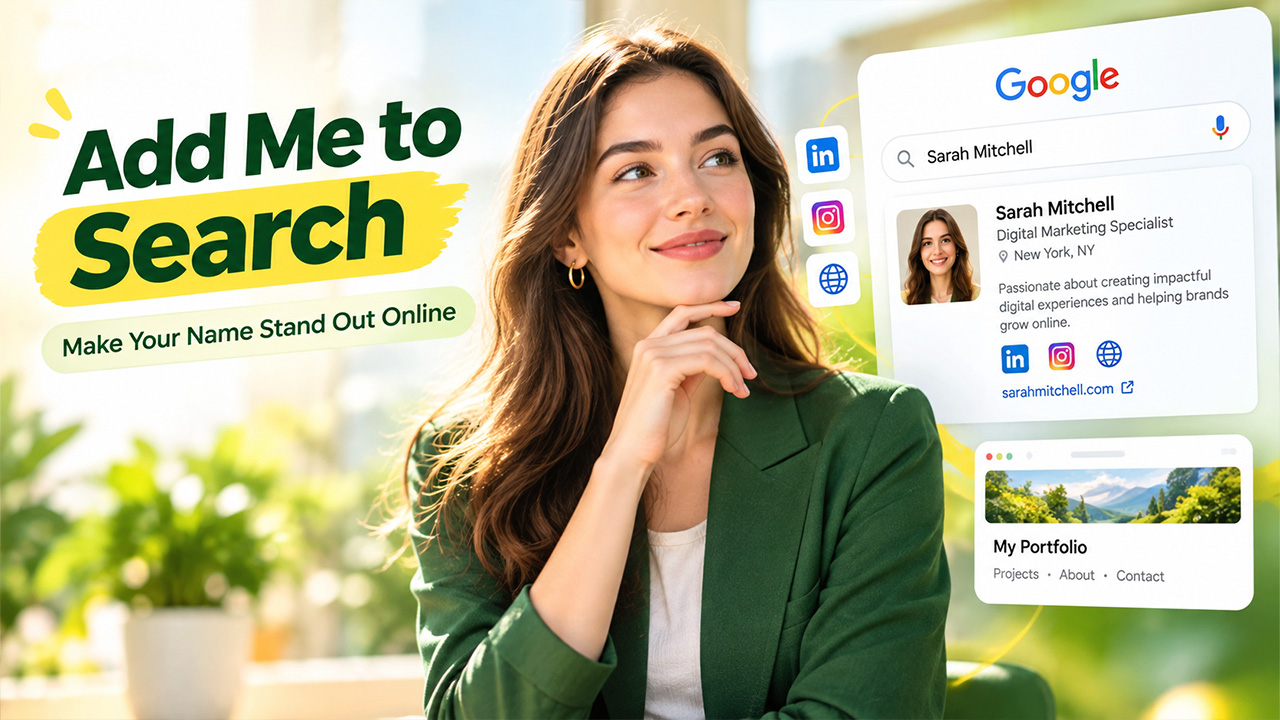
What comes up when someone searches for your name on Google, your professional profile, or your personal website? You may be using Add Me to Search because you want your name, occupation, and public profiles to be easily discoverable via Google Search. Google used to have a feature called People Cards that allowed people to add a personal profile card via Search, but the feature was discontinued on 7 April 2024. While you can’t add a new People Card anymore, there are still many ways to create your virtual footprint in the SERPs and maintain your online presence. Keep reading to learn more about what the feature is, and how you can continue to expand your digital footprint with Google today.
What Is a Google People Card?
A Google People Card was a digital profile that enabled users to provide basic information about themselves right in Google Search. It enabled freelancers, entrepreneurs, and other people to build an online presence without creating a website.
The card might contain information about their name, occupation, location, a short bio, and links to social media accounts or websites. If a user searched for that person’s name, Google could show the card as one of the results.
People Cards were especially helpful to those with limited online presence. They were a quick way to help your reader locate the correct person when there are multiple people with the same name. They were retired by Google in April 2024, and you can no longer create or update them.
How to Add Me to Google Search
If you are interested in having me as a Google search result, it’s not possible for you to add me to Google search list and also not possible for you to make my name ranks so high. Google's algorithm auto-searches and arranges the public websites and pages it finds on the internet. Create and publish correct info about yourself on sites accessible to Google instead of creating a People Card.
Begin with these steps:
- Build Your Professional Profile: Fill in your full name, job title, experience and skills on your LinkedIn profile.
- Create Your Own Website: Develop a basic website or portfolio that provides information about yourself and displays your professional achievements. Be sure you use the same name and details on your website and public profile.
- Post Valuable Content: Contribute articles, project updates, case studies, and other work to help build your professional identity.
- Use Accessible Pages: Don’t block any of the content or pages that you want a search engine to access.
- Check Your Search Presence: Google your full name and note which profiles and pages are showing up.
These steps help Google discover information about you when someone searches for your name. Although Add Me to Search no longer offers a personal card, building a consistent online presence can help your public profiles appear in relevant search results. You can also use Google Search Operators to check whether Google has indexed your website or public profiles and to narrow your search to specific domains
What Information Should You Add to Your Search Profile?
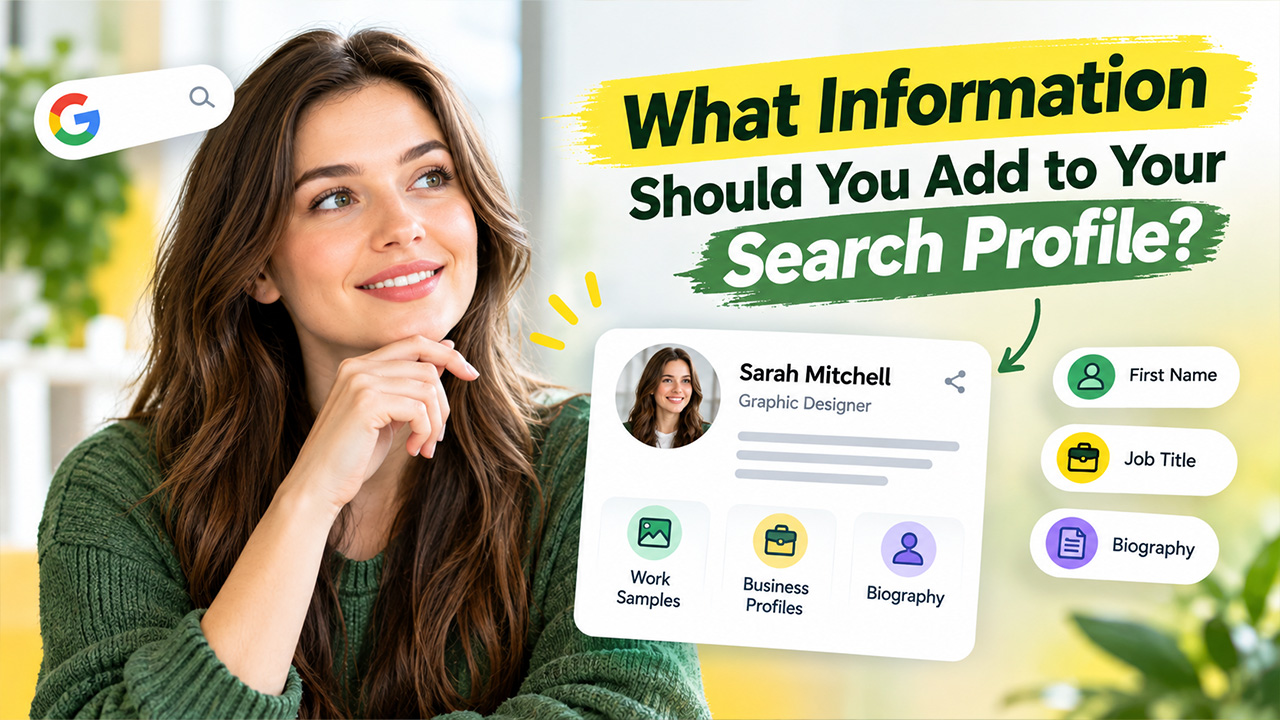
While the original People Card no longer exists, you can put similar content elsewhere on your professional profiles or website. It should provide people you’re connected to or who visit your site with an idea of what you do and who you are.
Consider including the following details:
- First Name: Provide the name you’re known as professionally.
- Job Title: Make sure you include your professional title, for instance, a graphic designer, software developer, consultant, and so on.
- Biography: Provide a brief summary of your experience, expertise, and services.
- Work Samples: Include links to work samples, articles you’ve written and published, projects, or case studies.
- Business Profiles: Link your site with some relevant public profiles like LinkedIn or GitHub.
If you also manage Google-connected devices, the Google Home App offers a separate way to manage compatible smart-home settings, although it does not create a personal search card.
How To Increase Your Google Ranking
Building a profile isn’t everything. If you’re looking for an alternative to Add Me to Search, focus on publishing quality, easy-to-find information that helps search engines recognize your identity.
- Make a Personal Website
A personal website will have more flexibility with your professional details. Have a page with your full name, a brief intro, your experience, and a few links to your work. Make the page name specific and straightforward. Reviewing your SERP Insight can help you understand which pages appear for your name and identify opportunities to improve your visibility in search results.
- Optimize Your Professional Profiles
Fill out your public profiles with relevant information. Choose a profile photo that is recognizable, and create a headline and description of your work that is clear. Include a link to your website where applicable.
- Publish Content Under Your Name
Articles, industry tips, or project summaries can be written under your business name. Helpful content provides your visitors with more information about your background and can help to build more pages that Google will find.
- Use Google Search Console
If you have a website, Google Search Console allows you to verify if your pages are being indexed by Google and discover some problems that can affect indexing. You can also submit a sitemap or request to index URLs if they are eligible. These actions don’t impact rankings but help you keep an eye on your presence.
Keep in mind that Google chooses the pages for you and for any particular search. Creating a strong presence takes time and depends on your reputation, competition, and who you are competing with.
Conclusion
The Add Me to Search feature once offered a convenient way to create a personal Google People Card, but Google discontinued it in April 2024. You can no longer create a new card or update an existing one. However, you can still improve your visibility by building a personal website, completing professional profiles, publishing useful content, and checking your website’s indexing status. Keep your public information accurate and give search engines time to discover your pages. While no method guarantees a top position in Google Search, a strong online presence helps people find relevant information about you when they search for your name.


.png)
.png)