



.png)
.png)
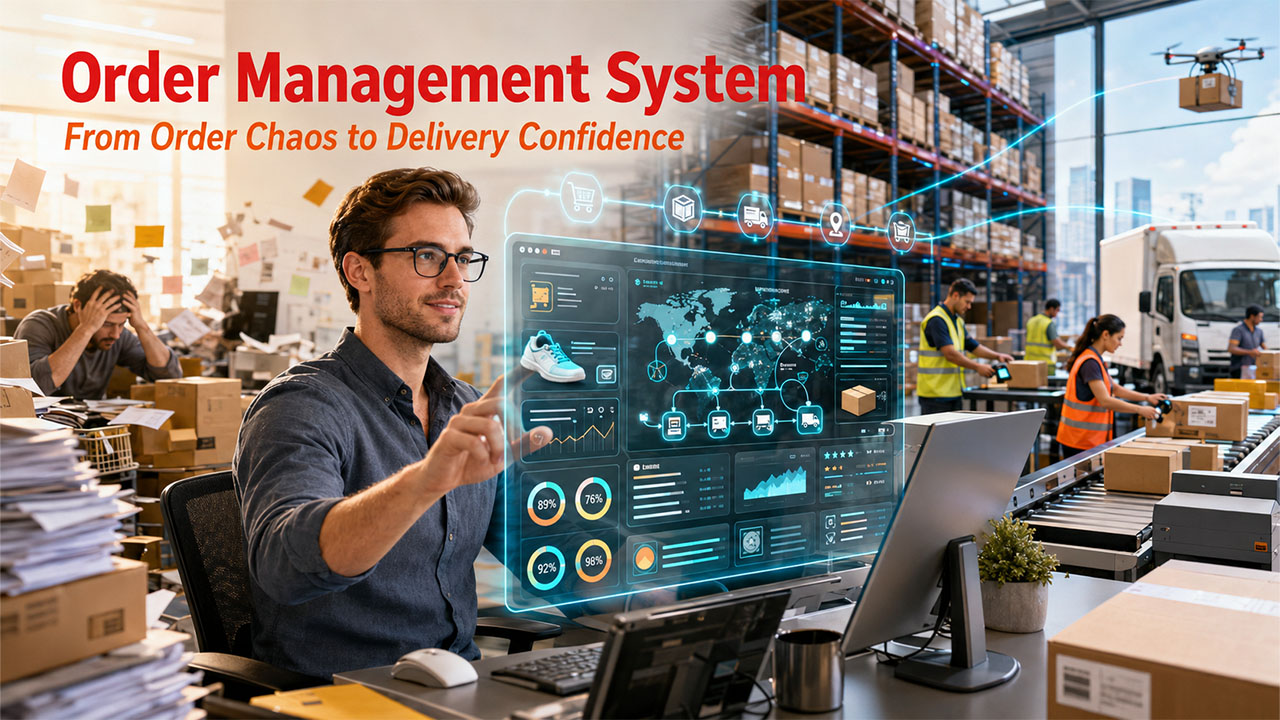
Every order a customer places is more than just a transaction—it’s a promise. How well you deliver on that promise decides if customers stick around or disappear for good.
Today, customers expect their orders fast, accurate, and real-time update at every step. That’s just the baseline of a customer journey. So, why do some businesses scale up smoothly, while others spend all their time fixing the problems? Usually, it comes down to one thing: how they handle their orders.
That’s where an order management system comes in. Think of it as the backbone of your business operations. It’s not just about tracking packages—it pulls together your sales channels, inventory, fulfillment, and customer communication into one smart, automated workflow. The result is fewer mistakes, faster shipping, and happier customers that build trust at every stage of the process.
This guide breaks down everything you need to know—what an OMS actually does, how it works, which platforms are making waves in 2026, and how to pick the best match for your business.
What Is an Order Management System?
An order management system (OMS) is software that tracks, manages, and fulfills customer orders from the moment they come in until the package hits the doorstep. It acts as a command center for your entire sales and fulfillment process.
Here is what an OMS manages at its core:
- Order placement and confirmation
- Payment processing and invoicing
- Inventory tracking and stock updates
- Warehouse picking, packing, and shipping
- Customer notifications and tracking
- Returns and after-sale service
Without a system like this, most businesses end up shuffling between spreadsheets, sticky notes, and a lot of disconnected tools. That’s a fast track to missed orders, unhappy customers, and losing out on revenue you shouldn’t be losing.
In today's environment, same-day and next-day delivery are quickly becoming the baseline expectations. Having a solid order management system isn’t just helpful anymore—it’s a gap between staying ahead and falling behind.
How Does an Order Management System Actually Work?
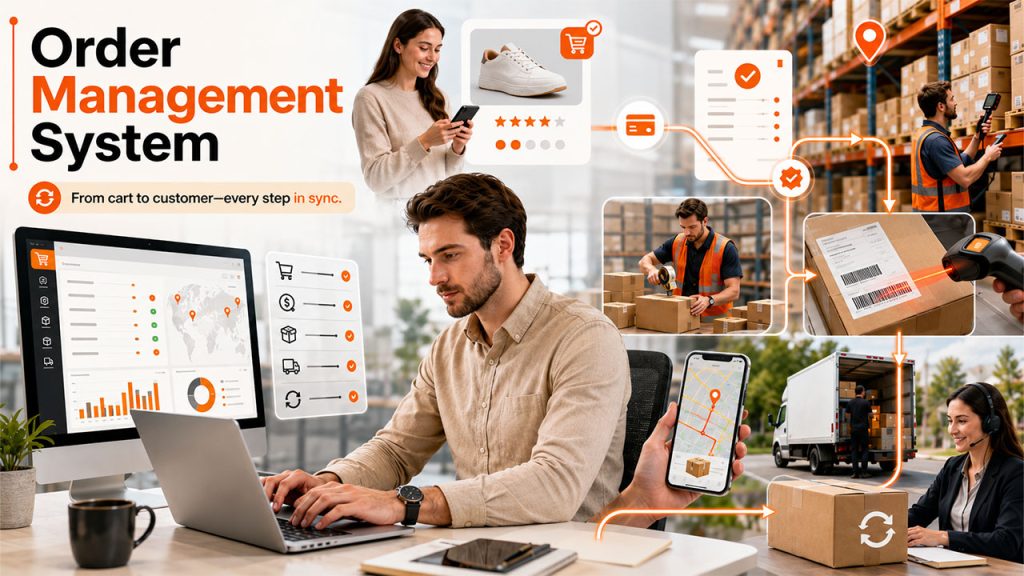
Let’s break down what really happens when someone clicks “Buy Now”:
Step 1 – Order Placement
A customer places an order—maybe on your website, through an app, on a marketplace, or even by phone. The OMS grabs every detail, right away: what they bought, how many, where it’s going, how they’re paying. All the basics, sorted.
Step 2 – Inventory Check
Now, the system checks your inventory to confirm whether the item is actually available in stock. If you’re juggling sales on different platforms (like Shopify, Amazon, or a physical shop), the order management system updates everything at once. That way, you don’t accidentally sell the same thing twice.
Step 3 – Payment Verification
The OMS processes the payment, creates an invoice, and chases down any problems before you move forward.
Step 4 – Fulfillment Routing
Next, the order heads to the right warehouse, a fulfillment partner, or a drop-shipper. If the OMS is smart, it’ll pick the fastest or cheapest location automatically.
Step 5 – Packing & Shipping
The warehouse staff (or an automated system) gets notified, grabs the item off the shelf, packs it up, and ships it out. The OMS tracks every move.
Step 6 – Tracking and Delivery
Now both you and your customer can watch the package as it makes its way. Automatic updates keep everyone in the loop, so you don’t have to answer endless “Where’s my order?” emails.
Step 7 – Returns & Support
If there’s a problem, the OMS guides you and the customer through returns, exchanges, or refunds. Everything gets recorded, so nothing slips through the cracks.
Why Businesses Can't Ignore Order Management Anymore
Conventional approach — manual entry, endless phone calls, email threads, that worked when you had a handful of orders and customers didn’t expect much. But things have changed.
Here’s what's changed:
1. Customers want real-time visibility: Customers expect to see where their order is at any moment. An OMS gives them transparency without added work.
2. Multi-channel selling from a centralized system: If you sell on your site, Amazon, social media, and in-store, things get messy fast. An OMS holds it all together.
3. Fulfillment speed is a competitive advantage: Delivery time is consistently one of the top factors in purchasing decisions. Slow shipping loses sales. Delays or mistakes hand business to your competitors.
4. Errors are costly: Ship the wrong thing, overselling unavailable products, or lose track of a return—you’re not just hurting customer service. You’re losing money. An OMS catches these issues up front.
5. Scaling without an OMS is painful. Manually handling 50 orders a day? Manageable. Processing 5,000—no chance unless you automate.Businesses at that stage are usually evaluating broader workflow management software alongside an OMS to keep operations from falling apart.
The good news: OMS doesn’t have to be expensive or complicated, even for small businesses. Specialized order management systems for small businesses connect with the tools you’re already using—Shopify, WooCommerce, QuickBooks—so you can get started faster than you’d think.
6 Best Order Management Systems in 2026
There are plenty of OMS platforms out there, but honestly, only a handful actually make a big difference. Here are six that truly stand out, each with its own strengths, depending on your business size and use cases.
1. Salesforce Order Management System
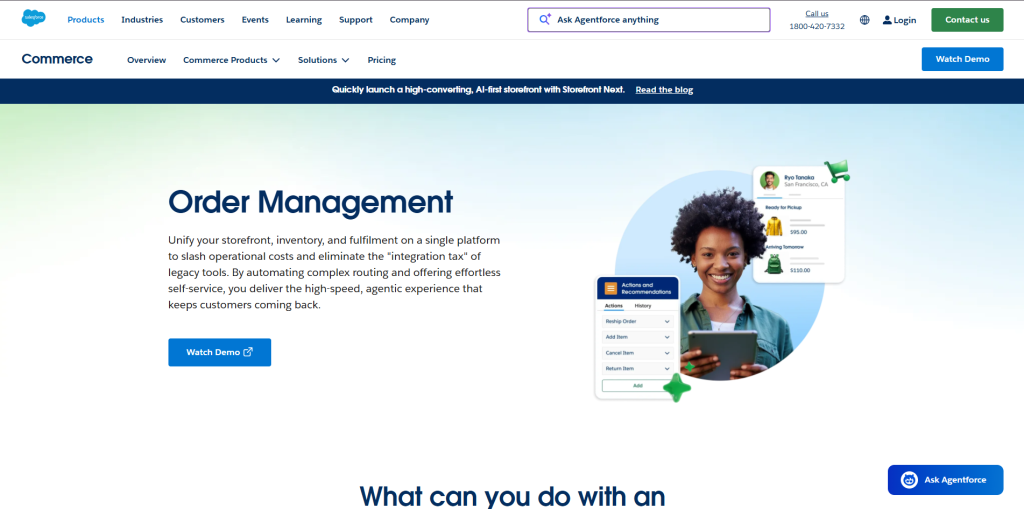
Salesforce OMS is designed for mid-size to enterprise businesses, especially those dealing with complicated omnichannel operations. If your company already uses Salesforce, this is pretty much a seamless add-on. You can handle omnichannel order orchestration from anywhere—online, by phone, in-store—without anything falling through the cracks.
Standout features:
- Distributed order management (DOM) so you can route fulfillment intelligently
- Strict CRM integration for client order management
- Real-time inventory visibility across all channels
- Automated order insights via Salesforce Einstein AI
Pricing: Custom enterprise pricing. It’s not cheap, but for large companies that need everything to work together smoothly, it’s hard to beat.
2. Oracle NetSuite Order Management
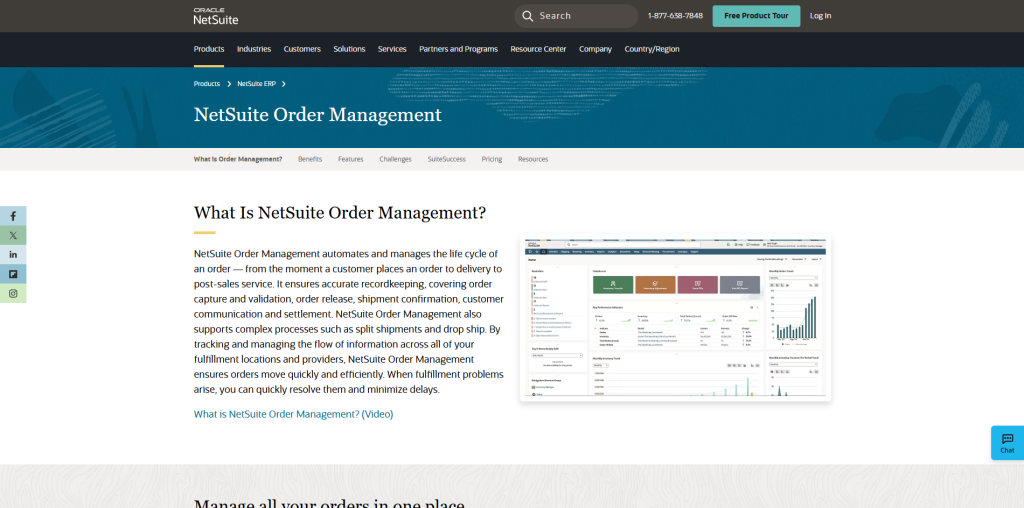
NetSuite is one of the most requested OMS platforms for businesses that need deep customization. It links order management with financials, CRM, and inventory—all within a centralized platform. Eliminating the complex integration issues that come with fussing over separate systems. It's built perfectly for businesses that are growing and want both ERP and OMS in a single package.
Standout features:
- Complete visibility from quote to cash
- Supports multi-subsidiary and multi-currency (great for global operations
- Cutting-edge inventory management with demand planning
- Robust B2B and client order management workflows
Pricing: Starts at about $999/month plus per-user fees, and there are extra costs to get set up.
3. Zoho Inventory
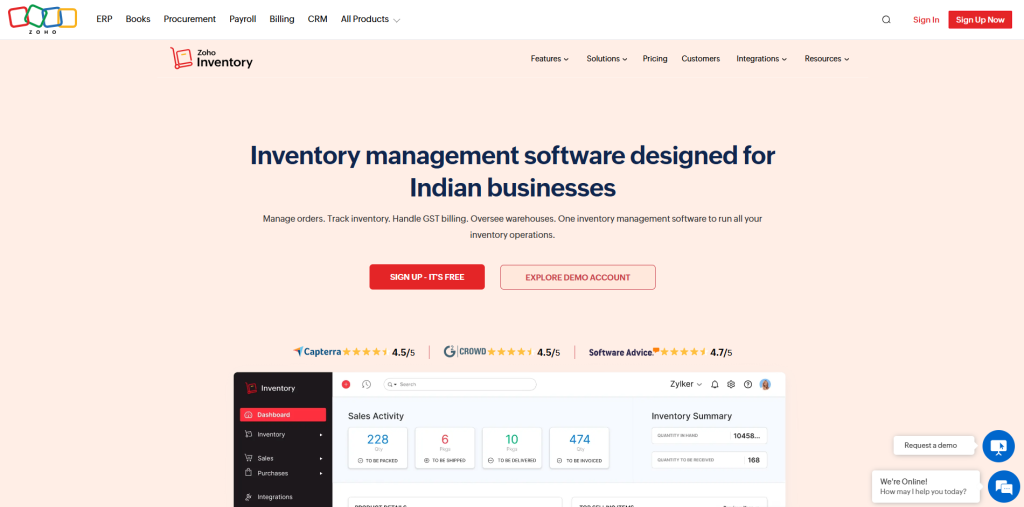
Zoho Inventory is aimed at small businesses and startups. It’s affordable, straightforward, and covers all the basics—order management, inventory tracking, shipping integration, order processes—without any complicated interface. Additionally, it’s easy to use navigation doesn’t require a strong technical learning curve.
Standout features:
- Connects with Shopify, Amazon, eBay, Etsy, and WooCommerce
- Auto-manage order confirmation, invoicing, and shipping label creation
- Support backorder and dropshipping
- In-built integration with the Zoho suite (CRM, Books, etc.)
Pricing: There’s a free plan for basic operations, and paid plans start around $39/month.
4. Shopify Order Management (via Shopify Plus)
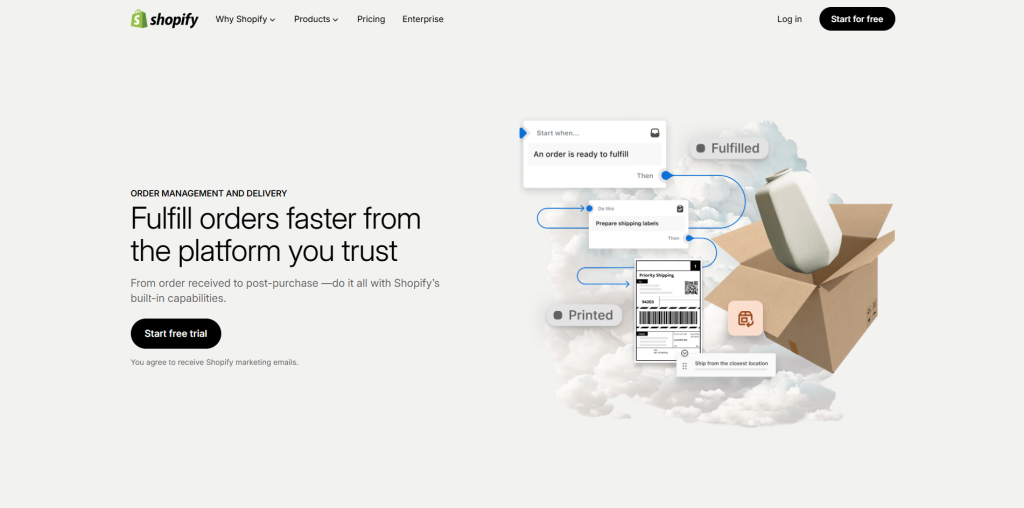
If you store runs on Shopify, its native OMS functionality handles almost everything for e-commerce brands: order processing, returns, inventory across multiple locations, fulfillment. And if you need something extra, there’s a gigantic app marketplace.
Standout features:
- Unified order management across Shopify storefronts, POS, and sales channels
- Access to Shopify Fulfillment Network for outsourced logistics
- Automated workflows through Shopify Flow
- Seamless external integrations (ShipStation, StarShip It, etc.)
Pricing: Shopify Plus starts at $2,300/month. Standard Shopify plans (from $29/month) include basic OMS features.
5. Linnworks
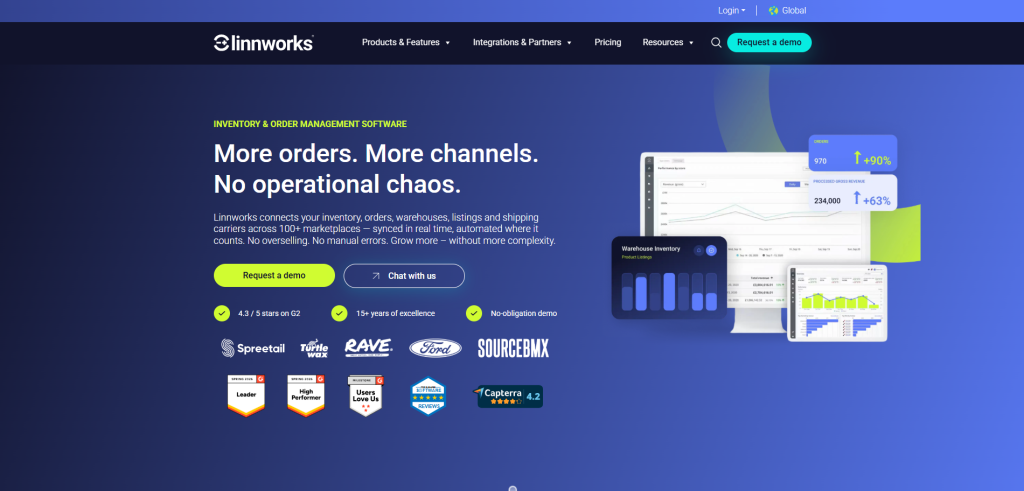
Linnworks is designed for sellers managing orders across several channels at once. It keeps all your orders in one place—Amazon, eBay, Shopify, Magento, Etsy—so your team isn’t context-switching between platforms all day. It’s purpose bult for multi-channel sellers who want centralized order consolidation.
Standout features:
- Integrates with over 100 sales channels and marketplaces
- Automates order routing and shipping label generation
- Real-time inventory sync across all connected channels
- Offers dashboards for tracking performance across channels
Pricing: Pricing starts at about $449/month for businesses scaling significantly.
6. IBM Sterling Order Management
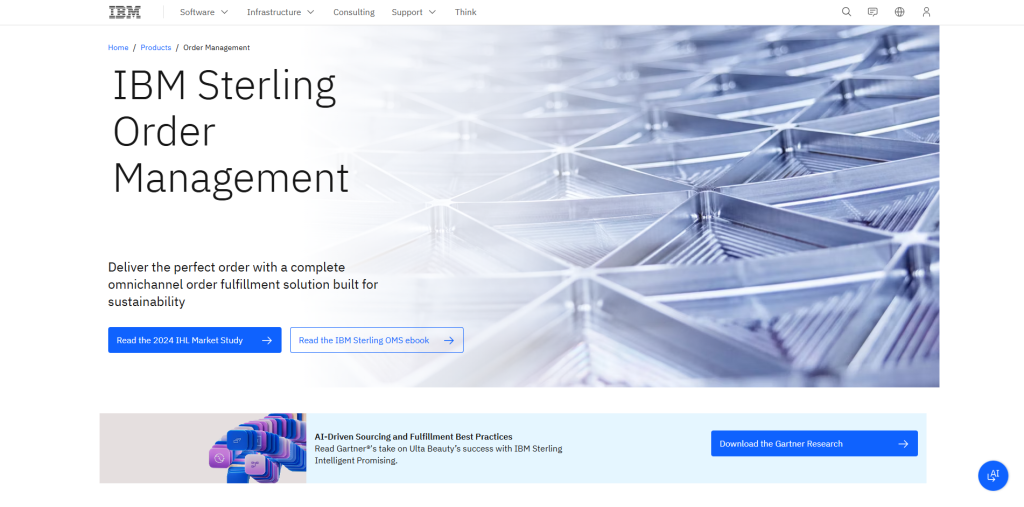
IBM Sterling is the heavy-duty option — designed for huge enterprises with complex supply chains and massive order volumes across complex fulfillment networks. It offers distributed order management (DOM) engine which is one of the most advanced tools in the market, with extensive support for omnichannel journeys and supply chain orchestration.
Standout features:
- Highly sophisticated DOM futures for smart order routing
- Real-time inventory tracking across warehouses, stores, and third-party locations
- AI-driven fulfillment optimization
- Powerful compliance and audit tools for regulated industries
Pricing: Pricing is enterprise-level, so you’ll need to contact IBM directly.
So, whether you’re running a small shop or a multinational business, one of these order management system platforms is bound to fit. Just need to figure out what matches your needs and budget.
Key Features You Need in Any OMS
No matter which platform you’re choosing, these core features shouldn’t be negotiable.
Real-Time Inventory Sync — Your inventory needs to update automatically whenever someone places, cancels, or returns an order across every channel.
Multi-Channel Order Consolidation — Orders from every sales channel should land in one dashboard.
Automated Fulfillment Workflows — Let the system handle routing and warehouse steps automatically. You shouldn’t have to manually handle every order.
Reporting and Analytics — You want numbers. Not just sales figures, but insights like top-sellers, fulfillment speed, peak order times, and how often returns hit.
CRM and ERP Integration — For client order management, orders should connect to your CRM and ERP, not get stuck in a silo. Everything flows together.Businesses looking at the bigger picture often evaluate an OMS as part of a wider business management software stack rather than a standalone tool.
Returns Management — Smooth returns safeguards customer loyalty. Look for systems with automatic return authorization, restocking, and refund handling.
Scalability — The system you pick today should comfortably handle your order volume two or three years from now.
How to Choose the Right System for Your Business
Before you commit o any OMS, run through this practical checklist:
Map your current order flow: Understand the process before you automate it. Where do things break down today?
List your integrations: Make sure your OMS connects with your e-commerce platform, payment gateway, shippers, and accounting tools.
Consider volume: Choose a system that handles your current orders and tomorrow’s too. Avoid getting boxed in.
Test the UI: If your warehouse staff will be using it daily, it must be simple and clear. If nobody uses it, it’s useless
Check B2B support if required: If you deal with client order management—custom pricing, approval steps, account specifics—make sure the platform covers those before signing up.
Ask about onboarding: Solid vendor support during setup makes a huge difference for actually getting the system working right.
Final Thoughts
An order management system isn’t just an operational tool. It’s a growth driver. When you handle orders well, customers stay happy, your team avoids chaos, and your business scales without crumbling. Doesn’t matter if you’re running a simple Shopify store or a complex client order management for B2B operation. The right OMS adds structure, speed, and clarity to your business’s core.
Start by digging into your biggest pain points. That’s how you figure out what matters most—and set a real benchmark for improvement. The businesses winning today aren’t always the ones with the flashiest product. Usually, they’re the ones delivering quickly, accurately, and without challenges.



.png)
.png)