





.png)
.png)
Every business, whether it’s a startup or a large enterprise, depends on its daily routines to keep things moving. The key is handling those routines well—this makes a huge difference. If you don’t, it’s easy to waste time, miss details, or make mistakes that cost you money and slow growth. Traditional methods like chasing email threads, updating endless spreadsheets, or manually checking on everyone waste valuable time and prone to errors.
That’s why many teams switch to workflow management software. These tools bring orders to chaos. It streamlines your processes, automates repetitive tasks, and lets everyone see what’s happening at a glance. Instead of spending time looking for updates or fixing mix-ups, your team can focus more on building the business.
If you’re searching for the right workflow management tool, this guide breaks it all down—what it actually does, why businesses need it, and the top options for 2026.
What is Workflow Management Software?
Basically, it’s an online tool that allows you to plan, automate, track, and manage your workflows from start to finish. It breaks complex tasks into smaller pieces, appoints them to the right staff, and moves everything along automatically. It completely eliminates the hustle of manual hand-offs, constantly checking for updates, and endless approval of emails. A right workflow management system takes care of all those steps for you. Whether you’re approving invoices, onboarding new employees, processing purchase requests, or evaluating content—these tools make sure each step happens when it's supposed to, by the right person, in the right order.
A few essential things a workflow management system do for your team:
- Streamline complex, time-consuming tasks
- Assign work to the correct person based on their roles and business rules
- Schedule notifications and reminders automatically
- Monitor the status of every task in real time
- Creates reports to help enhance workflow over time
- Connect with existing tools that your team already uses
Essential Features to Consider When Choosing a Right Workflow Management Software
Here are some key features that help you see how a good workflow management system looks like. Make sure to consider these features when making a decision.
- No-code or low-code workflow generator: The system should support drag and drop builders that allow teams to build and edit business processes without needing IT support.
- Approval and request monitoring: Trusted workflow management tools enable you to process requests, manage approvals, and track the real-time activities of items with no manual follow up requirement.
- Workflow automation: Choose software that automatically triggers actions based on the predefined rules, such as assigning tasks, updating status, and scheduling alerts.
- Multiple views and dashboards: Different views and dashboards help businesses keep track of different roles. This is why look for a tool that supports Kanban boards, calendar views, Gantt charts, real-time dashboards that give everyone what they require.
- Integration with existing applications: Your workflow management software should connect easily with tools like Slack, Google Workspace, Microsoft 365, CRMs, and more.
- Compliance and audit controls: For regulated industries, the ability to enforce steps, assign role-based permissions, and maintain audit trails is non-negotiable.
Top 10 Workflow Management Software in 2026
Below are the top workflow management tools listed that are gaining traction in the market right now. By comparing features, flexibility, and costing, you will get accurate and helpful insights.
1. Wrike
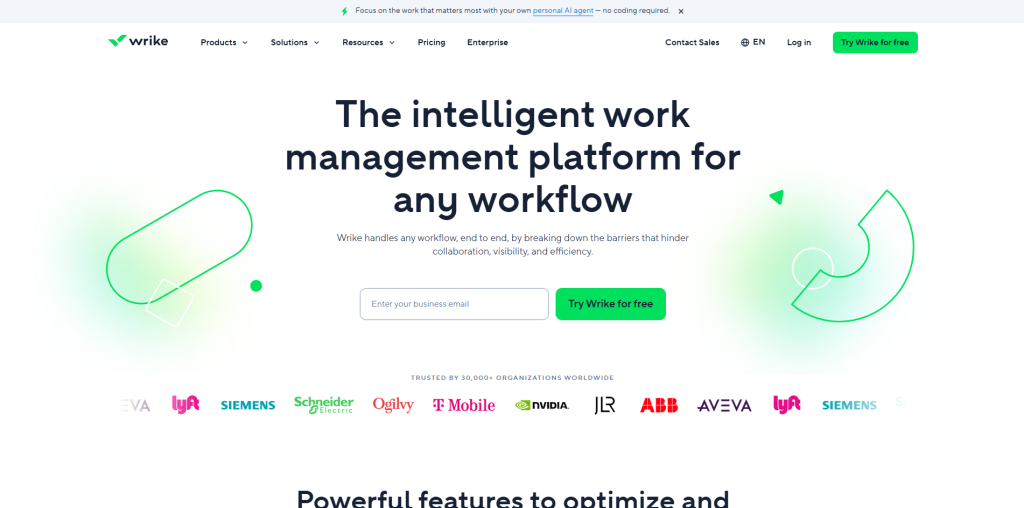
Wrike really shines when it comes to managing workflows. It brings automation and real-time collaboration into a single hub, helping teams streamline complex processes across different departments. Whether it's organizing marketing campaigns, coordinating creative work, supporting IT operations, or onboarding new clients, Wrike keeps everything organized in one place. It also allows users to build custom workflows, assign role-based permissions, and review work efficiently with built-in proofing tools.
Key Features includes:
- Real-time dashboards and detailed reporting
- Custom workflows and fields tailored to each team's process
- Built-in proofing and approval workflows for documents and creative assets
- Kanban boards, Gantt charts, calendar, and table views
- AI-powered automation to reduce manual task management
Pricing: Free plan available. Paid plans start at approximately $9.80 per user per month.
2. Asana
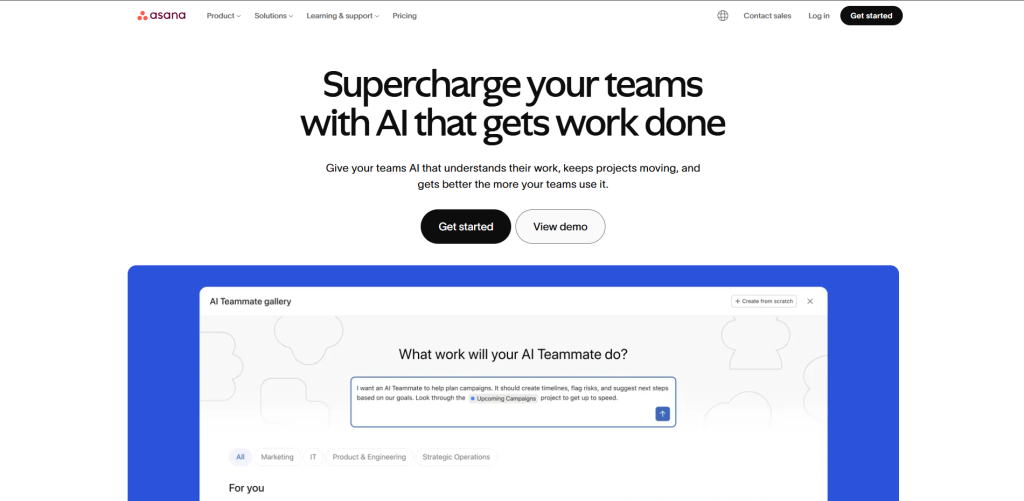
Asana stands out with its clean, straightforward interface. You don’t need to have professional staff to manage it—teams can just jump in, set up tasks, assign them, pick deadlines, and track progress using whatever view they like: lists, boards, timelines, calendars. It offers a no-code workflow builder that is a game changer for businesses, enabling them to create automated rules without any hustle. For example, auto-assigning tasks when someone submits a form or sends deadline reminders. Marketing, HR, and operations teams really lean on Asana because it takes care of those repetitive workflows without any hassle.
Top Features:
- Unlimited automations on paid plans
- No-code workflow builder with rule-based automation
- Multiple project views: list, board, timeline, and calendar
- Task creation and assignment with deadlines and dependencies
- Integration with Slack, Google Drive, Microsoft Teams, Salesforce, and more
Pricing:
- Personal: Free
- Starter: $10.99 per user per month
- Advanced: $24.99 per user per month
- Enterprise: Custom pricing
3. Monday.com
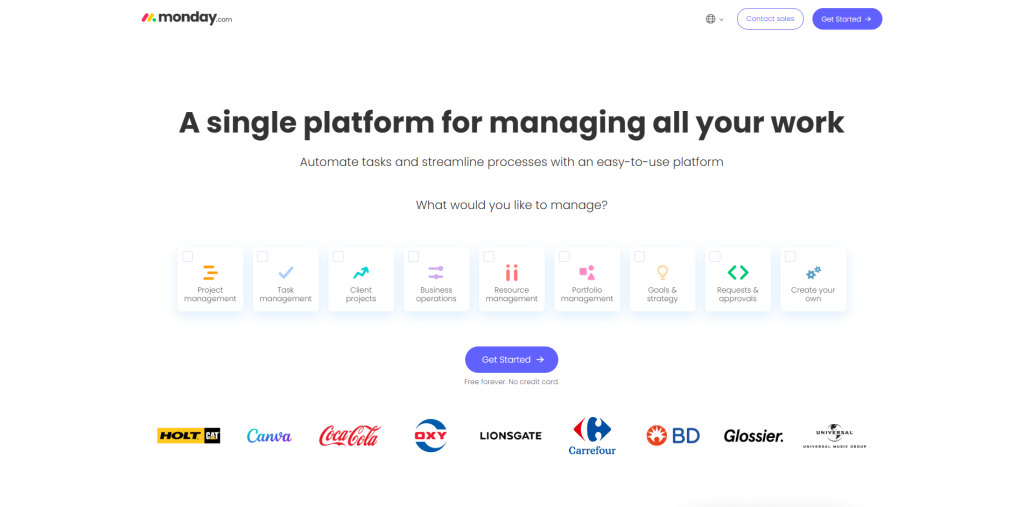
Monday.com takes a more visual approach. The system is built around customizable boards, giving teams the freedom to lay out projects however they want. You get plenty of options—Kanban boards, Gantt charts, calendars, and tables all in one place. Automation is simple too: set “recipes” that take care of status updates, task assignments, and approval reminder so you don’t have to chase people down. Monday.com also sends real-time updates and notifications whenever someone completes or updates a task, which keeps everyone in the loop without constant meetings or check-ins.
Top Features:
- Dashboard views for high-level progress monitoring
- Gantt charts for timeline and dependency management
- Group chat and real-time collaboration within boards
- Customisable boards and multiple project views
- Automation recipes for task handoffs, reminders, and approvals
Pricing:
- Basic: $9 per user per month
- Standard: $12 per user per month
- Pro: $19 per user per month
4. Zapier
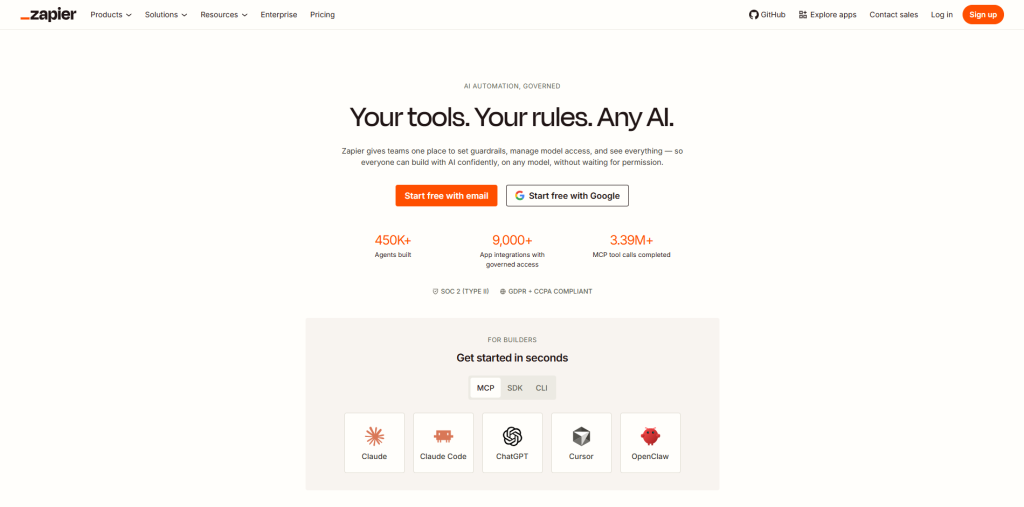
Zapier is probably the go-to tool for connecting apps and automating everyday work. It links over 6,000 apps without any code, and instead of making you manage tasks in one system, Zapier just connects the tools you already use. With automated “Zaps,” you can move data around and trigger actions automatically. For example: When a customer submits a form: Zapier can create a CRM record, notify your team on Slack, and add a new row to a spreadsheet without needing manual effort. If you want to automate repetitive tasks across different apps, Zapier is a must-have.
Top Features:
- Connects 6,000+ apps through trigger-and-action automations
- Multi-step Zaps with conditional logic, filters, and delays
- No-code setup that anyone can use
- Supports complex multi-step workflows
- Zapier Tables and Interfaces for storing and presenting data
Pricing:
- Starter: $29.99 per month
- Professional: $73.50 per month
- Team: $448.50 per month
- Company: $898.50 per month
5. Smartsheet
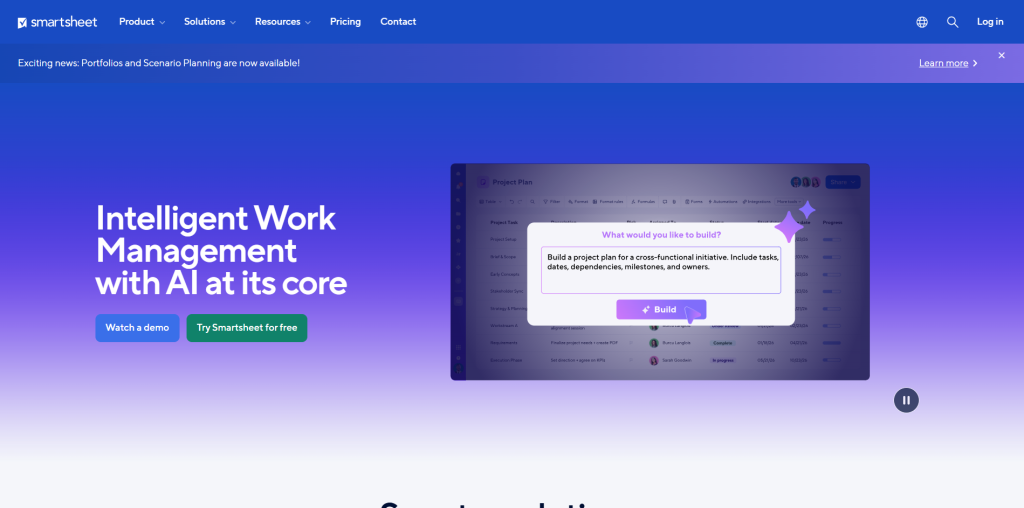
Smartsheet is a great choice for teams that enjoy working in spreadsheets but need more power to manage complex projects and workflows. It feels familiar, like a spreadsheet but adds everything you need for workflows—automatic alerts, task routing, and progress tracking with timelines and Gantt charts. It also integrates additional tools like Microsoft Teams, Salesforce, Jira, and Google Workspace. Finance, operations, and planning teams rely on Smartsheet for juggling structured data and keeping projects moving.
Top Features:
- Grid-based interface with Gantt, calendar, and card views
- Automated alerts, task routing, and update requests
- Built-in forms for intake and approvals
- Resource management and workload planning
- Integration with Microsoft, Google, Salesforce, and more
Pricing:
- Pro: $7 per user per month
- Business: $25 per user per month
- Enterprise: Custom pricing
6. N8n
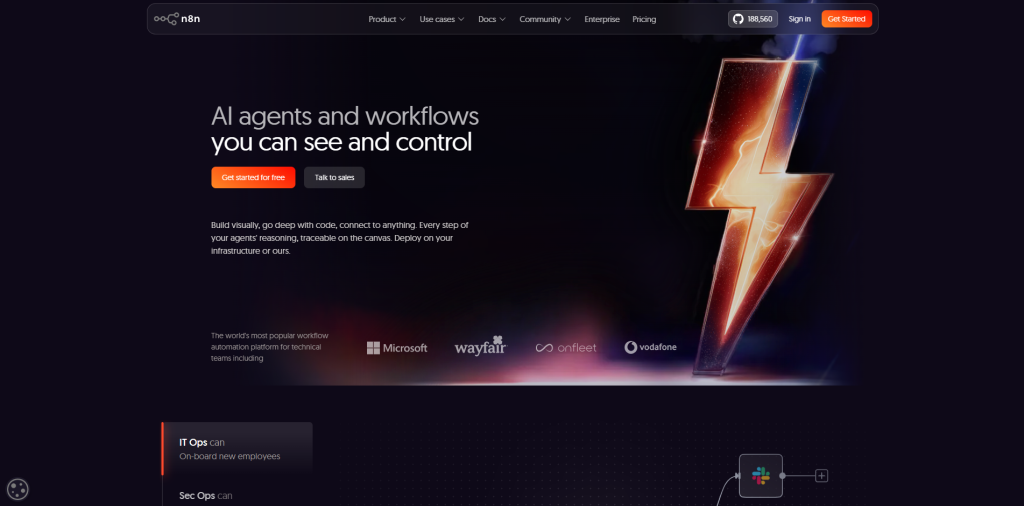
N8n is an open-source workflow management software built for technical teams who like to get hands-on. You get a drag-and-drop builder to set up complex workflows, add conditions, loops, and even custom code if you want. The best part? You can run it on your own servers for free, which means you control your data. n8n connects into hundreds of apps and APIs, and even supports AI-based workflows, so it’s great for developer-led teams that want flexibility and ownership.
Top Features:
- Visual drag-and-drop workflow builder
- Supports conditional logic, loops, and nested workflows
- Open-source with full developer customisation
- 400+ native integrations plus REST API and Webhooks
- AI agent builder for intelligent process automation
Pricing:
- Community Edition (self-hosted): Free
- Starter (cloud): From $20 per month
- Pro: From $50 per month
- Enterprise: Custom pricing
7. Nintex
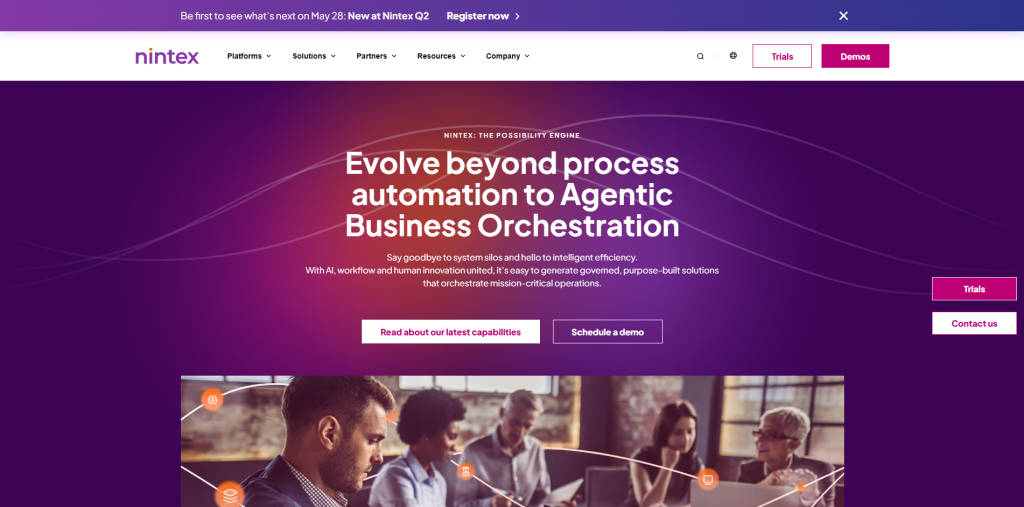
Nintex is built for big organizations that need to automate complex, rule-heavy business processes. It brings together workflow automation, document creation, e-signatures, and robotic process automation — all in one place. Nintex is a perfect workflow management software if you’re already using Microsoft tools like SharePoint, Microsoft 365, or Azure, since the integration runs deep. It’s a go-to tool among companies in highly regulated industries where keeping track of compliance and audit trails isn’t just nice to have — it’s necessary.
Top Features:
- Drag-and-drop workflow builder for complex process automation
- Deep integration with Microsoft 365 and SharePoint
- Document automation, routing, and built-in e-signatures
- Process mapping and in-built workflow templates
- RPA capabilities for automating legacy system interactions
Pricing:
- Nintex Workflow Standard: $910 per month
- Nintex Workflow Enterprise: $1,400 per month
- Custom enterprise pricing available
8. Process Street
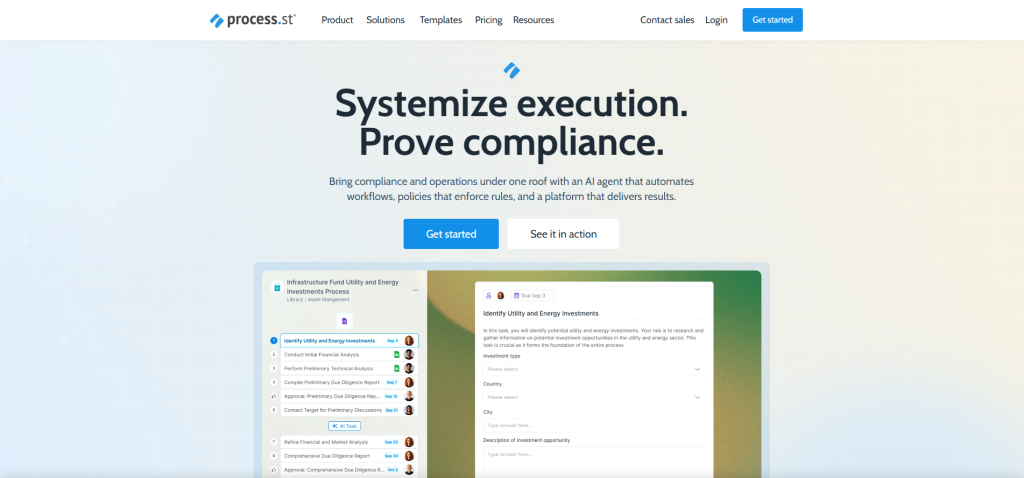
Process Street, by contrast, follow simple, no-code workflow management tools built around structured checklists and SOPs. It’s a great fit for teams managing recurring, step-by-step processes, like employee onboarding, compliance checks, or client intake. You can also create your own checklists with drag-and-drop tools, add conditional logic, assign tasks with deadlines, and monitor progress in real time. In addition to this, Process Street connects with over 1,000 other apps through Zapier and its own integrations — so you’ll never feel limited.
Top Features:
- Integration with 1,000+ apps
- Audit trails for compliance tracking
- Drag-and-drop checklist and workflow builder
- Collaborative task assignments with due dates
- Conditional logic to customise steps based on responses
Pricing:
- Pro: $25 per user per month
- Enterprise: Custom pricing
9. Trello
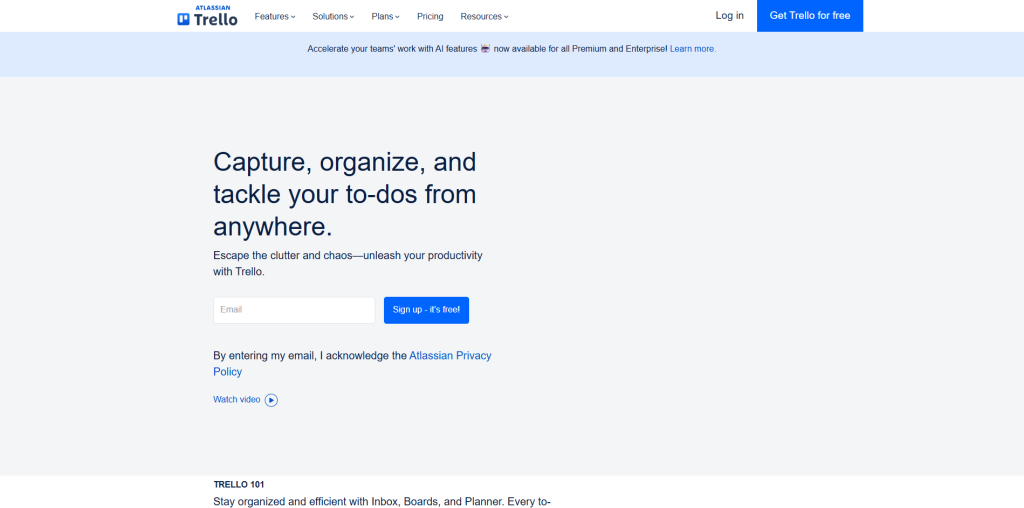
Trello takes a visual approach with its classic Kanban-style boards, lists, and cards. Teams can organize and track tasks with almost no learning curve — you can jump in and start working right away. Trello’s Butler automation does a lot of the heavy lifting by enabling you to set up rules that handle tedious, repetitive tasks automatically. Need additional features? Power-Ups add extra features like calendars, time tracking, and more integrations, so you can grow the platform as your team’s needs change.
Top Features:
- Integration with Google Drive, Slack, GitHub, and more
- Custom fields, checklists, labels, and due dates
- Kanban boards with drag-and-drop task management
- Built-in Butler automation for rules and scheduled actions
- Power-Ups for calendar, Gantt, and time tracking
Pricing:
- Free: Provide essential features for unlimited users
- Standard: $5 per user per month
- Premium: $10 per user per month
- Enterprise: Custom pricing
10. Freshservice
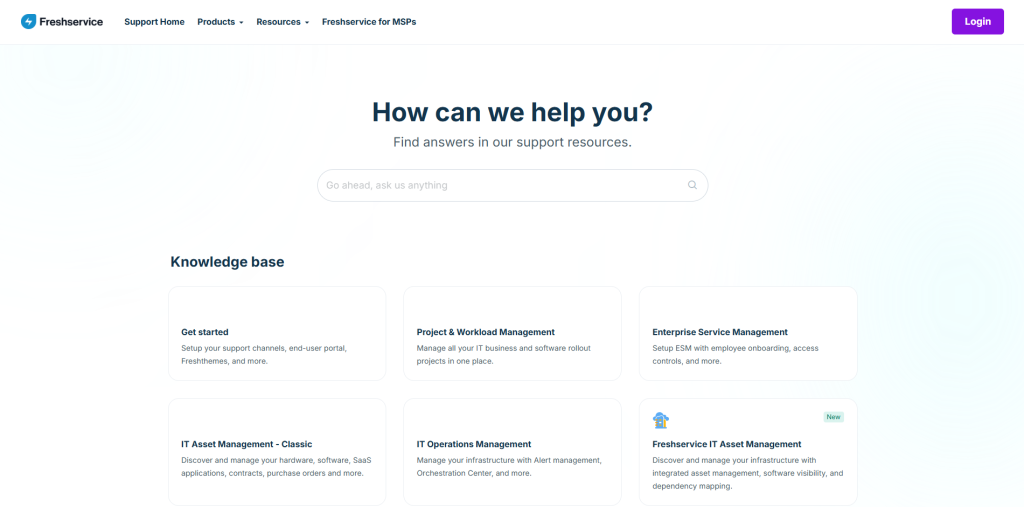
Freshservice is a focused workflow management software for IT teams handling large-volume of complex repetitive tasks. It streamlines service requests, approvals, incident management, and operations with its Workflow Automator, which takes care of things like assigning tickets, sending alerts, and making sure SLA rules are always being followed — all without any manual intervention. Freshservice works with Agile, Waterfall, or even mixed management approaches, so it’s flexible enough for any IT department. It also automates processes like bringing new employees on board, approving leave, and allocating budgets.
Top Features:
- SLA tracking and escalation management
- Visual Workflow Automator for ticket routing and approvals
- Automatic assignment of agents and tickets based on rules
- Integration with Google Workspace, Microsoft Teams, Jira, and more
Pricing:
- Starter: $14 per user per month
- Growth: $34 per user per month
- Pro: $54 per user per month
- Enterprise: $64 per user per month
Final Verdict
Are you struggling to manage complex business operations without having proper workflow management software? Manual processes often lead to mistakes, slow down your system, and waste valuable time on teams. This is where using correct workflow management tools to mitigate all these mess, streamline processes, and make sure nothing falls through the cracks. Regardless of whether you’re managing onboarding, approval requests, IT queries, or project work.
If your team is small and needs a straightforward way to keep track of what’s happening, Trello or Process Street are strong options. Growing businesses that want more advanced automation and collaboration often look at options like Asana or Monday.com. Enterprises that need strict process control turn to platforms like Nintex or Wrike. There’s something on this list for every size and type of business.



.png)
.png)