





.png)
.png)
The guide explains what webmaster tools are, how they work, their key benefits, and how to use them to improve a website's visibility.
Website owners want their website to appear in search results, attract visitors, and perform well online. However, creating high-quality content is not always enough to boost the performance of the website. Users usually need to understand how search engines discover new content, crawl, index, and rank on the website.
This is where website tools become essential. Webmaster tools enable website owners to monitor search performance, identify technical issues, check indexing status, and discover opportunities to improve search engine optimization, or SEO.
Webmaster tools help website owners make informed decisions, whether they run a blog, an online store, a business website, or a personal portfolio.
What is a Webmaster?
A webmaster is a person who is responsible for managing, maintaining, or overseeing a website. The role of a webmaster typically involves technical maintenance, content updates, website security, SEO, and performance monitoring, depending on the website's size.
A webmaster typically performs tasks such as:
- Maintaining website functionality and accessibility.
- Monitoring website traffic and search performance.
- Identifying broken links and crawling errors.
- Improving website speed and usability.
- Managing site maps and indexing issues.
- Monitoring technical SEO and website security.
What are Webmaster Tools?
Website tools are a type of online platform that helps website owners understand how search engines interact with their website. The tools offer valuable information about search traffic, indexed pages, crawling errors, website performance, and technical SEO issues.
Some of the popular examples of website tools include Google Search Console and Bing Webmaster Tools. These platforms enable website owners to understand whether search engines can access the pages, whether certain technical problems might affect search visibility, and which search queries bring visitors to the website.
Key Features of Webmaster Tools
Some of the key features of webmaster tools are as follows:
- Search Performance: Tracks click, impressions, click-through rate (CTR), average search position, and the keywords visitors use to find your website.
- URL Inspection: Helps you check whether a specific webpage is indexed and identify potential indexing issues.
- Indexing Reports: Shows which pages are indexed by search engines and highlights reasons why some pages may not be indexed.
- Sitemap Submission: Allows you to submit your XML sitemap to help search engines discover important pages on your website.
Benefits of Webmaster Tools
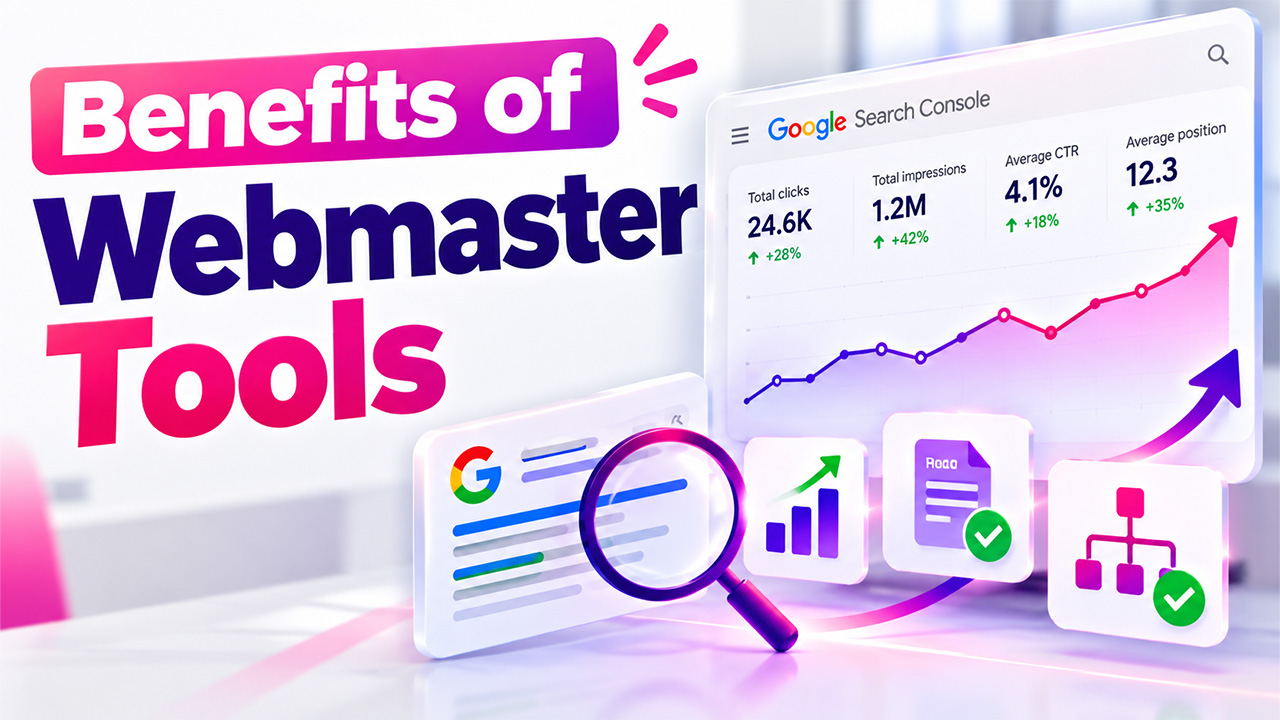
Search engines usually use automated systems to discover and evaluate website content. Webmaster tools help businesses identify and investigate issues like technical problems, pages difficult to discover, and pages not appearing in search results as expected.
Some of the key benefits of webmaster tools are as follows:
- Monitor Search Performance
Webmaster tools show how the website performs in organic search results. With webmaster tools, users can review clicks, impressions, click-through rate (CTR), average search position, and search queries. This information helps in identifying which pages attract visitors and which topics may need improvement.
By combining webmaster tools data with Performance Analytics, website owners can better understand visitor behavior, evaluate traffic trends, and identify opportunities to improve website performance.
- Check Website Indexing
Indexing is the process through which a search engine processes a page and stores it in the search index. With webmaster tools, users can check whether important URLs have been indexed and investigate why some pages are excluded.
- Discover Keyword opportunities
The tool offers search performance results, which reveal the queries people use to discover the website. Businesses can use this information to improve existing content, create relevant articles, and better match the content to user search intent.
- Identify Technical SEO Issues
Technical issues in a website can prevent search engines from accessing or understanding the website correctly. Webmaster tools help users identify crawling errors, sitemap problems, blocked URLs, and certain page experience or structured data issues.
Setting Up Webmaster Tools
To set up webmaster tools, users can follow the given steps:
- Step 1: Choose the Platform
Users should start with Google Search Console if Google is their primary search traffic source and can consider adding Bing Webmaster Tools to monitor the website on Bing.
To get started, visit the Google Search Console login page, sign in with your Google account, and add your website as a property to begin monitoring its search performance and indexing status.
- Step 2: Add Website
Sign in to the selected platform and add the website as a property. Users can also choose the property type that best matches the website's verification requirements.
- Step 3: Verify Website Ownership
Search engines need to confirm that the user is authorized to access the website data. Users can follow the instructions provided by the platform and avoid removing a verification method if the account still depends on it.
- Step 4: Submit Sitemap
Submitting a sitemap does not guarantee that every URL will be crawling or indexed, but it can help search engines discover your content.
- Step 5: Review the Reports
After setting up, users need to allow time reports to collect and process data. They need to check the indexing status, search performance, and any reported technical issues.
How to Use Webmaster Tools to Improve SEO
Best Webmaster Tools for Beginners
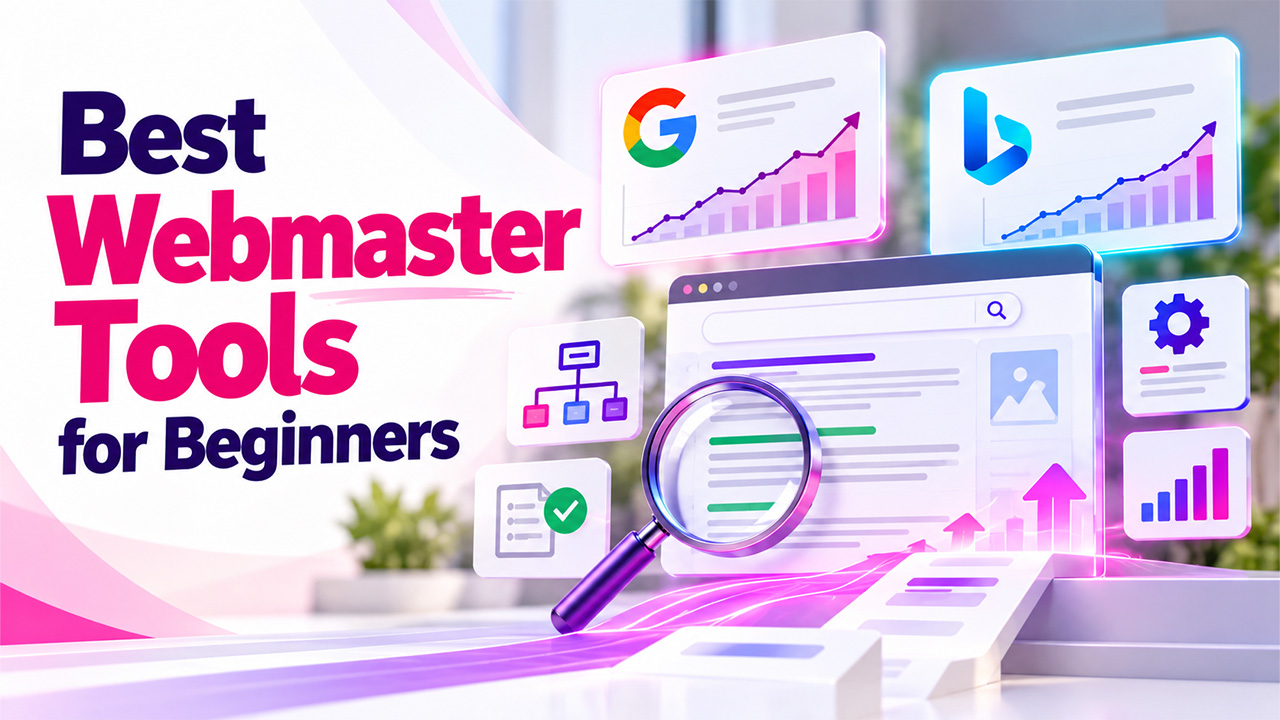
There are several webmaster tools that can help users monitor and improve the website. The best choice depends on the search engines that the user wants to target and the information they need.
1. Google Search Console
Google Search Console is one of the most essential free webmaster tools for website owners who want to understand their performance in Google Search. The platform offers reports about search traffic, indexing, sitemaps, URL inspection, and certain technical issues.
Key features include:
- Performance Report: Shows clicks, impressions, CTR, and average position for Google Search.
- Page Indexing Report: Helps you understand which pages Google has indexed and why some pages are not indexed.
- URL Inspection: Provides information about Google's understanding of a specific URL and allows eligible pages to be submitted for indexing consideration.
- Sitemaps: Lets you submit a sitemap and monitor its processing.
- Core Web Vitals: Provides information about real-world page experience for eligible URLs.
2. Bing Webmaster Tools
Bing Webmaster Tools is a Microsoft platform that is used to monitor how the website performs in Bing search results. Although it mainly focuses on Google, it can also provide another source of organic traffic.
Key features include:
- Search Performance: Tracks click, impressions, CTR, and average position in Bing.
- URL Inspection: Helps investigate how Bing processes a particular URL.
- Site Explorer: Provides a view of your website's URLs and related crawling or indexing information.
- Sitemaps: Allows you to submit and monitor sitemaps.
- Keyword Research: Helps you discover search phrases and related opportunities.
- SEO Reports and Site Scan: Help identify certain SEO and technical issues.
Apart from the search engine webmaster platform, there are various other third-party SEO tools that can also help users analyze backlinks, research keywords, audit website health, and compare competitors. These tools complement webmaster tools rather than replacing them.
Conclusion
Webmaster tools are an essential component in SEO for monitoring website performance, identifying technical SEO issues, and improving search engine visibility. Tools like Google Search Console and Bing Webmaster Tools enable website owners to easily track search traffic, check indexing status, and discover keyword opportunities. By utilizing such tools regularly and addressing any potential issues, users, even beginners, can make informed decisions, easily optimize their website, and build a strong foundation for long-term SEO success.


.png)
.png)